
What is Microsoft Scout
Microsoft Scout is an AI personal assistant launched by Microsoft, built on OpenClaw open-source technology. The tool has an independent Entra identity and can continuously operate autonomously in the background without requiring the user to trigger it each time. It is deeply integrated with Microsoft 365 apps such as Outlook, Teams, and OneDrive, and can proactively schedule meetings, monitor traffic to recommend travel, handle email reimbursements, and even proactively make phone calls. Through Work IQ, it continuously learns user habits and priorities. It is currently available in desktop preview to 3,000 Microsoft employees and U.S. Frontier customers.
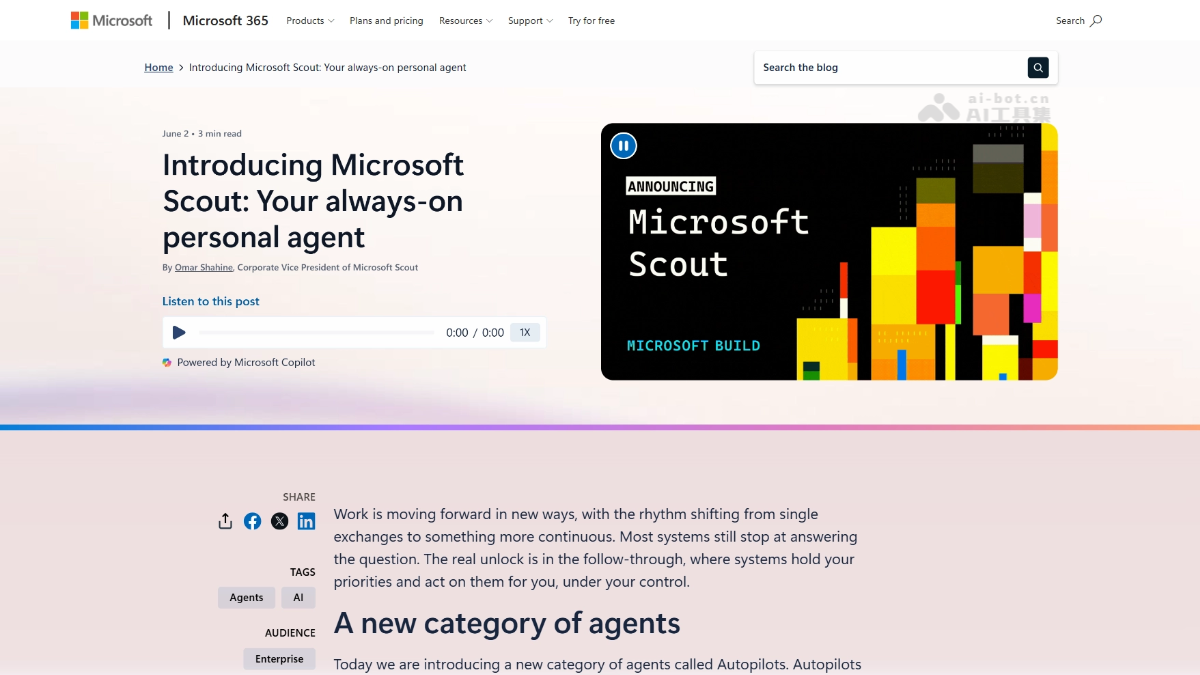
Main features of Microsoft Scout
-
24/7 online autonomous operation: As an Autopilot agent, it remains continuously active in the background without requiring manual triggering each time, taking over repetitive tasks around the clock.
-
Native Teams contact form: It appears as a real contact in the Teams list, can send messages, will reply, and can remember context.
-
Proactive information push: In the morning, it proactively pushes a pre-read summary for the afternoon meeting, including the other party's company updates, key points from the last exchange, and materials that need to be prepared.
-
Deep cross-app integration: Connects to Teams, Outlook, OneDrive, and SharePoint, and users can customize the software, models, and personality settings they connect.
-
Schedule and travel coordination: Automatically schedules meetings across time zones, monitors local traffic to recommend the best departure time, and even reminds you to pick up your child from school.
-
Email and document processing: Automatically classifies emails, writes drafts, handles expense reimbursements, and fills out forms.
-
Proactive communication: It can proactively call the user, rather than only passively waiting for instructions.
-
Work IQ persistent memory: Continuously reads chat records, meeting records, and emails, and the more it is used, the better it understands user habits and priorities.
How to use Microsoft Scout
Microsoft Scout is currently in the early preview stage.
Core advantages of Microsoft Scout
-
Interaction upgrade from "tool" to "colleague": It exists in the form of a Teams contact, not as a feature embedded in an app, making the collaboration experience closer to that with a real person.
-
Persistent memory and context continuity: Unlike traditional AI, which starts each conversation from zero, Scout remembers who you are and what you care about, greatly reducing hidden time costs.
-
Enterprise-grade security by native design: Independent identity, cloud sandbox isolation, Execution Containers SDK, multi-layered Purview/Defender protection, and direct upstream contributions of security fixes.
-
Ecosystem moat: The more users invest in Scout, the more work habits it learns, and the higher the migration cost, forming the classic lock-in effect of enterprise software.
-
Dual track of open source + self-developed: Built together with the OpenClaw community, combined with the self-developed MAI-Thinking-1 model.
Microsoft Scout project address
- Project official website:https://learn.microsoft.com/zh-cn/microsoft-scout/
Comparison of Microsoft Scout with similar competitors
| Dimension | Microsoft Scout | Google Gemini Spark | OpenClaw (open-source foundation) |
|---|---|---|---|
| Positioning | Enterprise-grade Autopilot agent | Enterprise personal assistant (connected to Workspace) | General open-source Agent framework |
| Interaction form | Teams real contact | Not explicitly disclosed | Interface must be configured by the user |
| Autonomy | Runs continuously in the background, proactively pushes | Similar to a proactive agent, connects to Gmail/Docs | Depends on user triggers or self-configuration |
| Memory mechanism | Work IQ persistent memory, understands you better the more you use it | Not explicitly disclosed | No native persistent memory |
| Ecosystem integration | Full Microsoft 365 ecosystem + MCP | Google Workspace applications | Generic interfaces, must be integrated by the user |
| Security system | Entra ID、Purview、Defender、Execution Containers SDK | Google enterprise security controls | Early vulnerabilities existed, must be hardened by the user |
| Underlying model | MAI-Thinking-1 (35 billion parameters) | Gemini series | Model can be chosen freely |
| Communication capabilities | Can proactively call the user | Not explicitly disclosed | No native communication |
| Deployment stage | Desktop preview (Frontier customers) | In progress | Self-built by the open-source community |
| Target users | All enterprise employees (Copilot license required) | Enterprise users | Self-built by technical teams |
Microsoft Scout application scenarios
-
Executives and project managers: Automatically receive a pre-read in the morning for an important client meeting in the afternoon, including updates about the other party and a preparation checklist, with no manual organizing required.
-
Cross-national teams: Intelligent scheduling across time zones, monitoring traffic and recommending the best departure time, reducing back-and-forth confirmations.
-
Daily task automation: High-frequency, low-creativity tasks such as email classification, expense reimbursement, and form filling are taken over by Scout 24/7.
-
Personal life management: Reminds you to pick up your child, recommends departure times for appointments, and helps users "become a better version of themselves."
-
Compliance-sensitive industries: Autonomously processes documents under strict data protection policies, and all operations are auditable through an independent identity.