
What Is the CosyVoice Input Method
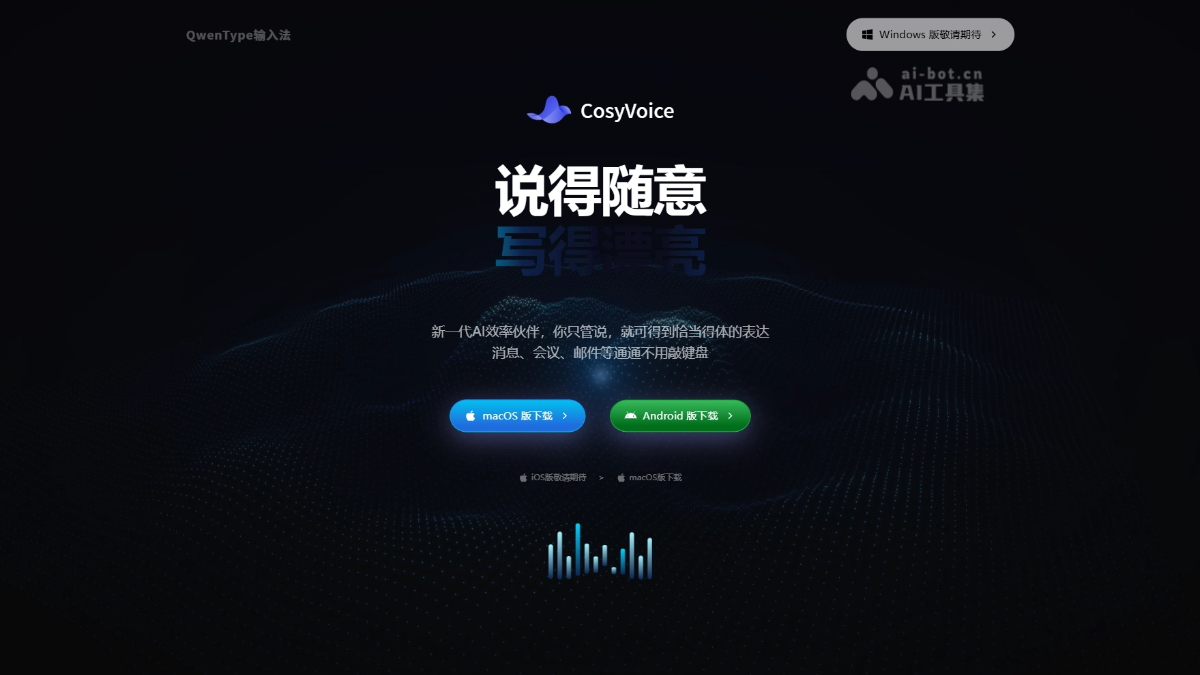
CosyVoice is a new-generation AI voice input methodlaunched by Alibaba Cloud, powered by the Qwen large model. The tool can transcribe speech into text in real time, automatically filter out spoken redundancy, recognize self-corrections, structurally organize content, understand intent to generate formatted documents, and support conversion from multiple dialects to Mandarin. The tool covers macOS and Android, and is positioned to make speaking the most natural way to write.
Main Features of the CosyVoice Input Method
-
Intelligent Purification: Automatically filters out spoken filler words such as um, uh, and like, outputting clean text.
-
Structured Organization: Automatically arranges scattered dictated content into numbered lists, tables, or hierarchical outlines.
-
Intent Understanding to Draft: Say a single instruction to generate complete formatted documents such as emails, meeting invitations, and scripts.
-
Dialect to Mandarin: Supports real-time transcription of multiple dialects such as Shanghainese, Cantonese, and Sichuanese into standard Mandarin.
-
Hotword Skill: Supports custom personal vocabulary to improve the recognition accuracy of proper nouns.
How to Use CosyVoice
-
Download and Install: Visit the CosyVoice official website https://qwentype.com/ to download and install the package as needed, then open the app after installation is complete.
-
Log In to Your Account: Complete login and registration with a mobile phone verification code or Taobao account.
-
Enable Permissions: Follow the guide to enable text pasting, microphone, and screen recording permissions in sequence to ensure the input method can listen and output normally.
-
Test the Microphone: Speak into the microphone, confirm that the sound wave bar graph moves normally, and then click Continue.
-
Voice Input: Press the right Option key on any page to start speaking; after releasing it, the speech is automatically transcribed and pasted into the current text box.
-
Voice Revision: First select existing text, then press the right Option key and dictate a modification instruction (such as "change to Thursday"), and the system automatically corrects the content.
-
Choose Identity: Choose the corresponding tag based on your profession so the AI output better fits your professional context.
-
Start Using: Seeing the animated sound wave icon means recognition is in progress; all history is stored only on the local device.
Core Advantages of the CosyVoice Input Method
-
Deep Empowerment by the Large Model: Unlike traditional voice input methods that only perform acoustic transcription, this input method is based on the Qwen large model to achieve semantic-level understanding and text regeneration, producing more appropriate output.
-
From Spoken Words to Finished Draft in One Step: Automatically filters redundancy, corrects slips of the tongue, structures the layout, and generates formatted documents, reducing a large amount of post-editing work.
-
Barrier-Free Communication Across Dialects: Supports real-time conversion of multiple dialects into Mandarin, breaking through regional accent limitations.
-
Custom Hotword Evolution: Continuously learns the user's personal vocabulary through the Hotword Skill feature, becoming more accurate the more it is used.
-
Local Privacy Protection: History is stored only on the local device and is not uploaded to the cloud, ensuring data security.
Comparison of the CosyVoice Input Method with Similar Competitors
| Dimension | CosyVoice | iFlytek Input Method |
|---|---|---|
| Core Positioning | AI voice input method, focused on large model polishing and final drafting | Comprehensive input method, with voice input as a sub-feature |
| Spoken Language Processing | Automatically cleans filler words, recognizes self-corrections, and structures output | Basic speech transcription, supports voice editing commands |
| Intent-based Drafting | Supported, can generate a complete email/script with one command | Not supported, requires reliance on templates or manual editing |
| Dialect Support | Shanghainese, Cantonese, Sichuanese, etc. converted to Mandarin | Supports recognition of multiple dialects, but transcribes into the original dialect text |
| Custom Hotwords | Hotword Skill batch import of exclusive terminology | Supports personal vocabulary and voice personalization |
| Large Model Capabilities | Equipped with the Qwen large model, deep semantic understanding | Assisted by the iFlytek Spark large model, with emphasis on speech recognition |
| Platform Coverage | macOS, Android (iOS/Windows pending launch) | Full platform coverage (iOS, Android, Windows, macOS) |
Application scenarios of the CosyVoice input method
-
Workplace Office: Dictate meeting minutes and to-do items during meetings, automatically organize them into a structured list, saving time on post-meeting organization.
-
Content Creation: Self-media authors dictate article drafts, automatically filter spoken-language redundancy and format them, quickly producing publishable text content.
-
Business Communication: Dictate email content, automatically generate a complete business email format including subject, salutation, greeting, and signature.
-
Cross-regional Collaboration: Team members from dialect regions dictate in their hometown dialect, automatically transcribed into standard Mandarin, eliminating communication barriers.
-
Financial Research Report Writing: Dictate financial report data and calculation formulas, automatically convert Chinese numerals into standard numerical values and formula symbols, directly usable in reports.