
What is iFlytek Input Method
iFlytek Input Method is an intelligentAI voice input method toollaunched by iFlytek, featuring high-precision speech recognition and diverse input methods. It supports multiple input modes such as voice, Pinyin, and handwriting. Its voice input has high accuracy and supports multiple dialects and mixed Chinese-English input, making it convenient for different user groups. The handwriting function can be operated directly on the Pinyin keyboard, making it suitable for users who are not familiar with Pinyin. iFlytek Input Method focuses on a personalized experience, offering a rich variety of keyboard skins and music keyboard features. Users can also customize skins to create their own exclusive input style.
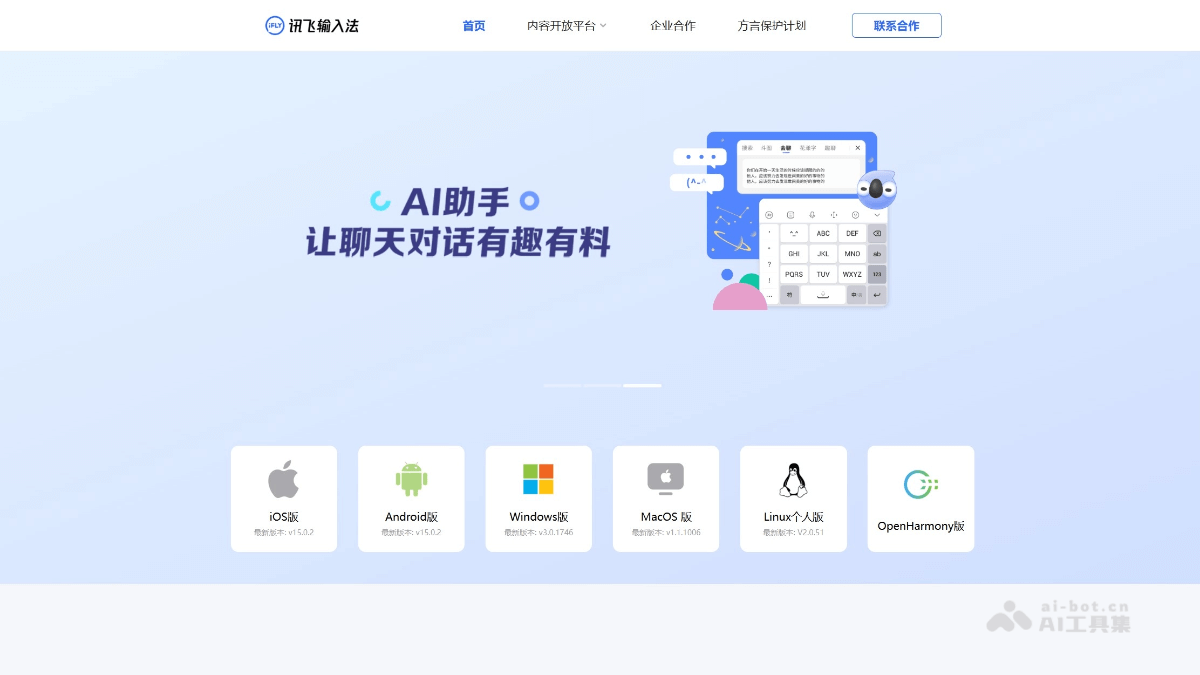
Main features of iFlytek Input Method
-
Multiple input methods: Supports multiple input methods such as voice, Pinyin, handwriting, and photo input, meeting the needs of different users. Voice input is especially notable for its high accuracy and dialect support.
-
Personalized experience: Provides a rich variety of keyboard skins and music keyboard features. Users can customize skins to create a personalized input interface.
-
Practical tools: Features a clipboard function that can save multiple pieces of information for easy pasting; supports photo text extraction to quickly recognize text content.
-
Intelligent assistance: Supports real-time translation in multiple languages such as Chinese, English, Japanese, and Korean, facilitating cross-language communication; the offline voice function ensures it can be used even in weak network environments.
-
Efficient input: Optimized Pinyin lexicon and intelligent prediction features improve typing efficiency and make input smoother.
How to use iFlytek Input Method
-
Download and install: Visit the official website of iFlytek Input Method https://srf.xunfei.cn/index.html#/,选择合适的型号下载安装。或在手机应用商店搜索“讯飞输入法”,下载并安装到设备上。
-
Set as default input method: Open your phone settings, find the "Language and input method" option, select "Default input method", and set iFlytek Input Method as the default input method.
-
Switch input methods: Tap the switch button in the input box to quickly switch between voice, Pinyin, handwriting, and other input modes.
-
Use voice input: Press and hold the voice key to speak, and iFlytek Input Method will automatically convert speech into text.
-
Use Pinyin input: Enter text through the Pinyin keyboard, and use intelligent prediction and association features to complete input quickly.
-
Use handwriting input: Write Chinese characters on the handwriting panel. It supports continuous writing and separate writing, and the system will automatically recognize and convert them into text.
-
Use photo input: Tap the photo button, point it at the text and take a photo, and the system will recognize and extract the text content.
-
Personalized settings: Enter the settings menu to change keyboard skins, adjust voice settings, enable offline voice, and more.
-
Use practical features: For example, the clipboard function can save recently entered content, quick translation can enable multilingual mutual translation, and the calculator function can perform calculations directly on the numeric keyboard.
Application scenarios of iFlytek Input Method
-
Daily chatting: Quickly input text or voice in social software, making it convenient to communicate with friends and family.
-
Office documents: When writing emails and documents, quickly organize ideas through voice input to improve work efficiency.
-
Learning and education: When students take notes or look up information, they can use pinyin or handwriting input, making it convenient to record.
-
Business meetings: Quickly record key points during meetings; voice input can convert speech to text in real time, making it easier to organize meeting minutes.
-
Travel communication: When traveling abroad, use the voice translation feature to communicate with locals and overcome language barriers.
-
In-game interaction: Quickly send text commands or communicate by voice in games to enhance the gaming experience.