
What Is Claudable
Claudable is an open-source web app builder based on Next.js, combiningClaude CodeandCursor CLIadvanced AI agent capabilities with Lovable's simple and intuitive app-building experience. Users only need to describe what they want to build in natural language, and Claudable can generate production-ready Next.js code, with instant preview and hot reload, so you can start building without complex setup. It supports one-click deployment to Vercel, automatically sets up version control and continuous deployment, and connects to a production-ready PostgreSQL database.
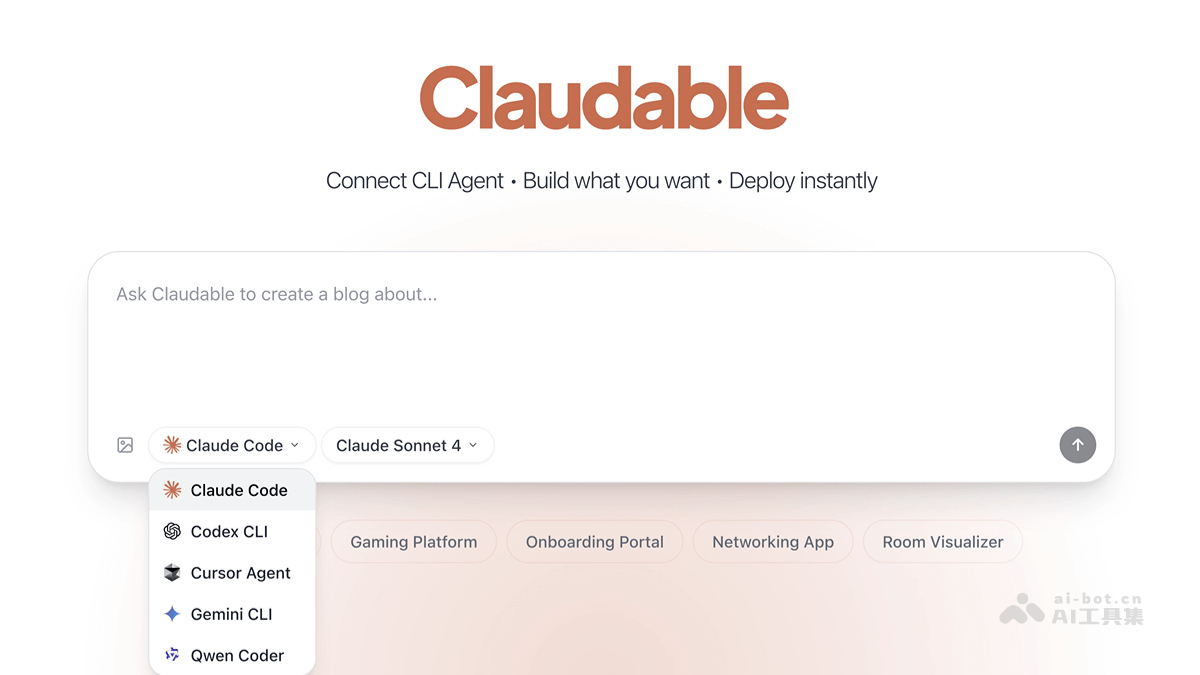
Claudable's Main Features
-
Natural Language to Code: Users describe their requirements in natural language, and Claudable generates the corresponding Next.js code.
-
Instant Preview and Hot Reload: While the AI is building the app, users can immediately see the effects of changes, with support for code hot reloading.
-
Zero-Setup Quick Start: No complex sandbox, API keys, or database configuration are required, so users can quickly start building apps.
-
Beautiful User Interface: Uses Tailwind CSS and shadcn/ui to generate beautiful UI interfaces for apps.
-
One-Click Deployment to Vercel: With no extra configuration, apps can be pushed to Vercel and given a live URL.
-
GitHub Integration: Automatically sets up version control and continuous deployment for apps.
-
Connect to Supabase Database: Can connect to a production-ready PostgreSQL database and provide authentication functionality.
-
Automatic Error Detection and Repair: Automatically detects and repairs errors in apps, ensuring stable operation.
Claudable's Project Address
- Github Repository:https://github.com/opactorai/Claudable
How to Use Claudable
-
Preparation:
-
Install Node.js 18+, Python 3.10+ (optional), Git.
-
Install and log in to Claude Code or Cursor CLI.
-
-
Quick Start:
-
Clone the code repository:
git clone https://github.com/opactorai/Claudable.git。 -
Enter the project directory:
cd Claudable。 -
Install dependencies:
npm install。 -
Start the development server:
npm run dev。
-
-
Build and Deploy:
-
Describe your app in Claude Code, for example: "a Pomodoro timer with Slack notifications".
-
Watch the terminal generate code, and the browser automatically refreshes to display the app.
-
Use
npm run deployto deploy the app to Vercel and get a live URL.
-
Claudable's Application Scenarios
-
Individual Developers Quickly Building Projects: Helps individual developers quickly build personal websites, tool applications, etc., without complex configuration and extensive code writing, saving time and effort.
-
Small Teams Developing Product Prototypes: Small teams can quickly iterate features, rapidly develop product prototypes, conduct functional testing and collect user feedback, accelerating the product development cycle.
-
Teaching Assistance for Educational Institutions: As a teaching tool, it lets beginners quickly get started with web development. Through generating code from natural language descriptions, it helps students understand the development process and logic.
-
Enterprises Quickly Developing Internal Tools: Enterprises can quickly develop small management tools, data visualization tools, etc., to improve work efficiency and meet specific business needs.
-
Creative staff quickly realize ideas: Non-professional developers such as designers and creative staff can quickly turn ideas into actual runnable web applications for demonstration and validation.