
What is 360 Security Lobster
360 Security Lobster is an AI Agent desktop application launched by 360, developed based on theOpenClawarchitecture. The application has 16 top-tier large models built in, supports 13,000+ skill scenarios, and focuses on a "ready to use out of the box" experience with no complex configuration required. Its core functions cover five major scenarios: self-media creation, office automation, personal data management, scheduled tasks, and multi-device remote control. It can automatically complete tasks such as content generation, data organization, file archiving, and daily report sending. It supports integration with mainstream platforms such as Feishu, DingTalk, and WeChat, and emphasizes security and ease of use.
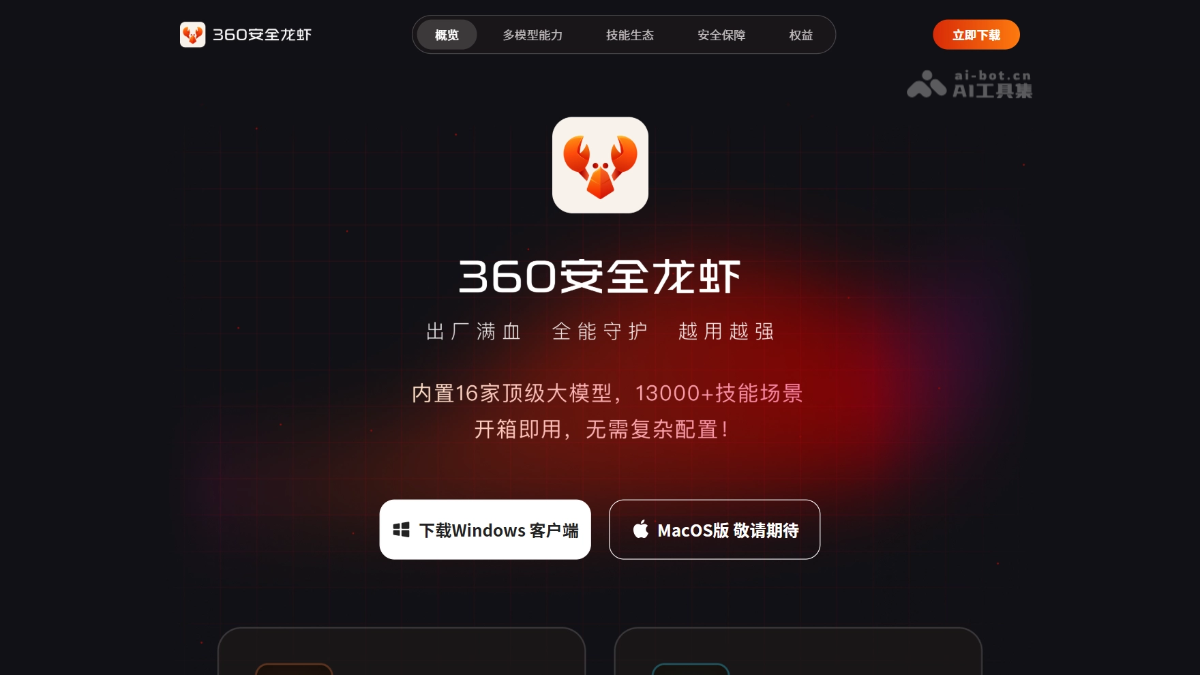
Main features of 360 Security Lobster
- Self-media content creation: Automatically collects trending topic inspiration, generates images, videos, and articles, enables multi-platform content operations, and monitors key data in real time.
- Office automation: Automatically captures and organizes web data, automatically generates data tables, automatically sends work emails, and automatically organizes data reports.
- Personal data management: Automatically organizes the computer desktop, automatically classifies and archives files, automatically recognizes and extracts text from images, and automatically analyzes and summarizes document content.
- Scheduled tasks: Automatically sends daily and weekly reports, automatically backs up important files, automatically reminds when tasks are due, and automatically executes processes on schedule.
- Multi-device remote control: Real-time synchronized management across multiple devices, remote triggering of automated tasks, request submission through chat, and support for integration with mainstream platforms such as Feishu, DingTalk, and WeChat.
Key information and usage requirements of 360 Security Lobster
- Self-media content creation: Automatically collects trending inspiration, generates image-text and video content, and enables multi-platform operations and data monitoring.
- Office automation: Automatically captures web data, generates table reports, sends emails, and greatly improves office efficiency.
- Personal data management: Intelligently organizes desktop files, automatically classifies and archives them, recognizes text in images, and analyzes and summarizes documents.
- Scheduled tasks: Automatically sends daily and weekly reports, backs up important files, sends due reminders, and executes preset processes on schedule.
- Multi-device remote control: Supports cross-device synchronized management, remote task triggering, chat-based interaction, and deep integration with Feishu, DingTalk, and WeChat.
- Model support: 16 top-tier large models built in.
- Skill coverage: 13,000+ skill scenarios.
- Platform integration: Supports mainstream office platforms such as Feishu, DingTalk, and WeChat.
- System requirements: Windows desktop (download available on the official website).
Core advantages of 360 Security Lobster
- Large model integration advantage: The tool has 16 top-tier large models built in, covers 13,000+ skill scenarios, and offers comprehensive and powerful capabilities.
- Zero-threshold usage advantage: Supports ready-to-use operation with no complex configuration and no need to write instructions, so ordinary users can quickly get started.
- Deep office integration advantage: Supports seamless access to mainstream office platforms such as Feishu, DingTalk, and WeChat, enabling natural chat-based interaction.
- Local security advantage: Runs on the local desktop, ensuring data privacy and operational security.
- Automated closed-loop advantage: Covering the five major scenarios of creation, office work, management, scheduling, and remote work, forming a complete automated workflow.
How to use 360 Security Lobster
- Download from the official website: Visit the 360 Security Lobster official website https://claw.360.cn/ to download the Windows client installation package.
- Install and log in: Run the installer to complete deployment, and scan the QR code with a 360 account to log in to the system.
- Basic usage: Submit requests through natural language chat, or select the corresponding service from the five major functional modules, authorize access to local files and communication tools as needed, and support cross-platform remote operation.
Comparison of 360 Security Lobster with similar competitors
| Product | Vendor | Entry method | Usage threshold | Ecosystem integration | Security policy | Distinctive advantages |
|---|---|---|---|---|---|---|
| 360 Security Lobster | 360 | Standalone desktop client | Ready to use out of the box, no configuration required | Feishu, DingTalk, WeChat | 360 security system, local operation | 16 major large models, 13,000+ skills, emphasizing safety and ease of use |
| QClaw | Tencent | WeChat mini program + desktop client | No need to write instructions, three-step operation | Mainly the WeChat ecosystem | Tencent security mechanism | Mini program "QClaw Manager", Inspiration Square, deep WeChat integration |
| JVS Claw | Alibaba | Standalone client | Requires applying for an invitation code | Alibaba office tools | Alibaba Cloud security | 8,000 Credits free quota, 14-day validity period |
Application scenarios of 360 Security Lobster
- Self-media operation scenario: Automatically track trending topics, batch-generate image, text, and video content, manage multi-platform accounts, and improve content creation efficiency.
- Enterprise office scenario: Automatically capture industry data to generate reports, send work emails on schedule, and reduce repetitive administrative work.
- Personal efficiency scenario: Intelligently organize a cluttered desktop, automatically classify and archive files, extract text information from images, and create an orderly digital space.
- Remote collaboration scenario: When away, trigger computer tasks through mobile WeChat, synchronize work progress across devices, and achieve office work anytime and anywhere.