
What is Zulu
Zulu is the first multimodalAI automatic programmingagent launched by Baidu Wenxin Kuaima, providing developers with end-to-end generation services from requirements to code. It supports efficient multimodal interaction, allowing images to be uploaded to generate complete code with one click. It can autonomously understand coding requirements, accurately break down tasks, break through single-file limitations, and achieve cross-module and cross-directory system-level code generation. It simplifies complex development processes and significantly improves programming efficiency.
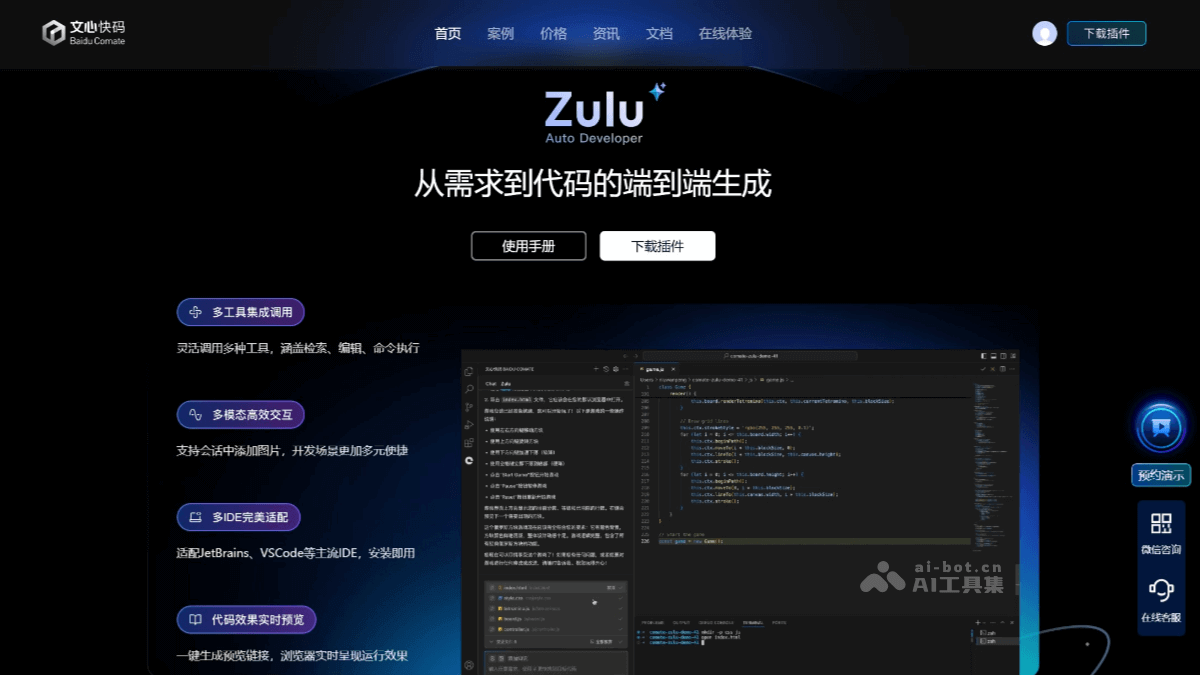
Zulu's main features
- End-to-end code generation: It can directly convert development requirements described in natural language into runnable code, supporting multiple programming languages and frameworks.
- Intelligent understanding and task breakdown: It can autonomously understand coding requirements and accurately break down tasks, ensuring that the generated code meets development requirements. It supports custom context, and developers can specify files, directories, or terminal output content as context to generate code that better meets requirements.
- Multi-file editing and management: It can quickly build a complete project structure, including creating all new files in the project. Based on a complete understanding of an existing project, it can edit multiple files simultaneously, improving development efficiency.
- One-click adoption of code changes: After generating code, it displays a comparison between the original code and the optimized code through streaming output, allowing developers to intuitively view the generated results. If the generated code meets expectations, they can click "Adopt" file by file, or click "Adopt All" to batch apply the changed code to the current project; if it does not meet expectations, they can also click "Discard" file by file or "Discard All" to ensure no changes are made to local files.
- Tool invocation: During the generation process, it supports quickly locating relevant code snippets, automatically editing code, and saving it. If environmental issues are found that block generation, or if commands need to be run to verify the accuracy of the generated code, the command execution tool can be invoked to directly initiate command execution actions in the conversation area.
- Real-time preview: Zulu supports real-time preview. After generating code, Zulu provides a preview link, allowing users to view the application effect in real time in the browser.
- Multimodal interaction: Zulu supports multimodal input, allowing screenshots to be pasted into the input box. Zulu will automatically analyze the image content and identify the requirements.
- Perfect adaptation to multiple IDEs: It is adapted to mainstream IDEs such as JetBrains, VSCode, and VS, and is ready to use upon installation.
How to use Zulu
- Visit Wenxin Kuaima: VisitWenxin Kuaima's official website.
- Download Zulu: Download the plugin.
- Open Zulu
- Open the Comate icon in the IDE sidebar: In a supported IDE (such as the full JetBrains series, VS Code, etc.), find and click the Comate icon in the sidebar.
- Switch to Zulu mode: In the Comate panel, switch the current Tab from Chat to Zulu.
- Quick start guide: When using Zulu for the first time, you can quickly become familiar with the interface and features through built-in recommended questions. Simply click a recommended question, and Zulu will run automatically.
Zulu's application scenarios
- Beginner learners: It can generate basic code examples and project code templates to accelerate the learning process.
- Professional Developers: Integrate mainstream frameworks and libraries, quickly generate project templates and requirement code, and support code optimization and language migration.
- Data Analysts: Generate SQL queries, data processing code, and data visualization scripts through natural language.
- Test/Operations Engineers: Generate test code and automation scripts to improve work efficiency.
- Individual Developers/Product Managers/Entrepreneurs: Quickly generate integrated front-end and back-end code structures to facilitate building product MVPs.