
What Is Shengyi
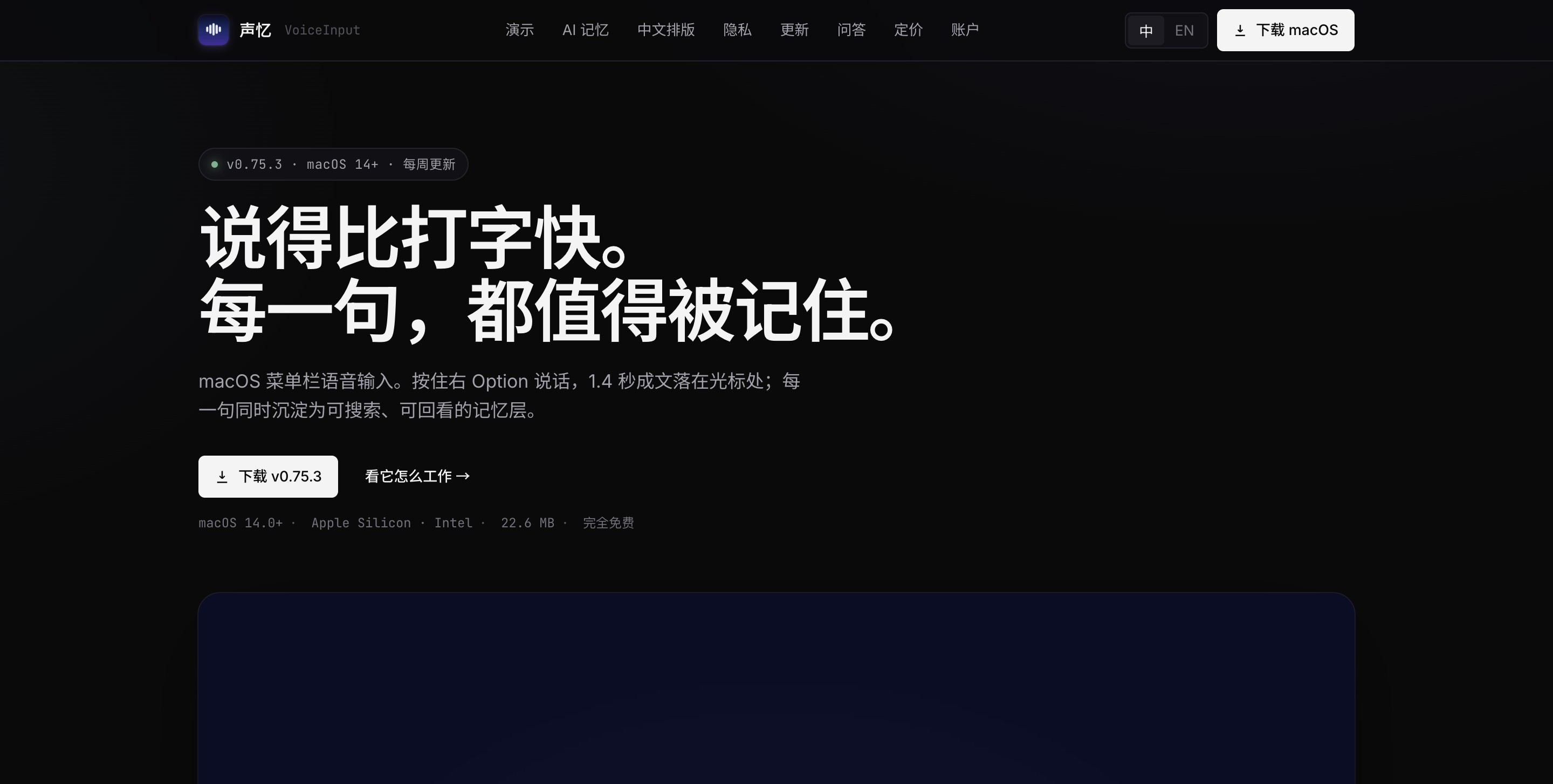
Shengyi is a voice input method built specifically for macOS, focused on "speak faster than you type." Hold the right Option key to speak, and after release it takes only 1.4 seconds to convert your speech into text and automatically insert it at the cursor, with support for mixed Chinese-English input and local ASR offline recognition. Its built-in searchable, exportable memory layer automatically archives every sentence; it provides AI intelligent organization and a Chinese typesetting engine that corrects punctuation, spaces, and brand name capitalization locally in milliseconds. All data stays on your device, privacy comes first, basic features are permanently free, and the Pro version unlocks unlimited cloud recognition.
Main Features of Shengyi
-
Quick Voice Input (L1 / SPEAK): Hold the right Option key (or Fn / right ⌘) to speak, and 1.4 seconds after release the text is formed and automatically inserted at the current cursor position. It supports mixed Chinese-English input, homophones, and verbal tics processed in the background, with no need to switch windows.
-
AI Intelligent Organization: Optionally connect to LLMs such as Doubao / DeepSeek / Kimi / OpenAI to only fix homophones, remove verbal tics, and add punctuation without altering the original meaning; when confidence < 0.5, the original text is retained. Double-click the right Option key to temporarily skip AI.
-
Memory and Review (L2 / RECALL): Every sentence is automatically archived locally, recording the source app, time, and tags, with support for full-text search, filtering, and export (Markdown / JSON / CSV).
-
Intelligent Layer Insights (L3 / REFLECT): Based on models such as Big5, it generates weekly portraits, MBTI analysis, and quote extraction, commenting on your week from 7 perspectives.
-
Chinese Typesetting Engine: Local rules handle spaces, punctuation, capitalization, and automatic correction of brand names (such as "Cursor" no longer becoming "苦色"), referencing standards such as pangu.js and GB/T 15834-2011, all completed in < 5 ms with zero network calls.
-
AI Translation + Comparison: Supports 50+ languages, with one-click switching in the menu bar between "Organize / Translate / Compare" modes.
-
Learning Loop: Every time you edit an AI correction, it is automatically extracted as a candidate rule, which can be adopted with one click from the menu bar.
-
Target Window Locking: Locks the current App while recording, so switching windows does not insert in the wrong place, with fallback to clipboard + toast.
How to Use Shengyi
- Download and Install: Go to Shengyi's official website https://voiceinput.app/zh/,下载 DMG (22.6 MB), supporting macOS 14.0+ on Apple Silicon and Intel Macs, distributed outside the App Store, with Sparkle automatic updates.
-
First-Time Authorization: On first launch, follow the guide page to grant the three permissions—Microphone, Input Monitoring, and Accessibility—once. After authorization, click one-click restart to take effect immediately.
-
Voice Input: Hold the right Option key (or Fn / right ⌘) to start speaking, and within 1.4 seconds after release the text is automatically inserted at the current cursor position, with mixed Chinese-English input, homophones, and verbal tics handled automatically in the background.
-
Configure AI Organization (Optional): Enter an OpenAI-compatible API Key in settings (supporting DeepSeek / Kimi / OpenAI / local services) to enable intelligent error correction, verbal tic removal, and punctuation addition, at a monthly cost of about ¥5–20.
-
Use Translation/Comparison Mode: Switch between "Organize / Translate / Compare" modes with one click in the menu bar, supporting real-time translation in 50+ languages or side-by-side output of original text and translation.
-
View Memory and Review: Every sentence is automatically archived to a local memory layer, categorized by App, time, and tags, with full-text search, filtering, and one-click export to Markdown / JSON / CSV.
-
Get intelligent insights: The intelligence layer automatically generates weekly portraits, MBTI analysis, and key quote extraction based on the Big5 model, helping you review a week of expression and thinking.
-
Train personal rules: After you edit AI correction results, the system automatically extracts them as candidate rules, which can be adopted with one click from the menu bar, forming a learning loop that becomes more accurate the more you use it.
-
Temporarily skip AI: Double-click the right Option to temporarily skip AI processing and directly output the raw speech recognition result.
-
Data migration: Copy the database file to the same path on a new Mac to fully migrate all history and configuration.
Core advantages of VoiceInput
-
Leading speed in Chinese scenarios: 1.4 seconds to text, a clear advantage over competitors such as TypeLess / Wispr Flow at 3–10 seconds
-
More than just an input method: Every sentence is retained as a searchable memory layer, with data review and intelligent insight capabilities
-
Privacy first: All speech and text are written to the App's dedicated local directory, with automatic backup before startup; API Keys are stored in the system Keychain, and all data can be taken with you upon uninstall
-
Lightweight and burden-free: The DMG is only 22.6 MB, runs on macOS 14.0+, and is compatible with both Apple Silicon and Intel
Comparison of VoiceInput with similar competitors
| Comparison dimension | VoiceInput | TypeLess | Wispr Flow |
|---|---|---|---|
| Product positioning | macOS voice input method + local memory layer | Cross-platform AI voice dictation tool | Cross-platform AI voice input layer |
| Supported platforms | macOS 14.0+(Apple / Intel) | macOS、Windows、iOS、Android | macOS、Windows、iOS、Android |
| Chinese speed | 1.4 seconds to text, optimized for Chinese scenarios | About 220 wpm, cloud processing | About 184 wpm, cloud AI rewriting |
| Pricing model | Free local version / bring your own Key $0 / Pro $9/month or $49 one-time | Free 2,000–8,000 words/week / Pro $12/month (annual) or $30/month | Free 2,000 words/week / Pro $15/month / Team $12/person/month |
| Offline capability | ✅ Three local ASR sets fully offline | ❌ Cloud processing, no offline mode | ❌ Cloud AI, requires internet |
| Memory review | ✅ L2 data layer archiving + L3 intelligent insights (MBTI/weekly portrait) | ⚠️ Local history, no intelligent analysis | ⚠️ Dashboard statistics + voice notes |
| Privacy policy | 100% local, data never leaves the device, keys stored in Keychain | Zero data retention, local history, no upload for training | Privacy mode, content is not retained after cloud processing |
| Chinese typography | ✅ Local engine <5ms, pangu.js/GB/T 15834 standard | ❌ Generic AI cleanup, no Chinese typography specialization | ❌ Generic AI rewriting, no Chinese typography specialization |
| Core difference | Every sentence is retained as a searchable memory layer, not just input | Broadest cross-platform support, AI automatic editing + tone adaptation | Real-time editing (mid-sentence corrections), long session support |
Use cases for ShengYi
-
Efficient everyday text input: Hold the shortcut key and speak in chat apps, email, and social media; text is generated and automatically inserted in 1.4 seconds, faster than keyboard typing, especially suitable for long-form expression and quick replies.
-
Writing and content creation: When writing articles, blogs, and notes, dictate your inspiration; AI automatically removes filler words and corrects homophones, and the Chinese typesetting engine automatically handles punctuation and spacing, letting creators focus on ideas rather than formatting.
-
Programming and development work: Quickly input code comments, technical documentation, and API design descriptions; 200+ built-in development hotwords (such as Cursor, Kimi, DeepSeek) are automatically recognized, preventing proper nouns from being mistranscribed.
-
Meeting and interview notes: Record meeting content with real-time speech-to-text; each sentence is automatically archived to the local memory layer, with search and review by app and time supported, making it convenient to later organize meeting minutes.
-
Translation and cross-language communication: Enable translation or comparison mode to speak and directly output translations in 50+ languages, or display the original text and translation side by side, suitable for cross-border collaboration and multilingual content production.
-
Personal knowledge management and journaling: Use the memory layer to accumulate daily expressions, retrieve past thoughts through full-text search, and let the intelligence layer automatically generate weekly profiles and extract key quotes, helping you review your personal growth trajectory.