

What is Typeless
Typeless is an innovativeAI voice input tool, designed to improve work efficiency and expression fluency. It can convert speech into accurate text in real time, automatically remove filler words such as "um" and "uh" and repeated content, and make the transcribed text concise and professional. Typeless supports over 100 languages and mixed-language input, can automatically detect and transcribe, adapts to the tone and style of different scenarios, and can intelligently adjust text style whether for work emails or daily chats.
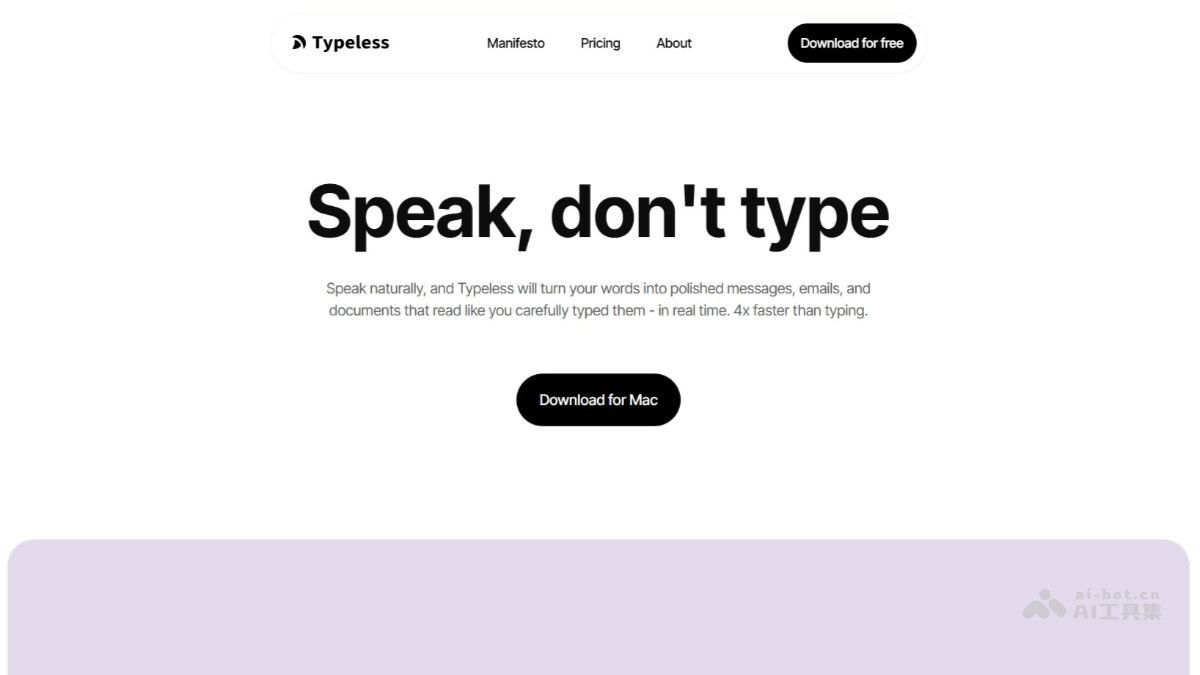
Typeless's main features
-
Intelligent voice transcription: Typeless can transcribe speech into accurate text in real time, automatically remove filler words such as "um" and "uh" and repeated content, and ensure the transcribed text is concise and clear.
-
Automatic formatting: It automatically organizes spoken lists, steps, and key points into structured text, saving time on manual editing.
-
Multilingual support: Supports over 100 languages and mixed-language input, automatically detects and transcribes, and adapts to different language environments.
-
Adapts to different tones: Automatically adjusts the tone and style of the text according to the application being used (such as work email or chat software).
-
Personal dictionary feature: Users can add professional terminology or personal vocabulary to the personal dictionary to improve recognition accuracy for specific terms.
-
Privacy protection: Uses a zero data retention policy, all history is stored only locally and is not used for model training, ensuring user data security.
How to use Typeless
-
Download and install: Visit the Typeless official website https://www.typeless.com/ and download the application for macOS, Windows, iOS, Android, or web.
-
Create an account: Register an account in the app, with the option of a free trial to experience the full features.
-
Personalized settings: Add professional terminology or personal vocabulary to the personal dictionary as needed to improve recognition accuracy.
-
Choose the input scenario: Open the application where you need to enter text (such as email, notes, chat tools, etc.), and Typeless will automatically adjust the tone according to the scenario.
-
Start dictation: Click the Typeless dictation button to start voice input; it will automatically remove filler words and repeated content and format the text.
-
Edit and save: After dictation is complete, check the generated text, make necessary edits, and then save or send it.
Typeless's core advantages
-
Intelligent polishing: It can transcribe speech and polish text according to context, making it more consistent with written language conventions.
-
Whisper mode: Suitable for use in environments requiring privacy protection, such as open-plan offices.
-
Cross-platform compatibility: Supports macOS, Windows, iOS, Android, and web platforms.
-
Efficient input: Voice input speed can reach 220 words per minute, compared with an average keyboard typing speed of 45 words per minute, improving efficiency by about 4 times.
-
Accurate recognition: Through the personal dictionary feature, it can ensure accurate recognition of specific terminology or proper nouns.
Who Typeless is for
-
Professionals: such as lawyers, doctors, journalists, etc., who need to quickly record meeting content, client interviews, or write professional documents. Typeless can transcribe efficiently and maintain a professional tone.
-
Content creators: including writers, bloggers, video producers, etc., who can record ideas, drafts, or scripts anytime and anywhere through voice, improving creative efficiency.
-
Student group: used for class notes, paper writing, or group discussion records, helping to quickly organize thoughts and content.
-
Office workers: when writing emails, reports, or conducting team communication in daily work, Typeless can improve input speed and text quality.
-
Developers: supports voice input of code comments or documentation in programming environments (such as VS Code), improving work efficiency.
-
People with hearing impairments: as an assistive tool, it helps them better participate in voice communication by converting speech into text in real time.

