
What is Viking Long-Term Memory
Viking Long-Term Memory is an end-to-end long-term memory standard product launched by Volcano Engine, based on the self-developedVikingDB vector database. It has millisecond-level retrieval capability for tens of billions of data, can accurately extract events and user profiles, supports hybrid semantic and keyword retrieval and time-series processing, and its overall performance is better than the industry average. The product provides a dual-mode extraction strategy of memory templates + customization to meet diverse business needs. It is widely used in scenarios such as social companionship chat, customer service, and education practice, building persistent memory for AI applications and improving interaction experience.
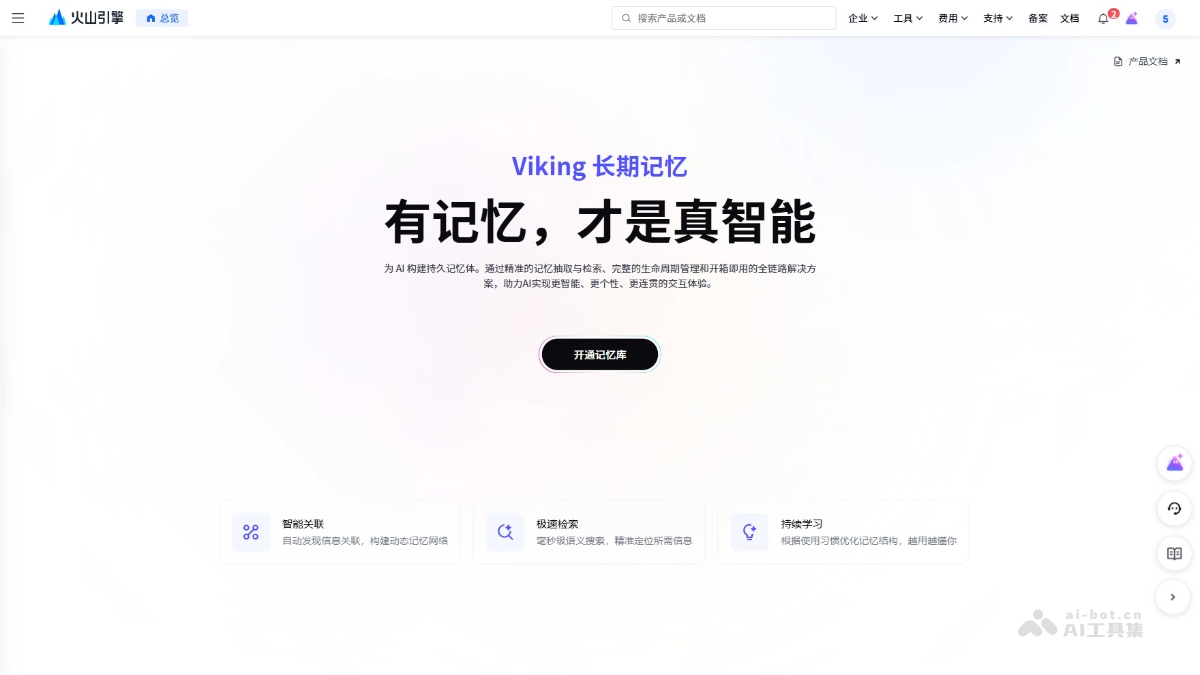
Main Features of Viking Long-Term Memory
- Memory Extraction and Retrieval: Accurately extracts events and user profiles, supports hybrid semantic and keyword retrieval, and achieves millisecond-level response, ensuring the accuracy and efficiency of memory.
- Memory Lifecycle Management: Stably records and retrieves dialogue history, has time-series processing capability, realizes cross-session memory continuity and role isolation, and allows memory to accumulate high-value insights over time.
- Personalized Interaction Support: Based on user profiles and behavior history, provides personalized interaction support, meets memory needs under different users and scenarios, and improves user experience.
- High Performance and High Concurrency Support: Supports millisecond-level retrieval of tens of billions of data, with index updates completed in seconds, meeting high-concurrency and low-latency business scenarios.
- Flexible Adaptation and Customization Capabilities: Provides a dual-mode memory extraction strategy of "memory templates + customization", supports custom profiling capabilities, and flexibly adapts to different business needs.
- Intelligent Association: Automatically discovers information associations, builds a dynamic memory network, and realizes intelligent association of information through multimodal fusion and knowledge graph technology.
- Continuous Learning: Optimizes memory structure based on usage habits, and through user behavior analysis and adaptive learning, makes the system understand users better the more it is used.
How to Use Viking Long-Term Memory
- Activate Memory Library: Visit the Viking Long-Term Memory official website https://console.volcengine.com/vikingdb/memory/region:vdb-memory+cn-beijing/first-use,登录火山引擎账号开通记忆库。
- Create Memory Library: In the memory library console, or directly call the
collection/createinterface to create a memory library. - Write Raw Data: Call the
session/addinterface to write session data to the created memory library. The system will process and store messages according to the memory library configuration (event types, entity types, extraction configuration), forming structured memory events. Note:-
When calling the
add_sessioninterface, if the samesession_idis used, the existing user profile and events under that session will be overwritten. It is recommended to use UUID to dynamically generatesession_id, ensuring each session is independent; reuse only when overwriting is truly needed. -
Only when
messagescontains bothuserandassistantmessages will the profile and events be correctly attributed to the user. The interface will not rely solely on the ID inmetadatafor association; if onlyusermessages are passed, events will not be associated withmetadatainassistant。
-
- View Memory: View the memories extracted from the data just written in the console, including the user list, profile memories, and event memories.
- Retrieve memories: After completing the raw data writing, first test memory retrieval in the console. To reduce unnecessary costs, the memory store by default only starts creating an index when data is written. Index construction takes about 3–5 minutes. It is recommended to wait a while after writing data before performing retrieval.
- Production environment integration: Call the
memory/searchAPI for retrieval. -
Retrieve events:
user_idandassistant_idFill in at least one, or both. It is recommended to perform retrieval in every round of conversation. -
Retrieve profile: Only
user_idorassistant_idcan be filled in, and the two cannot be filled in at the same time. Retrieval is performed only once at the start of the session.
Application scenarios of Viking long-term memory
- Customer service scenario: Through cross-session memory, the customer service system can remember the user's previous questions and solutions, avoiding repeated descriptions of problems by users and improving customer service efficiency and user experience.
- Education scenario: Record students' learning progress, mastery of knowledge points, and learning habits to achieve "teaching according to aptitude" and provide personalized learning suggestions and tutoring content.
- Smart hardware scenario: Smart hardware devices provide personalized functions and services based on users' usage habits and preferences, continuously learning users' behavior patterns and optimizing their own functions.
- Social companion chat scenario: Companion chat applications can remember previous conversation content, maintain the continuity and consistency of the conversation, and provide more thoughtful companionship and suggestions by analyzing users' emotions and interests.