
What is Vidu Q2
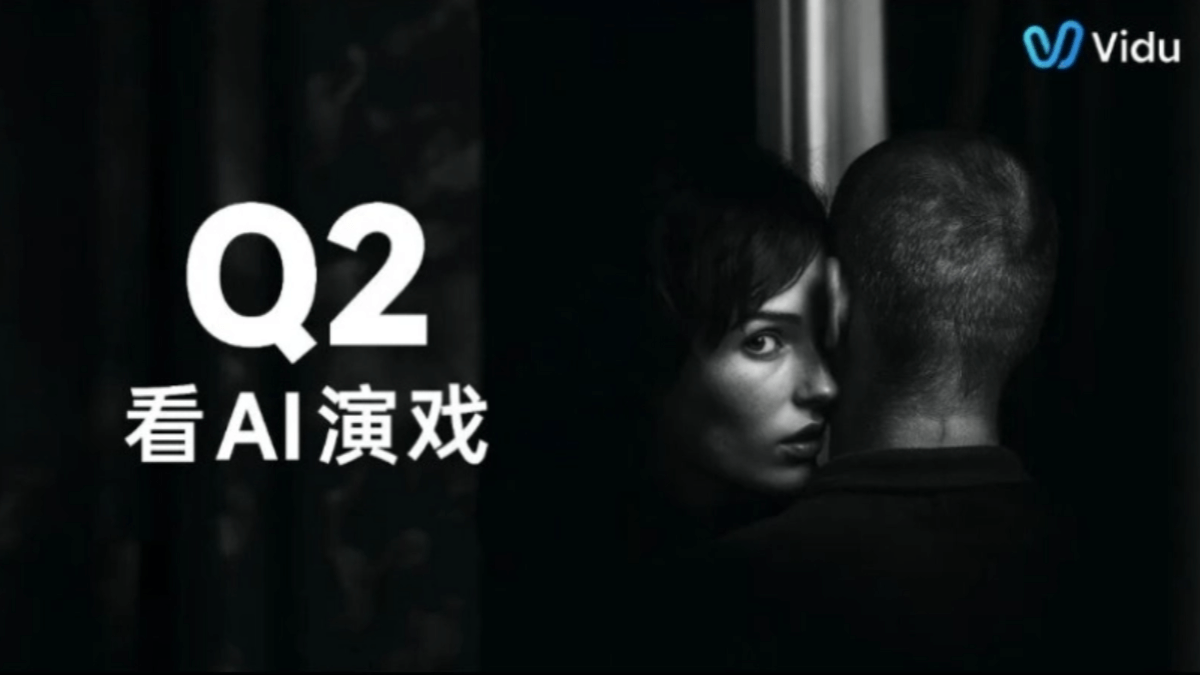
Vidu Q2 is Shengshu Technology's new generationimage-to-videolarge model, achieving a leap in AI video generation technology from "video generation" to "acting generation," marking AI video's entry into a new era pursuing "spiritual resemblance." Vidu Q2 can generate extremely delicate facial micro-expressions, enabling digital characters to display vivid and infectious acting skills, capable of handling dramatic scenes with complex expression changes, action scenes with multi-person fight sequences, and cool special effects in blockbusters. In terms of camera language, it is richer, enabling rapid switching from macro panoramas to micro close-ups, with complex camera movements precisely controllable at the second level; semantic understanding is more accurate, allowing creators to directly transform ideas into desired video footage; it offers 2-8 second video duration options, as well as lightning mode and cinematic blockbuster mode, meeting the needs of different scenarios.
Vidu Q2 has newly launched reference-to-image,text-to-image(generating images from text) and image editing features, aiming to improve the consistency and practicality of image generation. The model provides a one-stop multi-parameter workflow, from reference-to-image to one-click subject transfer, and then to reference-to-video, completing the entire creative process without switching platforms.
Vidu Q2's main features
-
Image-to-video: Capable of generating high-quality, highly expressive video content, covering dramatic scenes with complex expression changes, action scenes with multi-person fight sequences, and cool special effects in blockbusters, allowing AI characters to display vivid and infectious acting skills.
-
First and last frame video: Provides the first and last frames of the video, making it convenient for users to quickly understand the video content and make edits, improving creative efficiency.
-
Optional duration: Supports 2-8 second video duration options, meeting creators' narrative needs in different scenarios and providing more flexible creative space.
-
Cinematic blockbuster and lightning-fast production modes: Cinematic blockbuster mode meets users with higher requirements for complex performances, camera movements, etc., suitable for producing high-quality videos; lightning mode can generate a 5-second 1080P video clip within 20 seconds, meeting the demand for ultra-fast production.
-
Reference-to-image: Generates new images based on reference images, maintaining consistency in image style and details.
-
Text-to-image: Generates corresponding images based on text descriptions, achieving text-to-image conversion.
-
Image editing: Edits existing images, such as adjusting colors, adding or removing elements, etc., while maintaining image consistency.
Vidu Q2's technical highlights
-
More vivid AI acting: Vidu Q2 can generate extremely delicate facial micro-expressions, such as mouth corner twitches, hesitant eyes, etc., making digital character performances vivid and infectious, capable of handling dramatic scenes with complex expression changes, action scenes with multi-person fight sequences, and cool special effects in blockbusters.
-
Richer camera language: Easily achieves rapid switching from macro panoramas to micro close-ups, with complex camera movements precisely controllable at the second level, creating more impactful visual effects and meeting complex camera movement needs in advertising e-commerce, film and television animation, etc.
-
More accurate semantic understanding: Improved in contextual reasoning, image and semantic understanding, and physical simulation capabilities, with a leap in prompt compliance, allowing creators to directly transform ideas into desired video footage and greatly reducing the number of generation attempts.
-
More freedom in duration selection: Offers a choice of 2-8 second durations to meet creators' narrative needs in different scenarios, plus a Lightning Mode and a Cinematic Blockbuster Mode. In Lightning Mode, a 5-second 1080P video clip can be generated in 20 seconds.
How to Use Vidu Q2
-
Choose a Platform: Users can choose according to their own needs to use theViduofficial website web version, enter Image-to-Video, and select the Vidu Q2 model, or use the App version or create through API integration.
-
Input Materials: In the creation interface, users can input relevant text prompts and upload image or video materials to guide Vidu Q2 in generating video content that meets the requirements.
-
Choose a Mode: According to generation needs, users can choose Lightning Mode to quickly generate videos, or choose Cinematic Blockbuster Mode to obtain higher quality and more complex performance and camera movement effects.
-
Set Parameters: Users can set the video duration (2-8 seconds) and select the first and last frame function to quickly preview the video's key frames, so as to better edit and adjust.
-
Generate Video: After completing the above settings, click the generate button, and Vidu Q2 will generate the corresponding video content based on the input materials and parameters.
-
Edit and Export: After generating the video, users can perform simple editing on the platform, such as clipping and adding special effects, and finally export and save the video locally or share it to social media and other platforms.
Application Scenarios of Vidu Q2
-
Film and Television Production: Used to generate complex emotional expressions, action scenes, and special effects shots in film and television dramas, improving production efficiency and reducing filming costs.
-
Advertising and Marketing: Quickly generate attractive advertising videos, meet the creative needs of different brands and products, and improve the diversity and appeal of advertising content.
-
Short Video Creation: Help creators quickly generate high-quality short video content, enrich video expression forms, and enhance user participation and viewing experience.
-
Animation Production: Generate delicate facial expressions and smooth movements for animated characters, improving the quality and emotional expression ability of animated works.
-
Virtual Human Interaction: Provide vivid performance capabilities for virtual humans, enhancing the interactivity and realism between virtual humans and users.
-
Education and Training: Create educational videos, and through vivid performances and scene simulations, improve the fun and appeal of teaching content.