
What is veCLI
veCLI is a command-line AI tool launched by ByteDance's Volcano Engine, improving development efficiency. It seamlessly integratesDoubao Large Model 1.6 and multiple other models. Developers can interact through natural language to quickly generate code and complete local deployment, without needing to memorize complex commands. veCLI supports key authentication for security and can flexibly switch models. It integrates Volcano Engine cloud services, making everything from building to deployment more convenient, and offers free extensibility to improve programming efficiency.
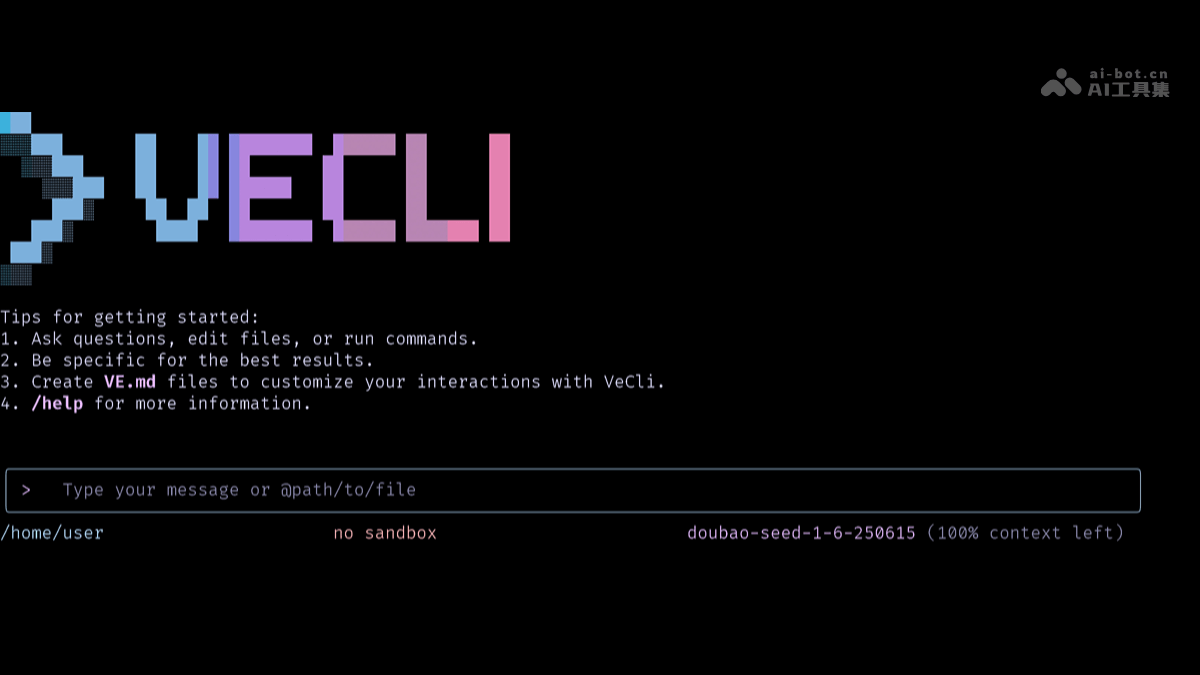
Main Features of veCLI
-
Seamless integration with large models: veCLI deeply integrates Doubao Large Model 1.6, and also supports third-party models such as Kimi-K2 and DeepSeek v3.1. Developers can directly access Volcano Ark large models and Volcano Cloud products in the terminal.
-
Multi-step reasoning and problem solving: It adopts a "think-act" loop mechanism (ReAct), enabling the AI assistant to perform multi-step reasoning and problem solving like a developer.
-
Generate code through natural language interaction: Through natural language interaction, developers can quickly generate code in the terminal and complete local deployment, without needing to memorize complex commands.
-
Key authentication ensures security: Log in to veCLI using Volcano Engine AK/SK to enable key authentication, ensuring enterprise identity authentication and authorization, and ensuring that resource access and operations comply with security standards.
-
Flexibly switch models: Developers can flexibly switch and select the model best suited to task requirements through commands.
-
Integrated cloud services: veCLI integrates Volcano Engine MCP Server, etc., helping users more conveniently call Volcano Engine cloud services from building to deployment, and improving the efficiency of AI application development on the cloud.
-
Free extensibility: By using the
settings.jsonfile to configure Feishu's MCP, veCLI's free extensibility can be achieved, improving programming efficiency.
How to use veCLI
- Visit the platform: Visit veCLI's official website:https://www.npmjs.com/package/@volcengine/vecli
-
Installation: Use
npx @volcengine/vecli@latestto run quickly, or install globally vianpm install -g @volcengine/vecli. -
Log in: Run
vecli login, and follow the prompts to complete login to your Volcano Engine account. -
Usage: Enter in the terminal
veclito start interacting with the AI assistant and describe your needs in natural language, such as generating code, solving problems, etc. -
Switch models: Use the
vecli modelcommand to switch to different models to meet different task requirements. -
Configure extensions: By editing the
settings.jsonfile, you can configure extension features, such as integrating Feishu, to improve work efficiency.
Application Scenarios of veCLI
-
Code generation and optimization: Developers can describe requirements in natural language to quickly generate code snippets or complete project code, reducing repetitive coding work and improving development efficiency.
-
Troubleshooting and resolution: When problems are encountered during development, veCLI can provide solutions or repair suggestions based on the problem description, helping developers quickly locate and solve problems.
-
Cloud service deployment: Integrated with Volcengine cloud services, developers can directly complete code deployment in the terminal, achieving a one-stop service from development to launch and simplifying the deployment process.
-
Documentation generation and querying: Automatically generates code comments, API documentation, etc., facilitating team collaboration and subsequent maintenance; at the same time, it can query related technical documents and materials to provide immediate learning support.
-
Multi-model task switching: Flexibly switch models according to different task requirements, for example, switching to a specific model when more precise text generation is needed, to meet diverse development needs.