
What is Uigenius
Uigenius is launched by Uigenius.topAI-assisted UI/UX design tool, built for designers, product managers, and anyone who needs interface design. Through AI technology, it quickly turns text descriptions entered by users into high-fidelity prototypes, and can export front-end code such as HTML, Vue, and React with one click, achieving seamless connection between design and development. Uigenius supports real-time collaboration, and team members can participate together in design iterations, greatly improving work efficiency.
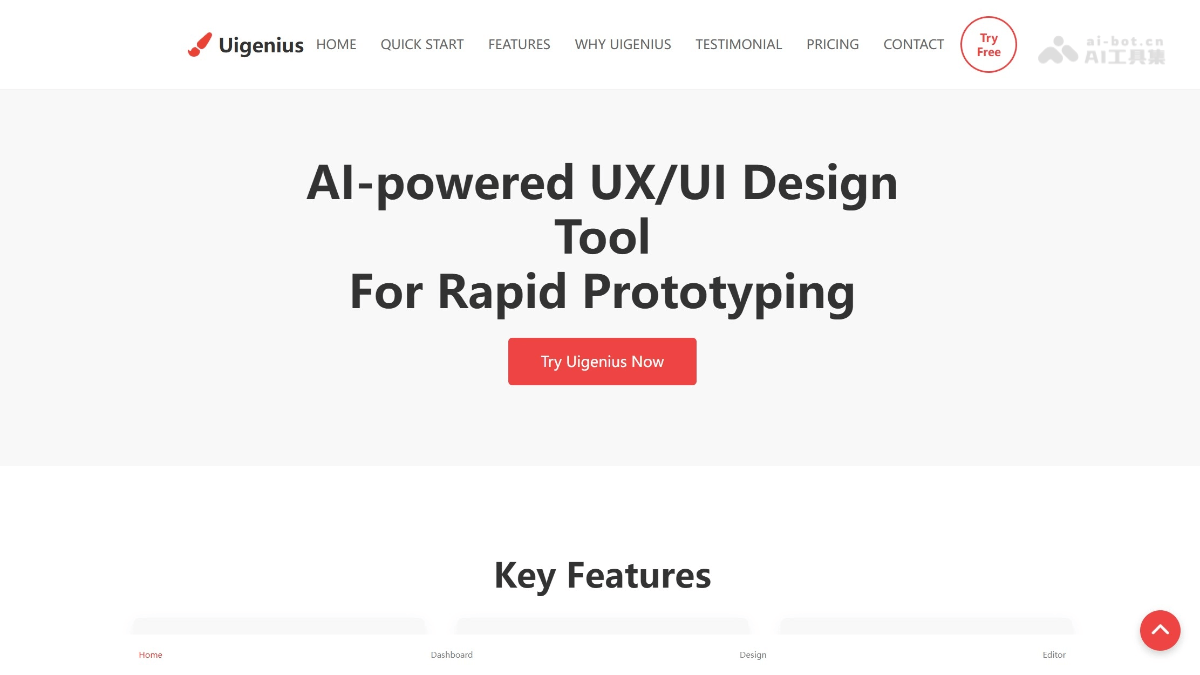
Uigenius's main features
- Text-to-design: Users only need to enter text descriptions, and AI can automatically turn these descriptions into beautiful and functional UI design prototypes.
- Real-time collaboration: Supports real-time online collaboration among team members; multiple people can edit and give feedback on the design at the same time, speeding up design iterations.
- Screenshot conversion: Upload screenshots or images, and AI automatically converts them into editable design components.
- Hand-drawn sketch digitization: Converts hand-drawn sketches into professional digital designs through AI technology.
- One-click export of front-end code: After the design is completed, it can be exported with one click as HTML, Vue, or React code, directly for front-end development.
- Multi-platform support: Supports designing for multiple platforms at the same time (such as web and mobile), generating responsive designs.
- Cloud platform access: Based on the cloud, no download or installation is required, and designs can be accessed and edited anytime, anywhere.
How to use Uigenius
-
Register and log in: Visit the Uigenius official website uigenius.top, register an account and log in to start your design journey, or download the desktop version:https://apps.microsoft.com/detail/9P7XBXGZN5JS。
-
Choose a project: Create a new project or choose an existing project, and clarify the design goals and requirements.
-
Enter a description: Enter a text description in the design interface, explaining in detail the interface functions and layout required for the design.
-
Generate design: Click the generate button, and AI will quickly generate a high-fidelity prototype based on the description.
-
Edit and optimize: Adjust and optimize the generated design, modifying details such as layout, colors, and fonts.
-
Team collaboration: Invite team members to join the project, collaborate in real time, and jointly improve the design.
-
Export code: After the design is completed, export HTML, Vue, or React code with one click for front-end development.
-
Save and share: Save the design results and share them with others for viewing via a link or file.
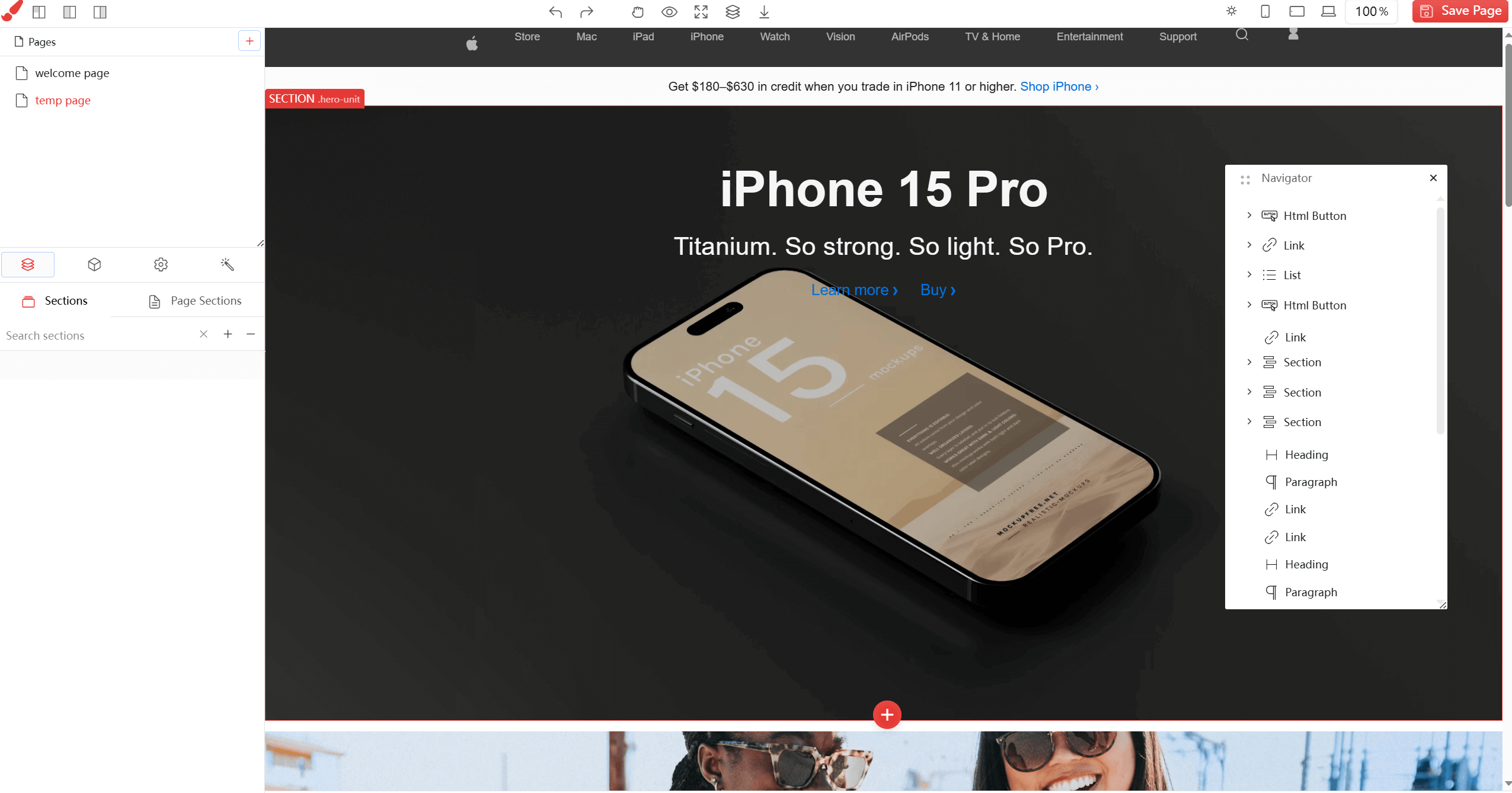
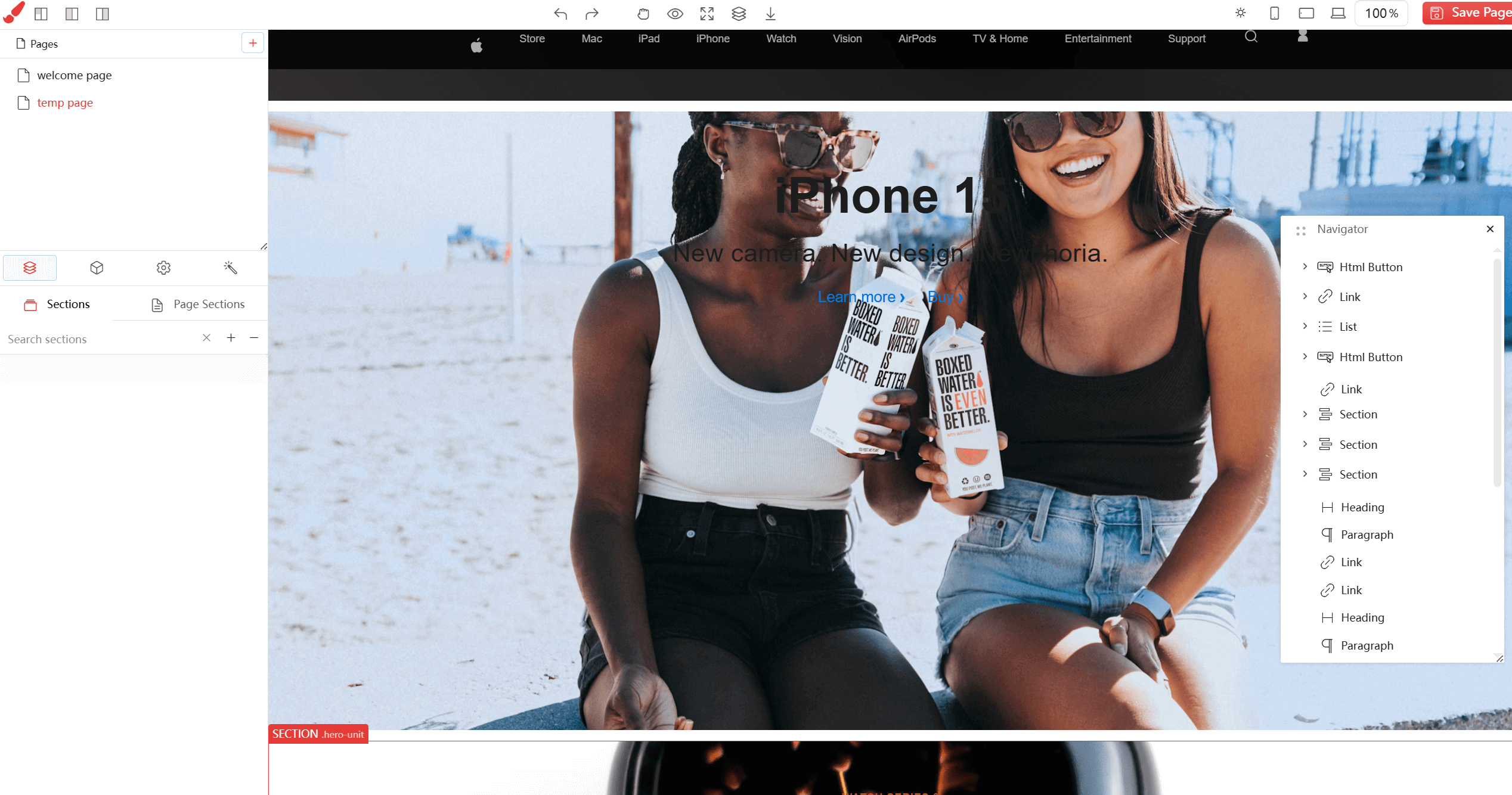
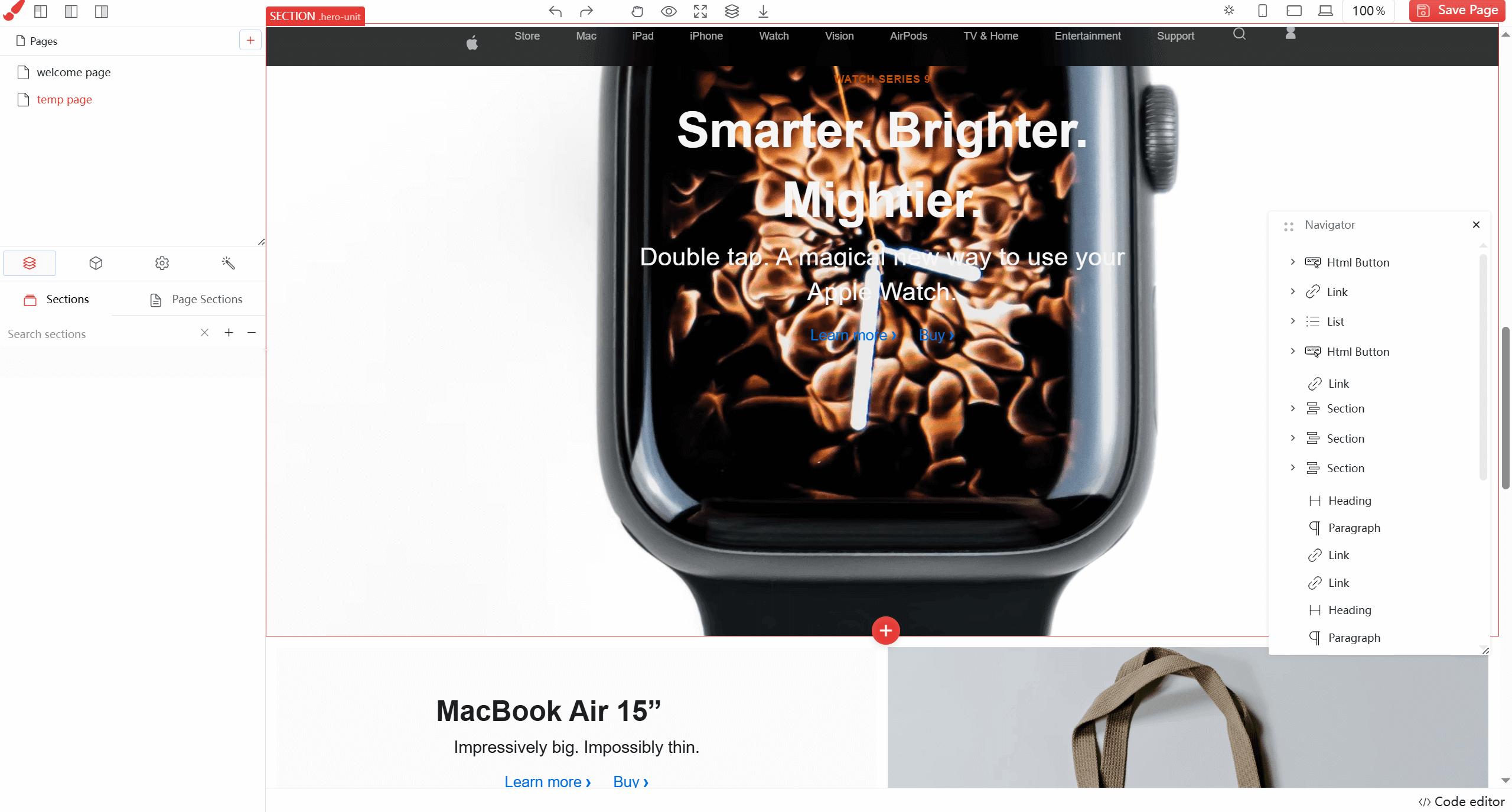
Uigenius's product pricing
-
Free version: $0 per month, including 10 UI generation requests, 3 screenshot conversions, and free AI models.
-
Professional version: $12 per month, including unlimited UI generation requests, unlimited screenshot conversions, professional AI models, unlimited storage, and priority support.
-
Lifetime version: A one-time purchase of $79, including unlimited UI generation requests, unlimited screenshot conversions, unlimited prompt limits, professional AI models, unlimited storage, priority support, and a dedicated account manager.
Uigenius's core advantages
-
Efficient design generation: Rapidly transform text descriptions into high-fidelity design prototypes through AI technology, greatly improving design efficiency and saving time.
-
No design skills required: Without professional design experience, users can easily create beautiful and functional interfaces, lowering the design barrier.
-
One-click code export: After design completion, front-end code such as HTML, Vue, React, etc. can be directly exported, seamlessly connecting with the development process and reducing repetitive work.
-
Real-time collaboration feature: Supports real-time online collaboration among team members, allowing multiple people to edit and provide feedback simultaneously, accelerating design iteration speed and improving team efficiency.
-
Multi-platform support: Simultaneously designs for multiple platforms such as web and mobile, generating responsive designs to meet the needs of different devices.
-
Cloud platform access: Cloud-based, no installation required, access and edit designs anytime and anywhere, facilitating team collaboration and project management.
-
Unleash creativity: Frees designers from repetitive work, allowing them to focus on creative and strategic thinking, enhancing work value and satisfaction.
-
Mature and stable service: Built by a global elite team, it has served tens of thousands of professional design workers, and the product is mature and reliable.
Uigenius application scenarios
-
Product design team collaboration: Helps teams quickly generate design prototypes, collaborate and iterate in real time, and improve overall work efficiency.
-
Rapid development for startups: Startups can quickly validate product ideas, generate prototypes and export code, accelerating product launch.
-
Rapid design for non-designers: Non-designer groups such as product managers and developers can quickly create interface designs without professional design skills.
-
Remote team collaboration: Supports real-time collaboration among remote team members, ensuring design work is not limited by geography and improving flexibility.
-
Multi-platform product design: Suitable for simultaneously designing multi-platform interfaces such as web and mobile, ensuring design consistency across different devices.
-
Design education and training: Used for design teaching, helping students quickly understand and practice UI/UX design, and improving learning outcomes.