
What is Triverse AI
Triverse AI is an AI-driven 3D content generation platform for creators worldwide, turning 2D inspiration (photos, sketches, or text descriptions) into production-ready, high-precision 3D assets in one click. The platform requires no professional 3D modeling skills from users. Through core capabilities such as Image-to-3D, Text-to-3D, and AI smart texturing, it compresses the traditional modeling workflow from hours to minutes. Generated results support export to .GLB、.OBJ、.FBX、.STL and other industry-standard formats, seamlessly compatible with Unity, Unreal Engine, Blender, and 3D printing workflows, and grant commercial usage rights, widely used in indie game development, concept design, VFX production, and XR scene construction.
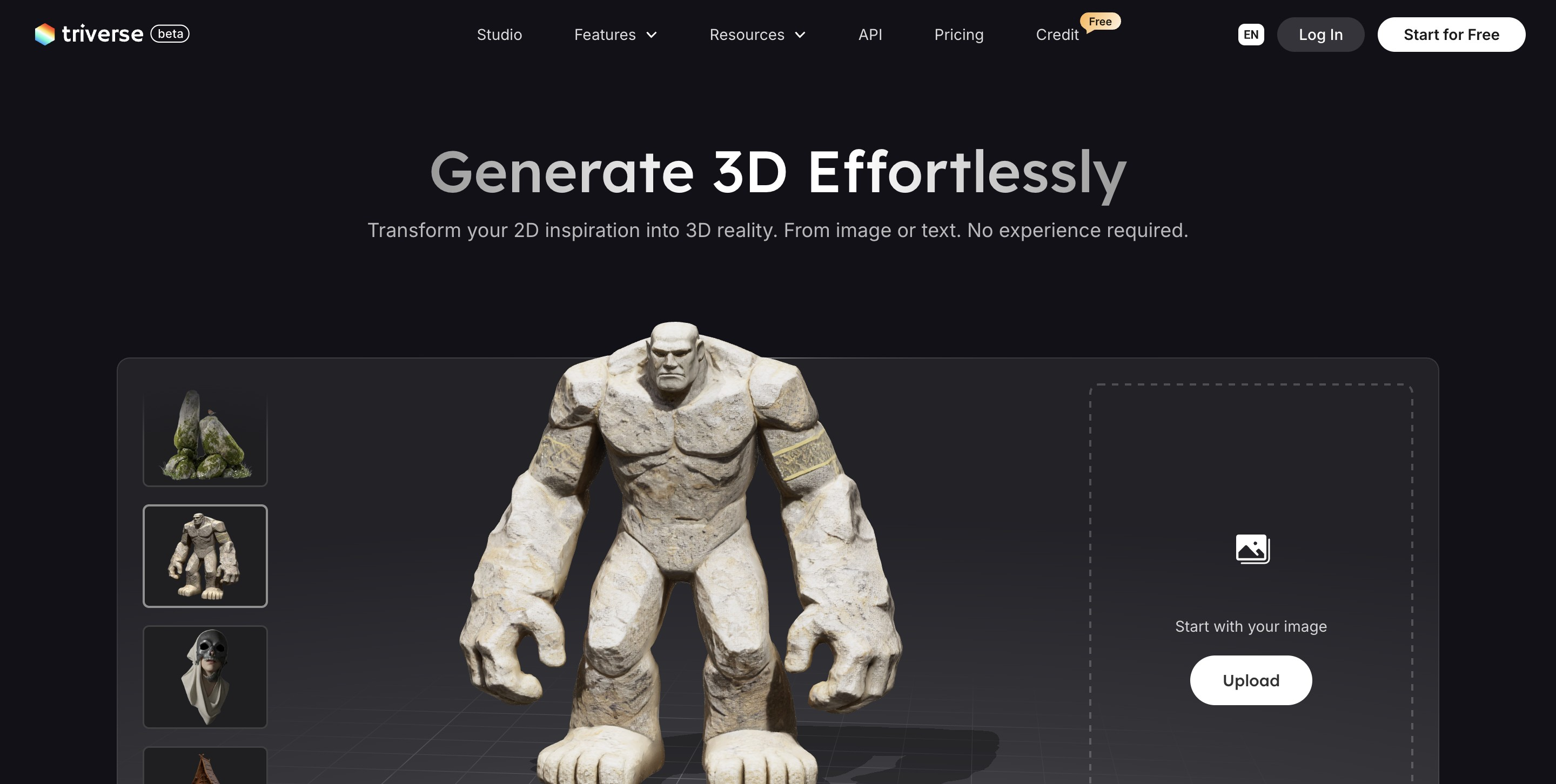
Main features of Triverse AI
-
Image to 3D: Upload a single or multi-view photo/sketch, and the AI automatically infers shape, texture, and perspective to generate a textured 3D model; supports up to 4 views (front/back/left/right) to enhance geometric precision.
-
Text to 3D: Enter a natural language description, and after understanding the intent, the AI generates a fully textured model. The built-in Prompt Assistant helps expand professional 3D terminology and lighting parameters.
-
Text to Image: Describe your idea to generate high-quality 2D concept art for early-stage visual direction exploration.
-
AI Texturing (Smart Texturing): No manual UV unwrapping required; automatically applies PBR materials (Diffuse, Roughness, Metallic, Normal) based on reference images or text descriptions, supporting up to 4K resolution.
-
Remesh (Topology Optimization): Converts triangles into clean quad topology in one click, controls polygon count, and outputs editable, animatable production-grade assets.
-
Multi-format Export: Supports
.GLB、.OBJ、.STL、.3MF、.FBX、.USDZand other formats, compatible with game engines, WebGL, and 3D printing. -
Watertight Mesh: Prioritizes generating watertight/manifold geometry, ready for direct use in 3D printing.
How to use Triverse AI
-
Register and Log In: Visit the official Triverse AI website https://triverse.ai/,使用邮箱或第三方账号完成注册并登录工作台。
-
Select Generation Mode: Enter the creation panel and choose Image to 3D(Image to 3D),Text to 3D(Text to 3D), or Text to Image(Text to concept art) according to your needs.
-
Image to 3D Operation: Upload images of the target object (it is recommended to provide up to 4 views such as front, back, left, and right to enhance geometric precision). The AI automatically analyzes shape, texture, and perspective to generate a textured 3D model.
-
Text to 3D Operation: Enter a natural language description in the input box (e.g., "a medieval-style wooden chair, dark oak material"), and use the built-in AI Prompt Assistant to expand professional 3D terminology and lighting parameters, improving generation quality.
-
Preview and Adjust: After generation is complete, rotate and zoom to preview the model in the 3D view, check the geometry and texture effects, and regenerate or adjust input parameters if necessary.
-
AI Smart Texturing (Texturing): If the model is a gray model or the material needs to be changed, use the AI Texturing feature to automatically apply PBR materials (Diffuse, Roughness, Metallic, Normal) based on reference images or text descriptions, supporting up to 4K resolution.
-
Topology Optimization (Remesh): Use Remesh A tool that converts triangle meshes into clean quad topology with one click, allows customizing the polygon count, and ensures the output is an editable, animatable, production-grade asset.
-
Export assets: choose the export format based on the downstream workflow—for game engines, choose
.GLB/.FBX, for 3D printing, choose.STL/.3MF, for Apple ecosystem AR, choose.USDZ, for Blender, choose.OBJ。 -
Integrate into the workflow: import the exported 3D file directly into Unity, Unreal Engine, Blender, a 3D printer, or a WebGL project for subsequent editing, rendering, or publishing.
Triverse AI's core advantages
-
Zero barrier to entry: no 3D modeling background is required; designers, developers, and enthusiasts can all quickly generate assets.
-
Multimodal input: supports both text-to-3D and image-to-3D, covering the complete pipeline from concept sketches to finished models.
-
Production-grade output: topology optimization, PBR textures, and multi-format export; can be imported directly into game engines or 3D printing.
-
Commercial licensing: generated assets include commercial usage rights and can be used for indie games, product visualization, and marketing materials.
-
Free to start: uses a Freemium model and offers a free credits plan, reducing the trial-and-error cost for creators.
Comparison of Triverse AI with similar competitors
| Comparison dimension | Triverse AI | Meshy AI | Tripo AI(VAST) |
|---|---|---|---|
| Core positioning | 2D inspiration → 3D assets (text-to-3D/image-to-3D) | Text-to-3D/image-to-3D + texture generation | Text-to-3D/image-to-3D, focused on high-quality characters and scenes |
| Input methods | Text, single image, multi-view images (up to 4) | Text, single image, sketch | Text, single image, video |
| Topology optimization | Built-in Remesh (quad conversion) | Supports automatic topology optimization | Supports automatic topology and mesh cleanup |
| Texturing capability | AI Texturing(PBR 4K) | AI texture generation | High-definition texture generation |
| Export formats | GLB、OBJ、STL、FBX、USDZ、3MF | GLB、OBJ、FBX、STL、USDZ | GLB、OBJ、FBX、STL、USDZ |
| Commercial licensing | Includes commercial usage rights | Paid plans include commercial licensing | Paid plans include commercial licensing |
| Pricing model | Free credits + paid upgrades | Free trial + subscription | Free trial + subscription |
| Key highlights | Multi-view enhancement, watertight mesh, Prompt Assistant | Community asset library, stylized generation | Specialized optimization for characters/scenes, animation support |
Triverse AI application scenarios
-
Indie game development: quickly generate character, prop, and scene assets, reduce 3D art outsourcing costs, and accelerate prototype iteration and game launch cycles.
-
Concept design and visualization: concept artists instantly turn 2D sketches or text descriptions into 3D models, validate visual directions, and shorten the early-stage design communication chain.
-
3D printing and manufacturing: Generate watertight mesh models directly from text or images, and export them in STL/3MF format for 3D printing of figures, prototypes, and functional parts.
-
E-commerce and Product Marketing: Generate 3D display models for products, embed them in web pages or AR experiences, and enhance user interactivity and conversion rates.
-
VFX and Film Previsualization: Generate lightweight 3D assets for previsualization of VFX shots and virtual scene construction, reducing trial-and-error costs in pre-production.
-
XR / Metaverse / Immersive Experiences: Rapidly produce WebGL-compatible GLB/USDZ format assets for VR/AR applications, virtual showrooms, and metaverse space construction.