

What is Tripo AI
Tripo AI isan AI 3D model creation platformthat generates 3D models from text or images with one click. Tripo AI supports integration with Flux andGPT-4oimage generators, and can quickly generate high-precision 3D models from text, images, or doodles. It supports all mainstream formats such as GLB, FBX, and OBJ, and allows one-click export to engines such as Blender, Unity, and Unreal. It is suitable for fields such as games, 3D printing, and the metaverse. Tripo AI offers powerful features such as intelligent segmentation, automatic rigging, and texture generation. The latest version 3.0 of Tripo AI has 20 billion parameters, further improving model precision and generation efficiency and lowering the barrier to 3D creation.
Main features of Tripo AI
- Fast 3D model generation: Generate high-quality 3D models within 10 seconds from text, a single image, multiple images, or doodles.
- Dual output modes: Provides Standard mode and Ultra mode. Users choose the appropriate mode to generate 3D models according to their specific needs.
- Multi-format support: Generated models support multiple formats (such as glb, fbx, obj, usd, stl, etc.) and are suitable for many fields such as games, 3D printing, the metaverse, and product design.
- High-precision geometry and textures: Tripo 3.0 provides clearer geometry, cleaner topology, and richer textures, and supports ultra-high-definition details.
- Intelligent segmentation and editing: Automatically segments complex 3D models into meaningful parts for fine editing and adjustment.
- Automatic rigging: Generates T-Pose models for characters and automatically rigs them, making animation production easier.
- Texture generation and repair: Easily generate and repair textures with the Magic Brush feature.
- Low-poly optimization: Intelligently generates low-poly models, suitable for games and real-time rendering.
- AI-driven creation: Integrated with Flux and GPT-4o, supporting generation from text to image to 3D model.
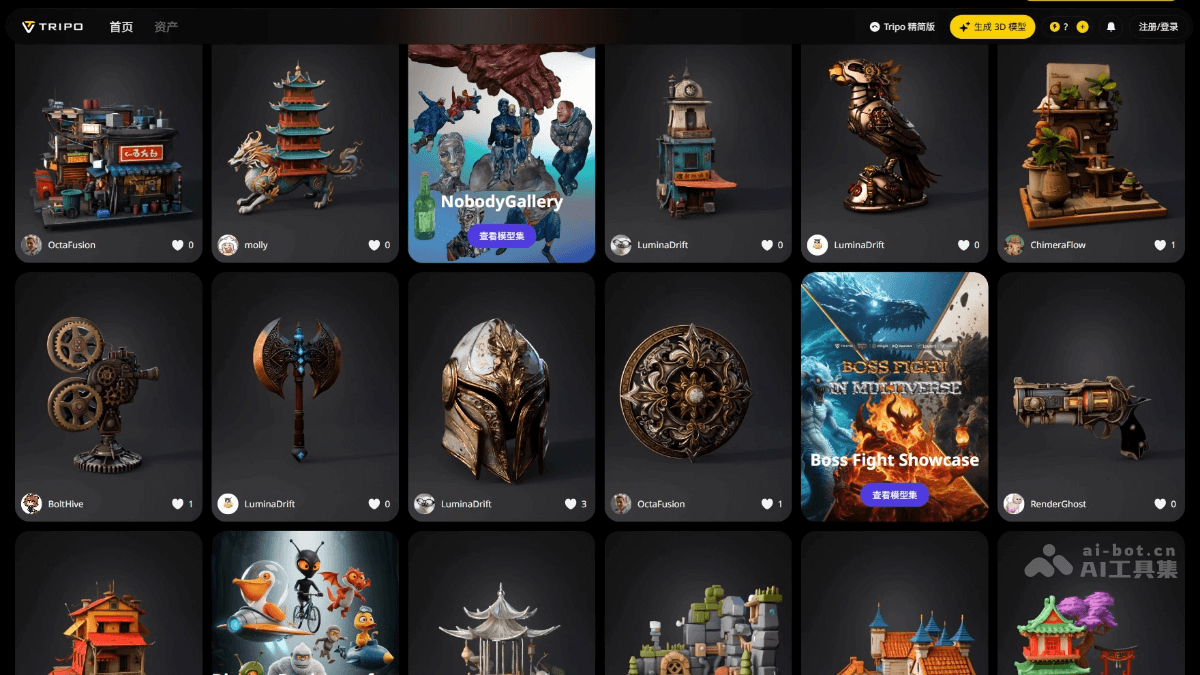
- Community and sharing: Provides a themed gallery where creators can share works and interact with users worldwide.
How to use Tripo AI
- Visit the official website: Visit the Tripo AI official website https://www.tripo3d.ai/,完成账号注册和登录。
- Generate 3D models:
- Choose a generation mode: Choose a creation mode according to your needs. Standard mode is suitable for scenarios that require optimized topology. Ultra mode is suitable for scenarios that require extreme geometric clarity and detail.
- Input content:
- Text description: Enter a detailed text description, such as "a futuristic sci-fi spaceship".
- Image input: Upload one or more images as references.
- Doodle: Use simple doodles to generate models.
- Generate the model: Click the "Generate" button, and Tripo will generate a 3D model within 10 seconds.
- Edit and optimize: Use the optimization and improvement features provided by the platform to refine the generated model until you are satisfied.
- Choose a format: According to your needs, choose an appropriate file format (such as glb, fbx, obj, etc.) to export the model.
- Apply to a project: Import the exported model into 3D software or a game engine, such as Unity or Unreal Engine.
- Participate in activities: Participate in monthly creative events in Tripo GameHub to win prize money and industry support.
Tripo AI application scenarios
- Game development: Developers quickly generate futuristic weapons and alien creature models, greatly shortening the production cycle of game assets.
- 3D printing: Designers quickly generate 3D models of lamps and export them in STL format for direct use in 3D printers, easily realizing personalized designs.
- Metaverse: In the metaverse, where virtual social platforms are built, users generate their own avatars and personalized virtual space decorations, enhancing the immersion and personalized experience of virtual social interaction.
- Product design: Designers quickly generate 3D models of sofas, present them to clients, obtain feedback in advance and optimize the design, accelerating time to market.
- Education: In a university architectural design course, teachers have students quickly generate simple building models to help them understand the basic concepts of space and structure.


