
What is TensorRT LLM
TensorRT LLM is a framework launched by NVIDIA to optimize the inference performance of large language models (LLMs) on NVIDIA GPUs. Based on the PyTorch architecture, it provides an efficient and easy-to-use Python API, supporting multiple inference scenarios from a single GPU to large-scale distributed deployment. Through advanced technical optimizations, TensorRT LLM can significantly improve model inference efficiency while maintaining a high degree of flexibility and scalability. TensorRT LLM supports multiple popular LLM architectures and seamlessly integrates with NVIDIA's inference ecosystem, providing developers with powerful tools for quickly deploying and optimizing language models and advancing the development of generative AI.
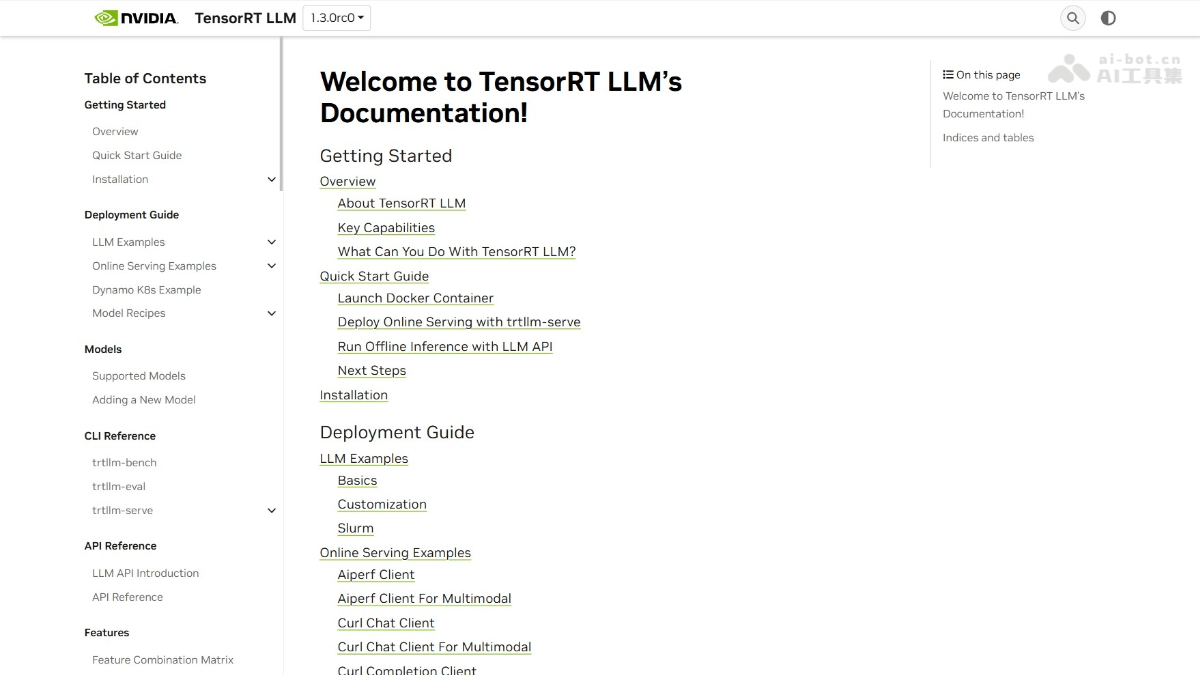
Main Features of TensorRT LLM
- High-Performance Inference Optimization: Through customized kernels and optimization techniques, such as tensor parallelism, pipeline parallelism, and expert parallelism, it significantly improves model inference efficiency on NVIDIA GPUs.
- Advanced Quantization Techniques: Supports multiple quantization formats (such as FP8, FP4, INT4, and INT8), improving inference speed and throughput while reducing model accuracy loss.
- Efficient Cache Management: Adopts a paged cache mechanism to optimize memory usage and support long-sequence inference and large-scale deployment.
- Flexible Inference Scheduling: Supports In-Flight Batching and multiple speculative decoding algorithms (such as Eagle, MTP, and N-Gram), reducing latency and improving throughput.
- Multimodal Support: Supports pure text models and multimodal models, such as LLaVA-NeXT and Qwen2-VL, meeting the needs of different application scenarios.
- Seamless Integration and Expansion: Based on the PyTorch architecture, it is easy to integrate with existing PyTorch models and supports seamless connection with NVIDIA Dynamo and Triton Inference Server.
- Broad Model Support: Supports multiple popular LLM architectures, such as GPT-OSS、DeepSeek、Llama, etc.
- Modular Design: It is highly modular and extensible, allowing developers to easily customize and extend functionality to meet specific needs.
How to Use TensorRT LLM
-
Install Docker and NVIDIA Drivers: Ensure that Docker and the latest version of NVIDIA GPU drivers are installed on the system to support GPU acceleration.
-
Pull and Start the TensorRT LLM Container: Run the command
docker run --rm -it --ipc host --gpus all --ulimit memlock=-1 --ulimit stack=67108864 -p 8000:8000 nvcr.io/nvidia/tensorrt-llm/release:1.3.0rc0to start the Docker container containing TensorRT LLM. -
Start the Online Inference Service: In the container, use the command
trtllm-serve "TinyLlama/TinyLlama-1.1B-Chat-v1.0"to start the inference service and deploy the model as an online service. -
Send Inference Requests: Send requests to the service through an HTTP client (such as
curl), for example:curl -X POST http://localhost:8000/v1/chat/completions -H "Content-Type: application/json" -d '{"model": "TinyLlama/TinyLlama-1.1B-Chat-v1.0", "messages": [{"role": "user", "content": "Tell me about AI."}], "max_tokens": 32}', to obtain inference results. -
Offline Inference: In the Python environment, load the model through
from tensorrt_llm import LLMand use thellm.generate()method for local inference. -
Optimization and Expansion: Choose an appropriate quantization format (such as FP8 or FP4) according to your needs, and further optimize inference efficiency with advanced features provided by TensorRT LLM (such as paged cache and speculative decoding).
TensorRT LLM Project Address
- Project Official Website:https://nvidia.github.io/TensorRT-LLM/
- GitHub Repository:https://github.com/NVIDIA/TensorRT-LLM
Application Scenarios of TensorRT LLM
-
Online Inference Service: Natural language processing services for real-time responses, such as chatbots and intelligent customer service, supporting high-concurrency requests.
-
Content Creation and Generation: Used to generate news, creative writing, and code assistance content, meeting diverse content creation needs.
-
Multimodal Applications: Combines image and video inputs to support multimodal tasks such as visual question answering and image caption generation.
-
Enterprise Applications: Used within enterprises for knowledge management, document generation, and intelligent search, improving work efficiency.
-
Academic Research and Development: Provides model optimization and performance evaluation tools for academic research, supporting scientific experiments.