
What is TeleAgent
TeleAgent (Xingchen Super Agent) is a desktop-level general-purpose agent assistant launched by China Telecom Tianyi AI, positioned as an "AI office companion." Users assign tasks in natural language, and the tool can autonomously break them down, execute them across applications, and deliver results, covering scenarios such as file organization, Excel consolidation, data analysis, PPT creation, and industry research. TeleAgent supports local installation on Windows and macOS, processes data locally, and features cross-software collaboration, transparent thinking, and learning of user habits, with a focus on zero code and zero barrier to entry.
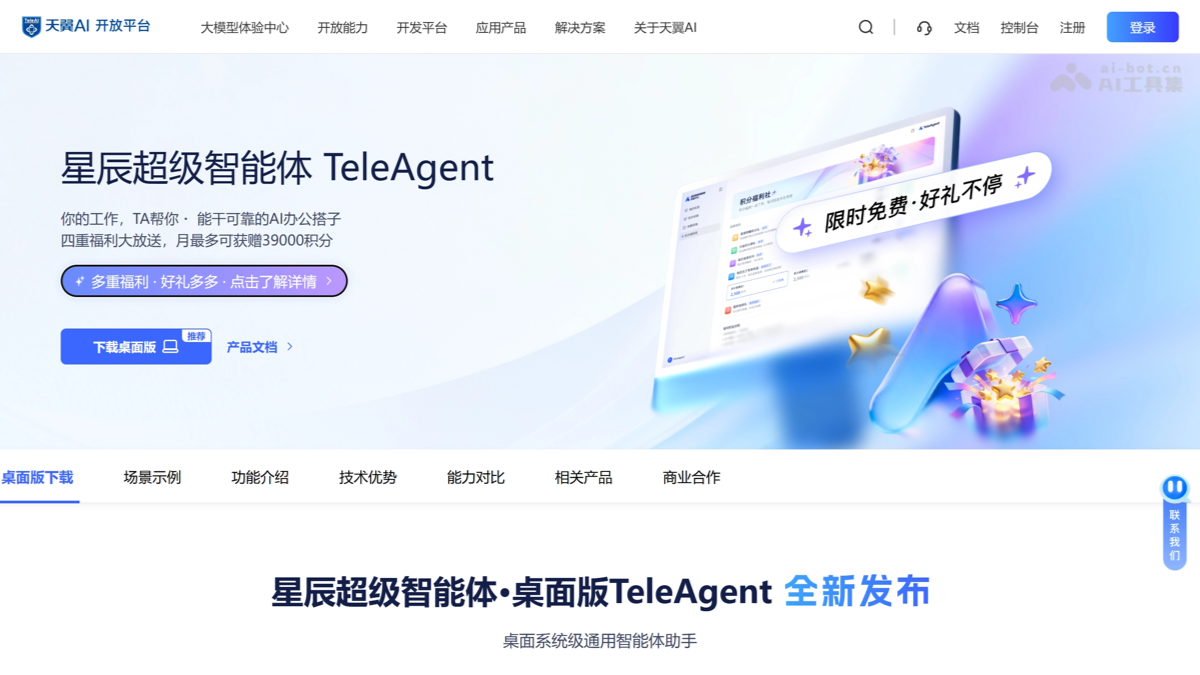
TeleAgent's main features
-
File organization: Automatically organize cluttered folders, extract information from Word/Excel, and generate outlines and mind maps.
-
Excel consolidation: Automatically consolidate multiple Excel files with inconsistent formats into one unified table.
-
Data analysis: Read local data and automatically generate a key analysis report with charts, ready for direct reporting.
-
PPT creation: Input a topic or data, and automatically complete content writing, chart generation, and layout optimization.
-
Research: Search the entire web for information on unfamiliar fields, organize it by dimension, and output a summary with sources.
-
Cross-application collaboration: Move freely among web pages, Excel, Word, and other software, putting an end to copy and paste.
-
Application generation: Customize dedicated tools, scripts, or HTML demo pages in one sentence.
-
Scheduled automation: Set periodic tasks (such as weekly reports) to execute automatically and deliver on time.
How to use TeleAgent
-
Visit the official website: Visit the TeleAgent official website https://www.teleai.com.cn/product/teleagent,选择 to download the Windows or Mac installation package.
-
Install the software: Double-click the installation package and click "Next" all the way to complete installation (Windows requires about 950MB of space; on Mac, just drag it into Applications).
-
Register and log in: After the first launch, register a Tianyi account and authorize network access.
-
Set up the workspace: Put the files to be processed into the default workspace folder, or create a new folder on the desktop and select it before the conversation.
-
Issue instructions: Describe the task in natural language in the input box, and TeleAgent will automatically break it down and execute it, delivering the final result.
TeleAgent's core advantages
-
Central state-owned enterprise security endorsement: Independently developed by China Telecom, data is processed locally and not uploaded, it has passed national-level security certification, and enterprise-level compliance is guaranteed.
-
Zero-barrier natural interaction: No need to write code or craft elaborate prompts; everyday language can drive complex office tasks.
-
Seamless cross-application collaboration: Move freely among Excel, PPT, browsers, email, and other software, completely putting an end to copy and paste.
-
Fully transparent thinking process: Task breakdown and execution are fully visible, and users can intervene and correct at any time, rejecting black-box operations.
-
The more you use it, the better it understands you: Automatically accumulates personal writing style, report templates, and business processes to form a dedicated workflow.
-
Multi-agent parallelism: Complex tasks are automatically broken down into multiple subtasks executed in parallel, greatly improving overall efficiency.
-
Understanding Vague Instructions: It can understand imprecise everyday expressions, automatically complete the intent, and plan the optimal execution path.
-
Massive Skill Ecosystem: Built-in 6,300+ office skills, and it automatically iterates and optimizes them based on usage frequency.
Comparison of TeleAgent with Similar Competing Products
| Comparison Dimension | TeleAgent (Xingchen Super Agent) | Tencent QClaw |
|---|---|---|
| Developer | China Telecom Tianyi AI | Tencent |
| Product Form | Desktop standalone application (Windows / Mac) | Desktop + WeChat Mini Program "QClaw Manager" |
| Core Positioning | System-level general-purpose agent, "AI office buddy" | Minimalist AI Agent wrapper, remote computer control via WeChat |
| Main Entry Point | Desktop client | Primarily WeChat Mini Program, supports file transfer and multimodal interaction |
| Cross-Application Capabilities | Freely moves between Excel, Word, browser, and email | Supports cross-application operations, commands can be issued remotely from the WeChat end |
| Security and Compliance | Local data processing, central state-owned enterprise-level security, national-level certification | Sandbox isolation security mechanism |
| Featured Functions | 6,300+ skill ecosystem, transparent thinking, scheduled automation, understands users better the more it is used | "Inspiration Square" with preset common tasks, minimalist three-step onboarding |
TeleAgent Application Scenarios
-
Intelligent File Organization: Drag cluttered folders into the workspace, and TeleAgent automatically categorizes and archives them, extracts key information from Word/Excel, and generates structured outlines or mind maps.
-
Excel Data Aggregation and Analysis: Upload multiple Excel files in different formats, and with a one-sentence instruction it can automatically unify fields, aggregate them into a master table, and generate a data analysis report with charts and conclusions.
-
One-Click PPT Generation: Enter a reporting topic or upload data, select the reporting audience, and TeleAgent automatically plans the content, generates charts, and completes the layout.
-
Industry Research and Business Opportunity Monitoring: Automatically captures industry news, competitor developments, and bidding information 24/7, searches the entire web and organizes comparisons by dimension, and outputs research summaries with cited sources.
-
Cross-Application Automated Office Work: Set periodic tasks, such as automatically pulling CRM data every Monday to generate a weekly report, or automatically organizing reimbursement documents, and at the scheduled time automatically flows across multiple software programs to execute and deliver results.