
What is TabTac
TabTac is a new-generationAI browser, focusing on improving users' search, web browsing, and office efficiency. Built with ChatGPT technology, it supports word-swipe search, image-to-text, AI Summarize, and AI Copilot functions, helping users quickly obtain information. TabTac provides AI-assisted email writing, voice control, and input functions to enhance office efficiency. The browser uses decentralized encryption technology to ensure user privacy and information security.
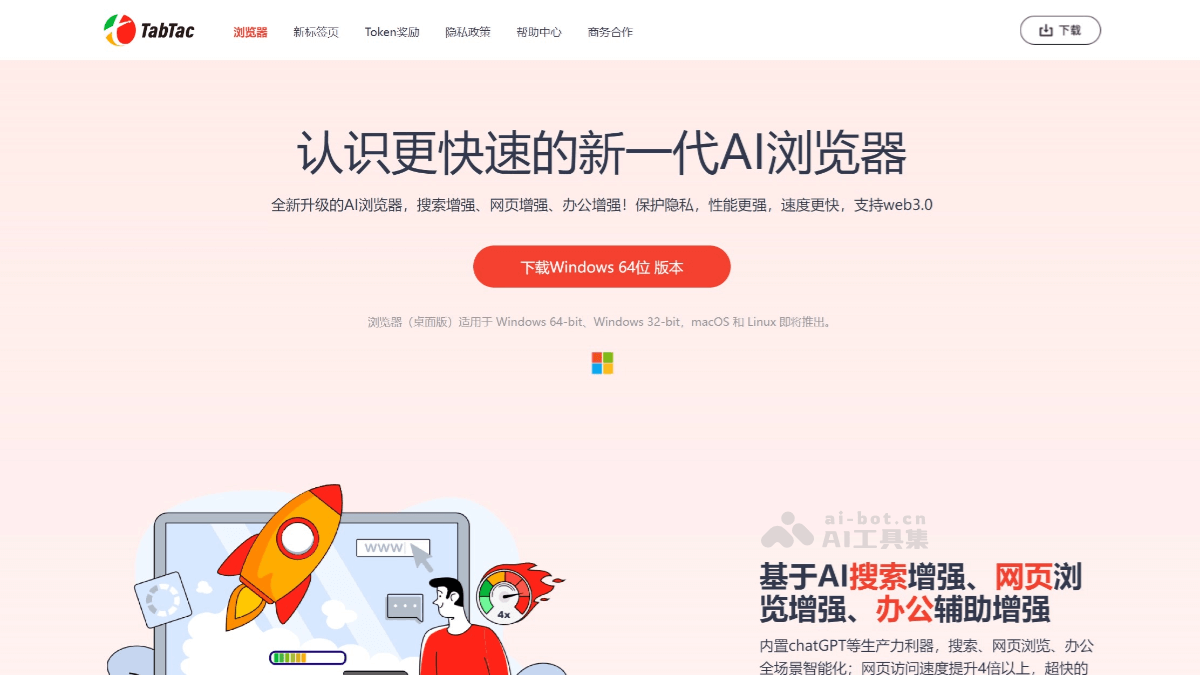
TabTac's Main Features
- AI Search Enhancement
- Word-Swipe Search: Users can trigger a search directly by swiping the mouse to select text on a webpage, without manually copying and pasting, improving search efficiency.
- Image-to-Text: Supports image recognition, extracting text content from images so users can quickly obtain information from images.
- AI Summarize: Automatically summarizes webpage content, helping users quickly understand the core information of a webpage.
- AI Copilot: Provides intelligent assistance functions, such as automatically filling in search suggestions and generating related content.
- Web Browsing Enhancement
- Full-Page Screenshot: Supports full-page screenshots of webpages, allowing users to save complete webpage content.
- Hidden Window Screenshot: Users can take screenshots even when the webpage is running in the background.
- GIF/MP4 Recording: Built-in screen recording tool that supports recording webpage content as GIF or MP4 format.
- Office Assistance Enhancement
- AI-Assisted Email Writing: Built-in AI function helps users quickly write emails, providing intelligent suggestions and content generation.
- AI Voice Control and Input: Supports voice commands to operate the browser, as well as voice input, improving office efficiency.
- PDF Tool: Built-in PDF-to-Word function, making document conversion convenient for users.
TabTac's Official Website Address
- Official Website Address:tabtac.com
TabTac's Application Scenarios
- Business Office: Business professionals can use TabTac's AI-assisted email writing function to quickly generate email content and improve work efficiency.
- Academic Research: Researchers can use the AI Summarize function to quickly extract key information from a large number of research reports.
- Smart Search: Quickly obtain information from webpages or images through word-swipe search and image-to-text functions.
- Multitasking: Supports playing videos in a floating small window, making it convenient to watch related videos while working.