
What is the Stable Diffusion Integrated Package
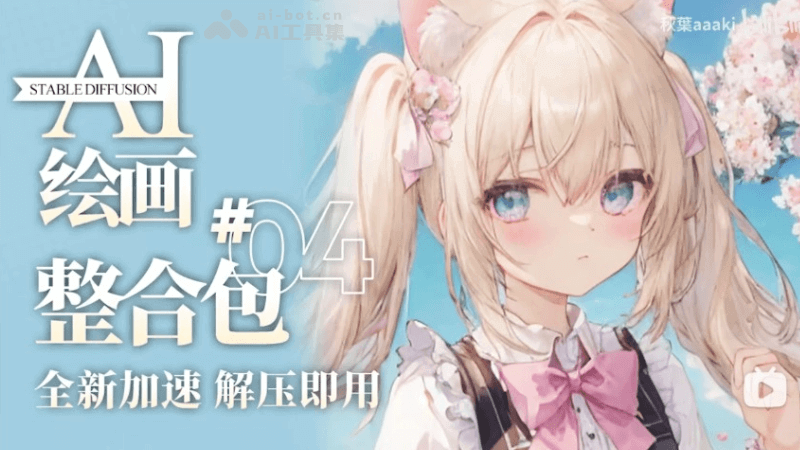
The Stable Diffusion Integrated Package is a local deployment solution for SD drawing released by Bilibili UP host Akiba aaaki. It includes Stable Diffusion WebUI, the necessary runtime environment, pre-installed models, and a collection of commonly used plugins. The purpose of the integrated package is to make it easier for novice users to install and use Stable Diffusion forAI drawingcreation. Users do not need a deep technical background, nor do they need to configure the environment themselves. They only need to download the integrated package and follow simple steps to quickly launch and use itStable Diffusion。
The latest updated version of the integrated package is v4.9, updated in August 2024. The integrated package supports SDXL and comes pre-installed with a variety of required models. There is no need to install anything such as git, Python, or CUDA, and no configuration is required. It is ready to use after extraction.
Main Features of the Stable Diffusion Integrated Package
- One-click installation: Users only need to extract the integrated package and run the launcher, and the environment setup and model installation can be completed automatically.
- Automatic updates: The integrated package supports automatic updates, ensuring that users can use the latest version of Stable Diffusion.
- Multi-version switching: Users can easily switch between different versions of Stable Diffusion models through the Huidraw Launcher.
- Pre-installed resources: The integrated package comes pre-installed with some basic resources and models, reducing the time users spend looking for resources.
- Interface localization and plugin integration: The integrated package has localized the interface and integrated some commonly used plugins, improving the user experience.
Download Address for the Stable Diffusion Integrated Package
Suitable for novice users who do not understand programming at all to use the integrated package:
- Stable Diffusion Integrated Package Address:https://www.bilibili.com/video/BV1iM4y1y7oA/
Configuration Requirements for the Stable Diffusion Integrated Package
- Operating System: Usually requires Windows 10 or later.
- Memory: 8GB or more is recommended.
- Graphics Card: NVIDIA dedicated graphics cards are recommended, with a minimum of 4GB VRAM, and support for 20-series and later graphics cards.
- Hard Drive Space: Sufficient disk space is required to store models and related files, with at least 30-40GB of remaining space.
How to Use the Stable Diffusion Integrated Package
- Download the integrated package: Download Akiba aaaki's Stable Diffusion Integrated Package from the provided link.
- Install the runtime environment: Run "Launcher Runtime Dependency-dotnet-6.0.11.exe" in the integrated package to install the .NET runtime.
- Extract the integrated package: Extract the downloaded integrated package to the directory of your choice.
- Run the launcher: Find and run "A Huidraw Launcher.exe" in the extracted folder.
- One-click launch: Click the "One-click Launch" button in the launcher interface and wait for the launcher to automatically complete the startup process.
- Use SD-WebUI: After successful startup, SD-WebUI will automatically open in the browser, and you can start using it.
If you are a user with some technical background and do not want to use the integrated package, you can useHuidraw Launcher, which is the free desktop version of the Stable Diffusion-WebUI launcher released by Akiba:
- SD-WebUI launcher address:https://www.bilibili.com/video/BV1ne4y1V7QU/
Suitable audiences for the Stable Diffusion all-in-one package
- AI painting beginners: For users with no technical background or who have never used AI painting tools, the all-in-one package provides an easy-to-get-started solution.
- Independent artists: Artists can use the all-in-one package to explore the potential of AI in artistic creation.
- Designers: Designers can use the all-in-one package to quickly generate design concepts and visual prototypes.
- Design exploration: Designers can use the all-in-one package for preliminary design and sketch creation, quickly iterating different design solutions.
- Commercial advertising: Marketers can use the all-in-one package to design advertising images and quickly generate attractive visual content.