
What is the Sora Official Website
Sora is launched by OpenAI,an AI video generation tool, capable of creating new videos based on text, image, and video inputs, supporting 1080p resolution and video generation up to 20 seconds. Based on DALL·E and GPT models, Sora is built on the transformer architecture, understands and simulates the real world, and provides a platform for creative expression. Sora includes editing tools, supports users in editing videos, and features community functions, supporting work sharing and re-creation. Sora becomes an important step toward broader artificial intelligence applications and is free for ChatGPT users.
- Sora Official Website Address: Sora.com
- Sora APP Download:Sora APP
- Sora 2 Product Introduction:Sora 2 – OpenAI's New-Generation AI Audio-Video Generation Model
- Sora 2 Invitation Code:How to get a Sora 2 invitation code? Includes free acquisition methods
- Sora 2 Gameplay and Prompts:Sora2 Tutorial Gameplay Collection, Includes 20 Popular Video Prompts
- Sora Video Watermark Removal:7 Free Sora Video Watermark Removal Tools, AI One-Click Video Watermark Removal
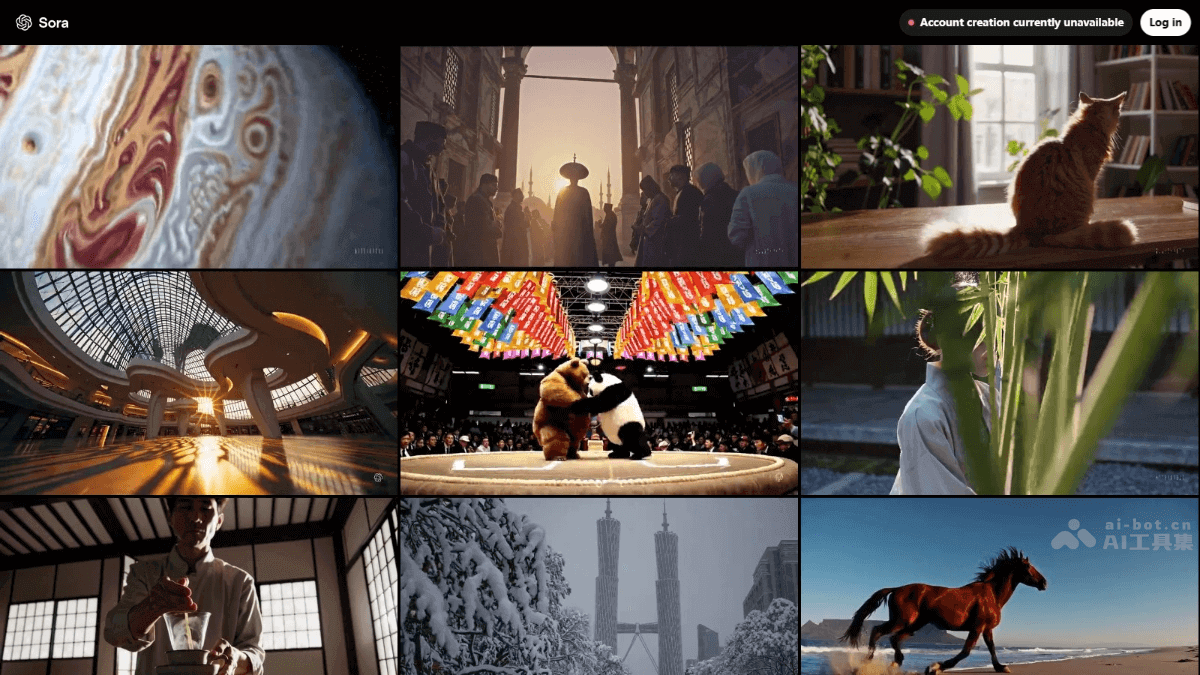
Sora's Main Features
- Video Quality and Format: Supports clarity up to 1080p, video length up to 20 seconds, and provides multiple aspect ratio options such as widescreen, vertical, and square.
- Content Generation: Generates new videos based on text (text-to-video), images (image-to-video), and existing videos (video-to-video).
- Editing Features: Provides editing tools, allowing users to precisely edit generated videos.
- Community Features: In Explore's Recent, users can see the latest content generated by users, providing inspiration for creation.
- Safety and Compliance: Built-in safety systems ensure a transparent creation process and prevent misuse of AI features.
- Exclusive to Paid Users: Only available to paid users of ChatGPT Plus and Pro.
Sora's Feature Introduction
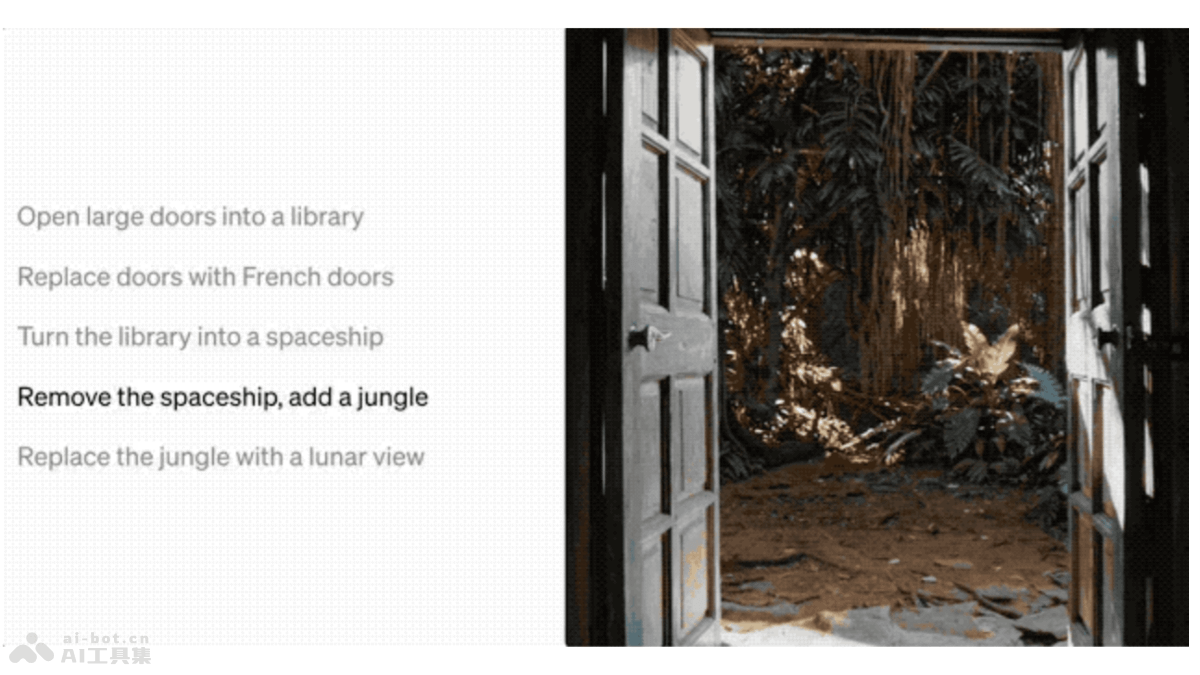
- Remix:Modify generated videos, replacing, deleting, or reimagining elements in the video.
For example, in a video of opening the doors of a library, you can modify the instructions to change the style of the doors, turning the library into a spaceship, jungle, moon...
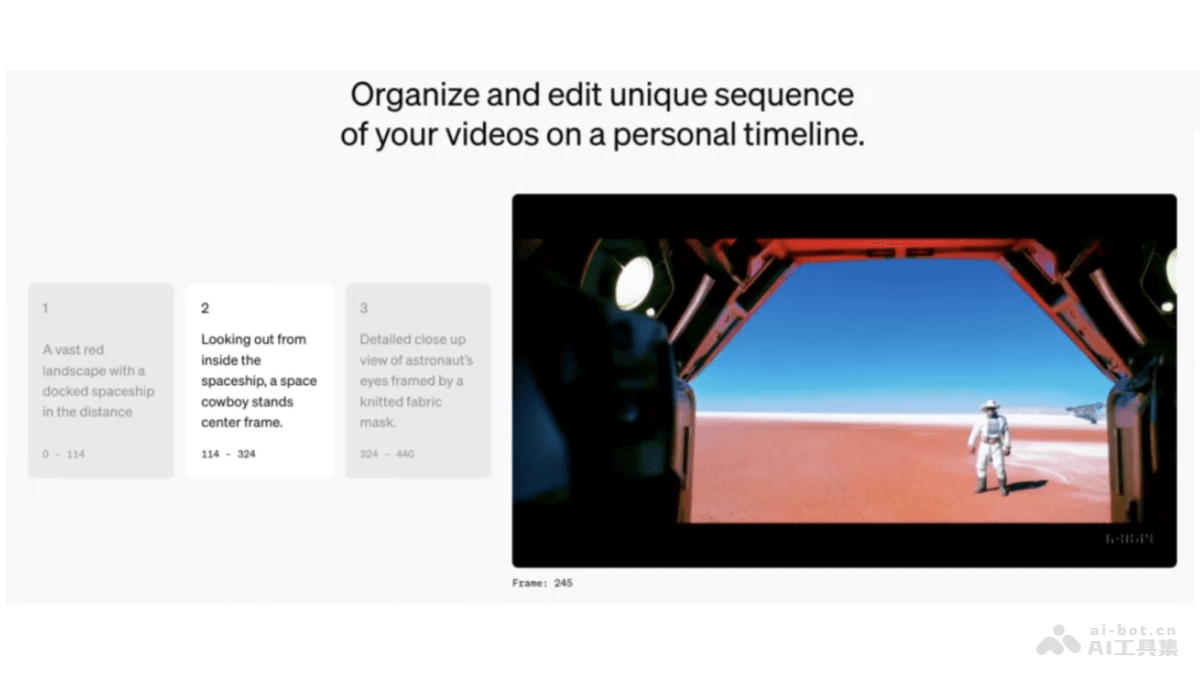
- Storyboard:Storyboard, organize and edit a unique sequence of videos on a timeline.
First write the content for frames 0-144: "In a vast red background, a spaceship lands," then write the content for frames 114-324: "From the spaceship's perspective, an interstellar cowboy stands in the middle of the frame." Finally, the image focuses on an astronaut's eye, who is looking out through a knitted mask.
If detailed details are not given, such as the color of the interstellar cowboy's clothes, the astronaut's race, and eye color, Sora will fill them in on its own.
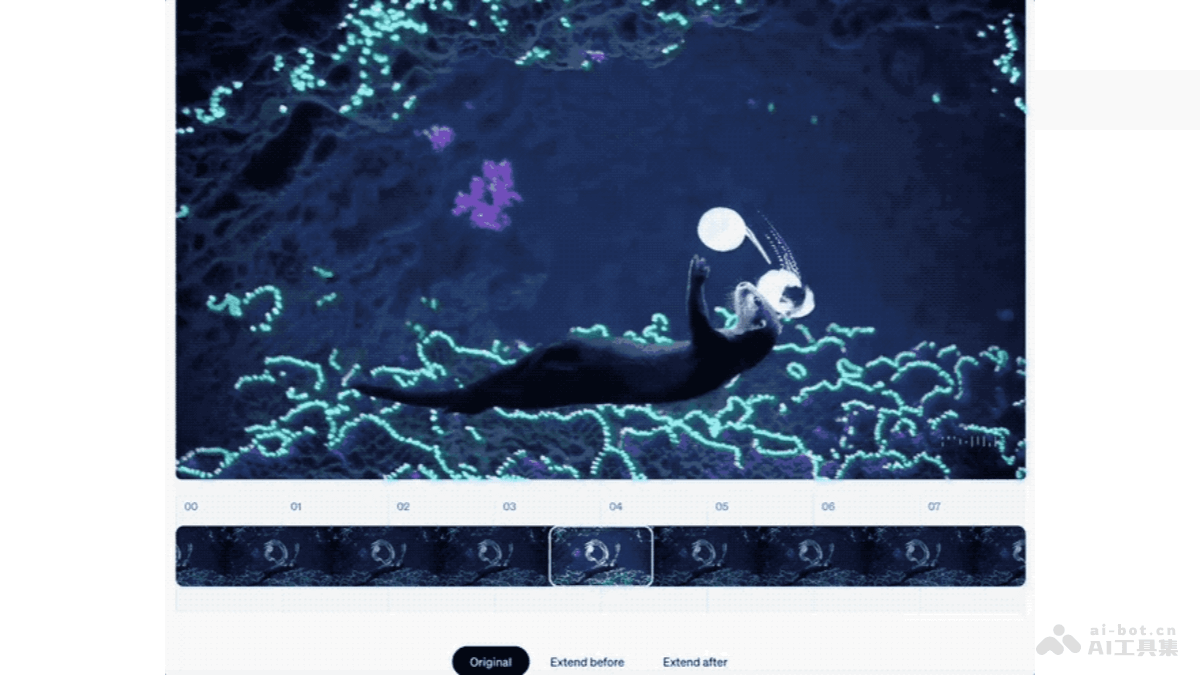
- Re-cut:Re-cut, find and isolate the best frames, then extend them in either direction to complete the scene.
It can capture key frames and key segments in generated videos and extend forward and backward from this segment. If you are only satisfied with certain segments of an already generated video, don't rush to discard it; you can still continue using it after editing with Re-cut.
- Loop: The video loops continuously from end to beginning.

- Blend: Merge two videos into one seamless clip.
For example, when a video of snowflakes falling and a video of flower petals falling are mixed together, there is a natural transition from snowflakes to petals, giving a feeling of winter snow melting and spring arriving.

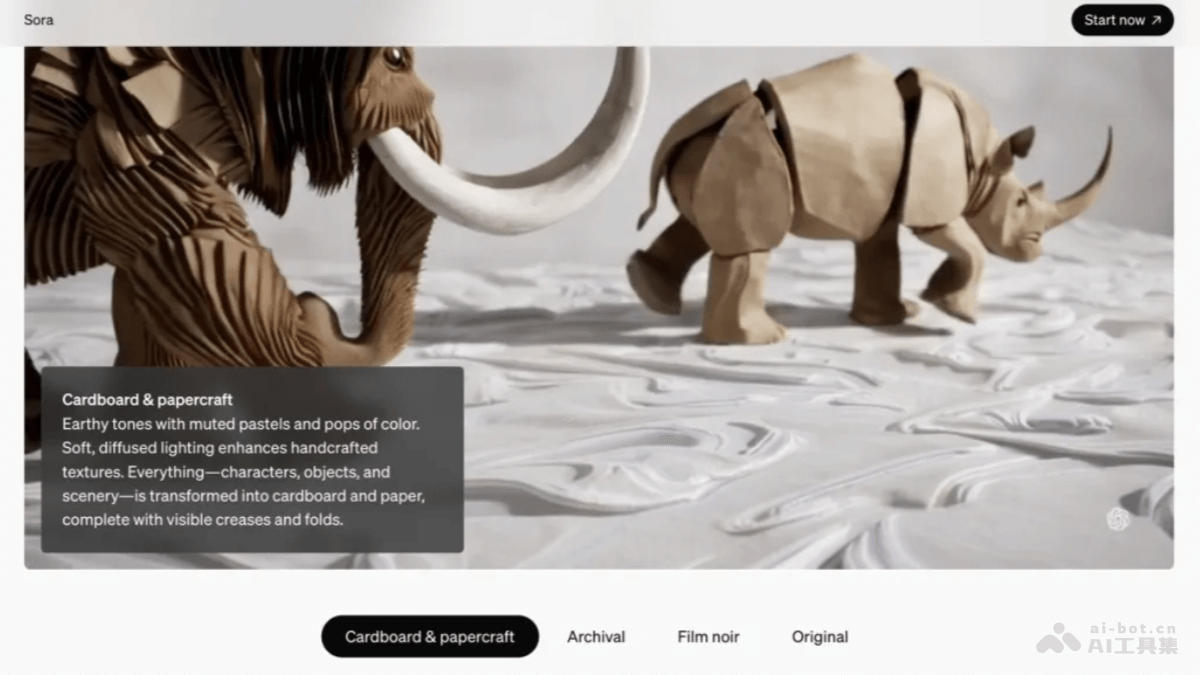
- Style presets: Create and share styles that spark your imagination.
Turn videos into paper cutout, black-and-white film, nostalgic old footage, and other styles.
Sora Product Pricing
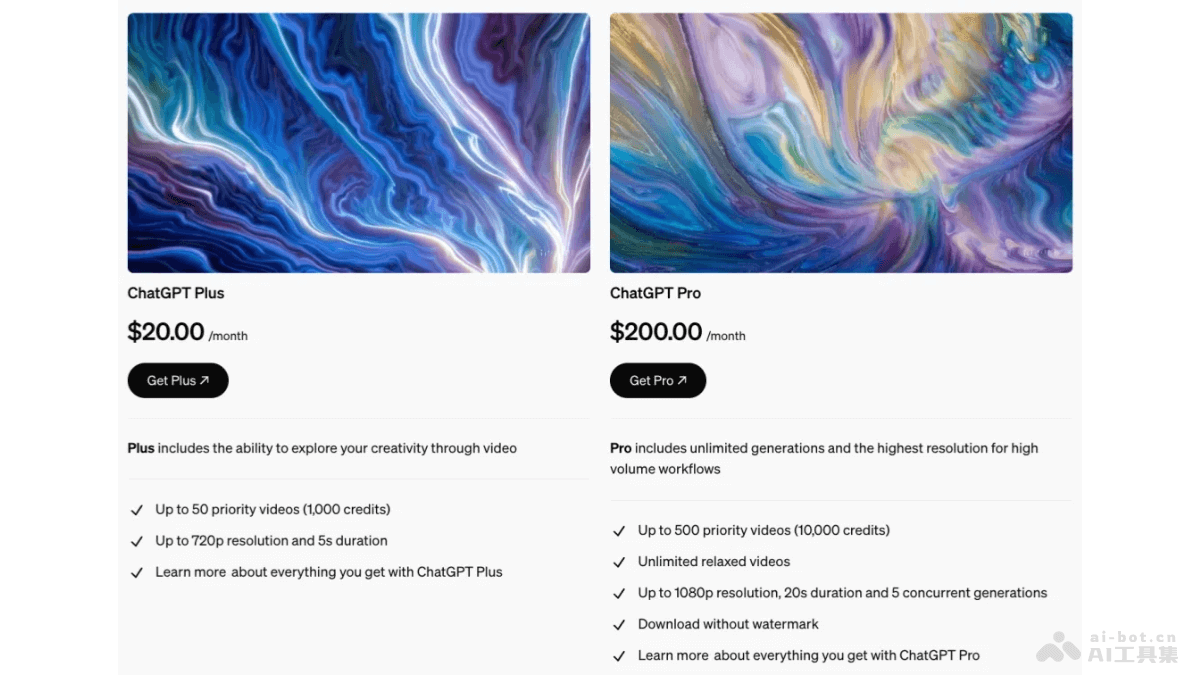
- ChatGPT Plus: $20/month,up to 50 priority videos (1000 credits),resolution up to 720p, duration of 5 seconds.
- ChatGPT Pro: $200/month,up to 500 priority videos (10000 credits),unlimited relaxed videos,resolution up to 1080p, duration of 20 seconds, can generate 5 concurrently,download without watermark
Sora Official Website Address
- Official Website Address:https://sora.com/
Sora Application Scenarios
- Content Creators: Video bloggers, social media influencers, and independent artists generate and edit video content to improve creative efficiency and quality.
- Marketing and Advertising Professionals: Generate advertising videos and marketing materials to attract potential customers and enhance brand image.
- Educators: Produce educational videos, such as course explanations, scientific experiment demonstrations, etc., to improve teaching effectiveness and students' interest in learning.
- Game Developers: Create promotional videos or in-game animations for games to improve the game's appeal and professionalism.
- Film and Video Producers: Generate special effect scenes or assist with post-production in filmmaking and video editing.