
What Is Skywork Desktop
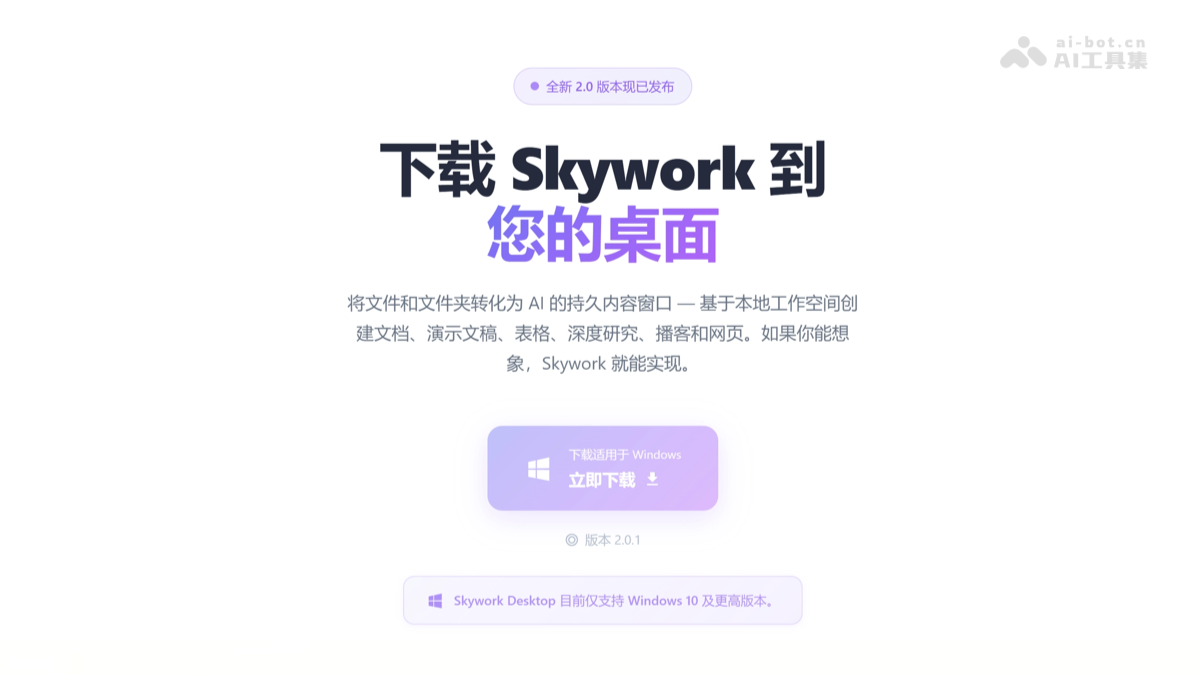
SkyworkDesktop (Skywork Desktop) is a native Windows AI Agent launched by Kunlun Tiangong, supporting local file processing and cross-format office automation. Users do not need to upload to the cloud; it can directly read massive files on the computer such as documents, spreadsheets, PPTs, images, and videos for intelligent classification, content extraction, and multimodal generation. Skywork Desktop supports free switching between the Claude and Gemini dual models, and comes with 100+ selected Skills built in. It can automatically complete complex tasks such as file organization, format conversion, report writing, and webpage generation, enabling AI to evolve from "waiting for instructions" to an OS-level intelligent assistant that "actively understands projects," redefining desktop office efficiency.
Main Features of Skywork Desktop
- Local File Processing: Directly reads various local files on the computer such as Word, Excel, PPT, PDF, images, and videos, and can perform cross-file content recognition and intelligent classification and organization without uploading to the cloud.
- Cross-Format Office Work: Supports mutual conversion among multiple formats such as Word, Excel, PPT, and web pages, and automatically extracts key information to generate structured tables or presentations.
- Multimodal Generation: Automatically generates multimodal content products such as SEO websites, reports, PPTs, and promotional materials based on local documents, images, and other materials.
- Dual-Model Support: SupportsClaude Opus 4.5、Claude Sonnet 4.5andGemini 3 Profree switching between dual models, and provides "auto" intelligent routing to automatically match the optimal model.
- Skill Expansion: Comes with 100+ selected Skills packages built in, covering multi-scenario needs such as Office suite generation, webpage creation, image generation, and video generation.
How to Use Skywork Desktop
- Download and Install: Visit the official Skywork Desktop download page to get the installation package https://skywork.ai/desktop,在Windows电脑完成本地部署安装。
- Activate Membership: Purchase a Skywork Basic membership or Plus membership to obtain Skywork Desktop access permissions.
- Initiate a Task: After opening the application, describe your needs in natural language, for example, "organize desktop files and generate a directory report" or "create a PPT based on local materials."
- Configure Options: Manually select the Claude Opus 4.5, Claude Sonnet 4.5, or Gemini 3 Pro model, or enable the "auto" intelligent routing mode to automatically match the optimal model.
- Confirm Execution: After the system parses the request, it generates an operation checklist. Once the user confirms it is correct, it begins automatically executing the task in a local virtual machine environment.
- Get Results: After the task is completed, the output is directly saved to a local folder, and users can continue to modify and optimize based on the generated content.
Application Scenarios of Skywork Desktop
- File Organization and Archiving: The application can automatically identify massive numbers of local files, intelligently classify and rename them by semantics, and generate a clear directory structure.
- Cross-Format Office Work: Convert Word documents into structured Excel tables, or automatically generate PPT briefing materials with charts based on Excel data.
- Multimedia Report Generation: Supports reading local images, videos, and other materials, and automatically writes illustrated Word reports or promotional copy.
- Rapid Website Building: Based on product documents and image materials, generate in one click an SEO landing page containing modules such as hero section, advantages, pricing, and FAQ.
- Batch Data Processing: The application can process dozens to hundreds of files simultaneously, completing repetitive tasks such as format unification, information extraction, and content translation.