
What is AlphaVow
AlphaVow is an all-in-one AI batch image processing tool launched specifically for designers, photographers, and e-commerce teams. AlphaVow integrates batch retouching, batchtext-to-image, batch hair-strand-levelbackground removal, batch HD restoration, batch multi-personface swap, product retouching, and asset management, seven major tools in total, with native support for high-concurrency batch processing and unattended overnight operation. AlphaVow has built-in multiple mainstream AI models such as Gemini, GPT Image, and more, and can be used as a Photoshop plugin, enabling full-chain efficiency improvement from inspiration collection to finished output, helping professional teams compress the processing time of hundreds of images from several hours to seconds.
AlphaVow's main features
-
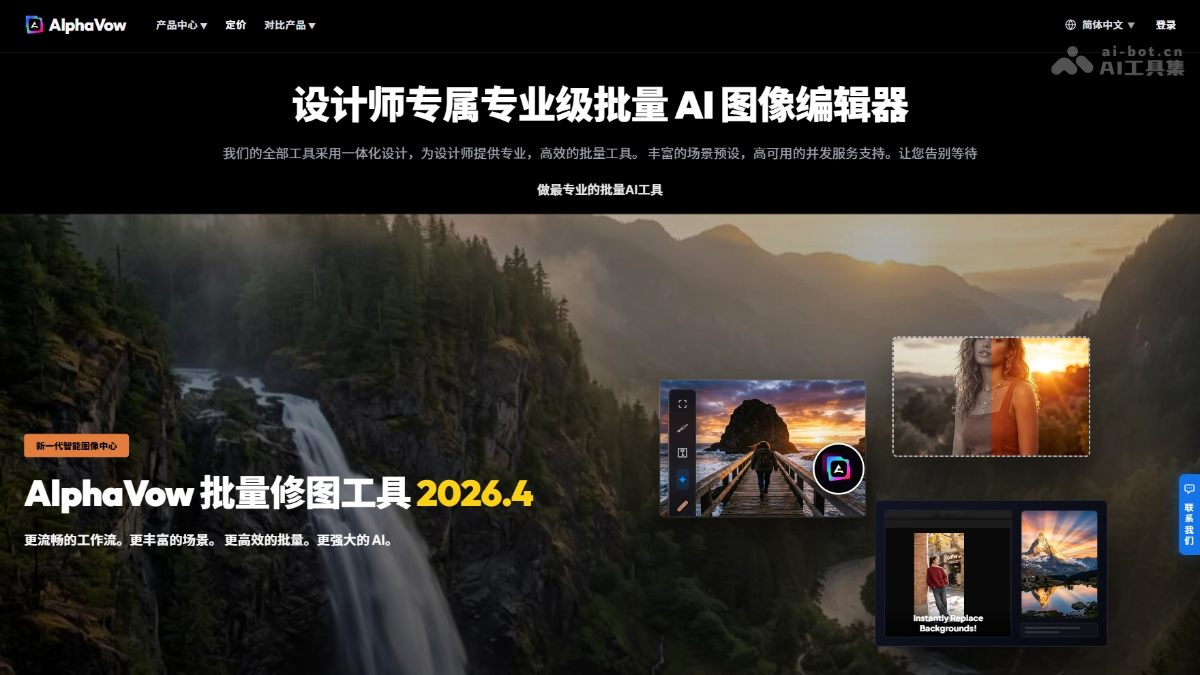
Batch AI retouching and image editing(Photo Edit): Supports high-concurrency batch processing of thousands of photos to unify color tone and style, and provides global and local non-destructive editing.
-
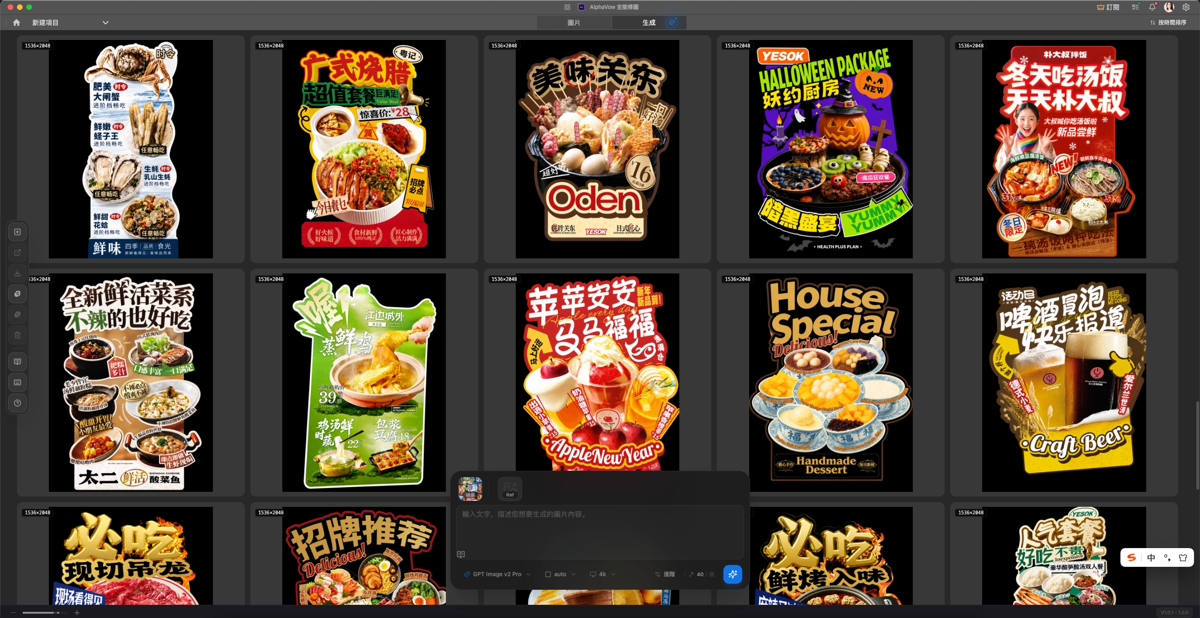
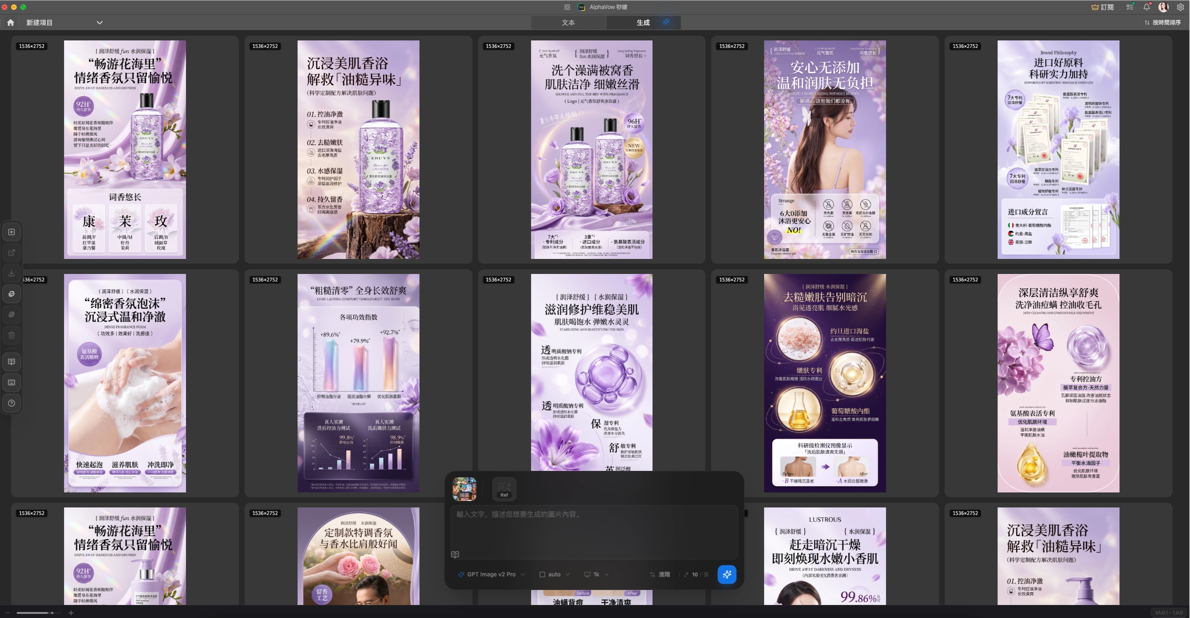
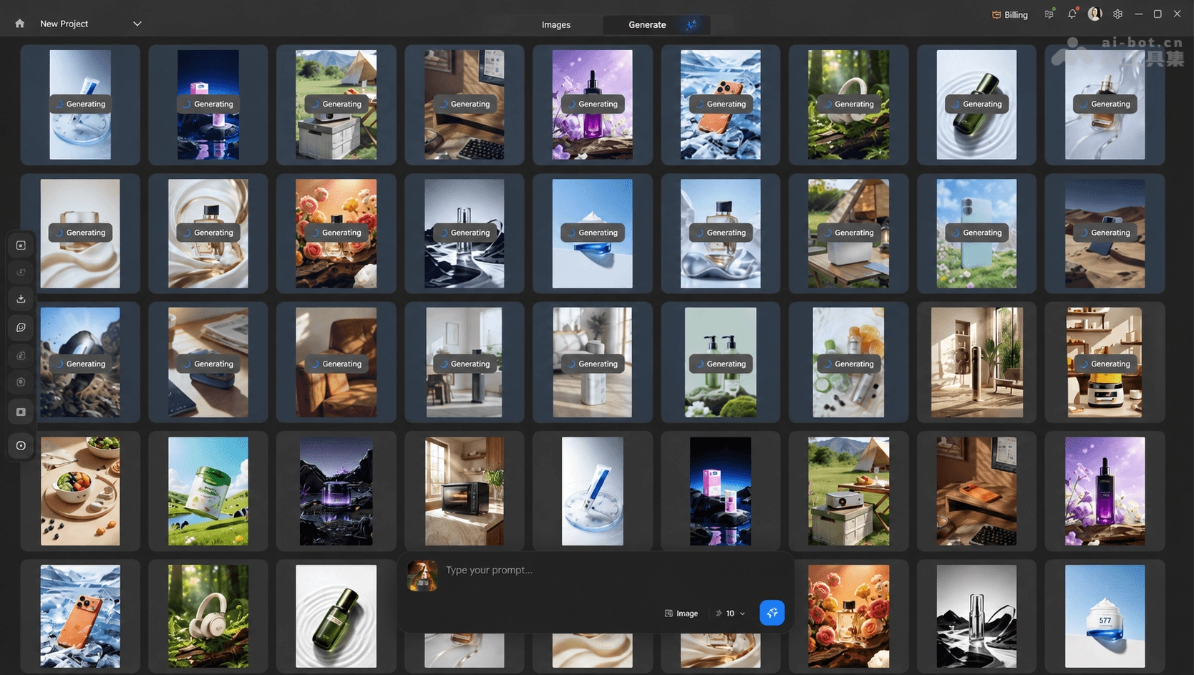
Batch AI text-to-image(Snap Draw): Supports high-concurrency generation of images from thousands of text instructions at the same time, and supports global and local non-destructive editing.
-
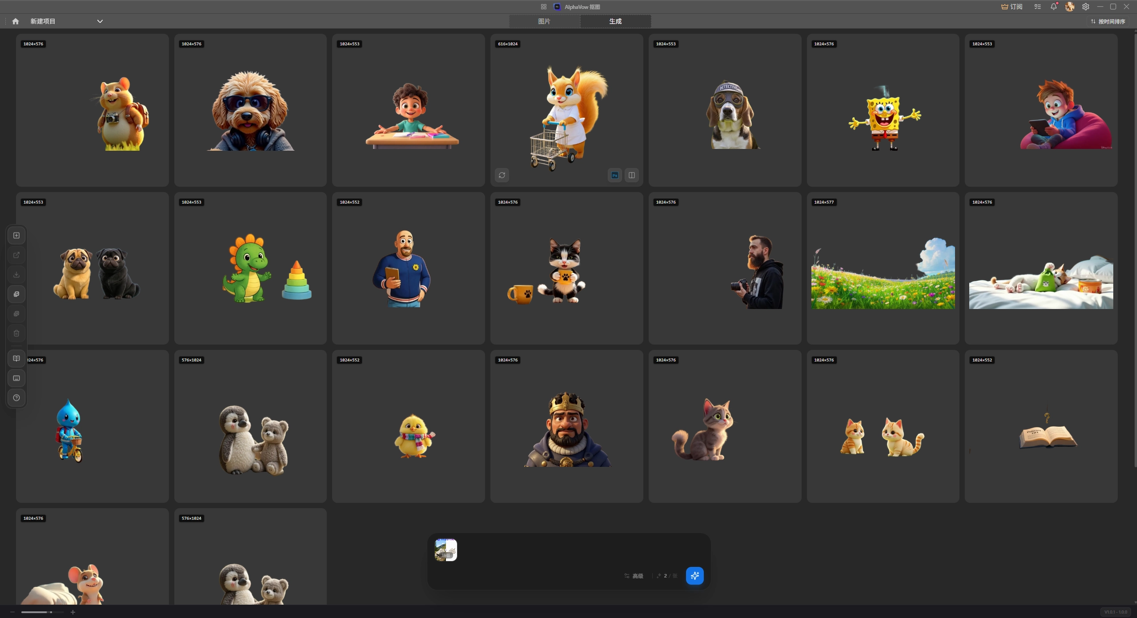
Batch AI background removal(Remove BG): Achieves hair-strand-level high-precision background removal, automatically generates masks and exports transparent backgrounds, and supports batch processing.
-
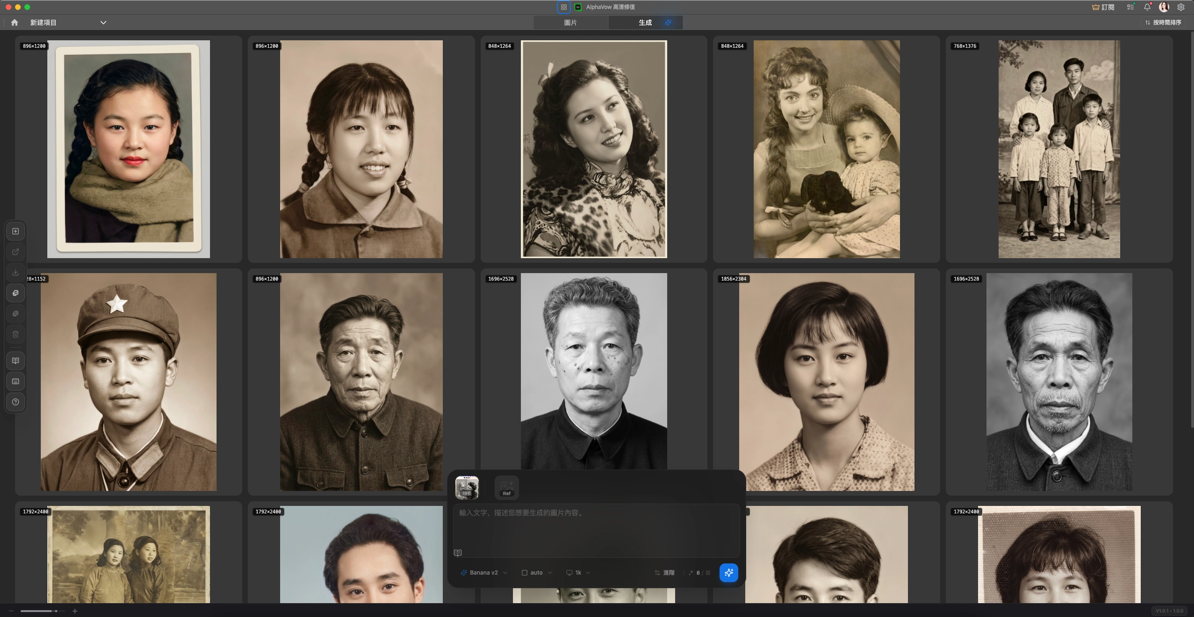
Batch HD restoration and upscaling(HD Restore): Through AI neural detail restoration technology, images can be losslessly upscaled up to 4K (400% magnification).
-
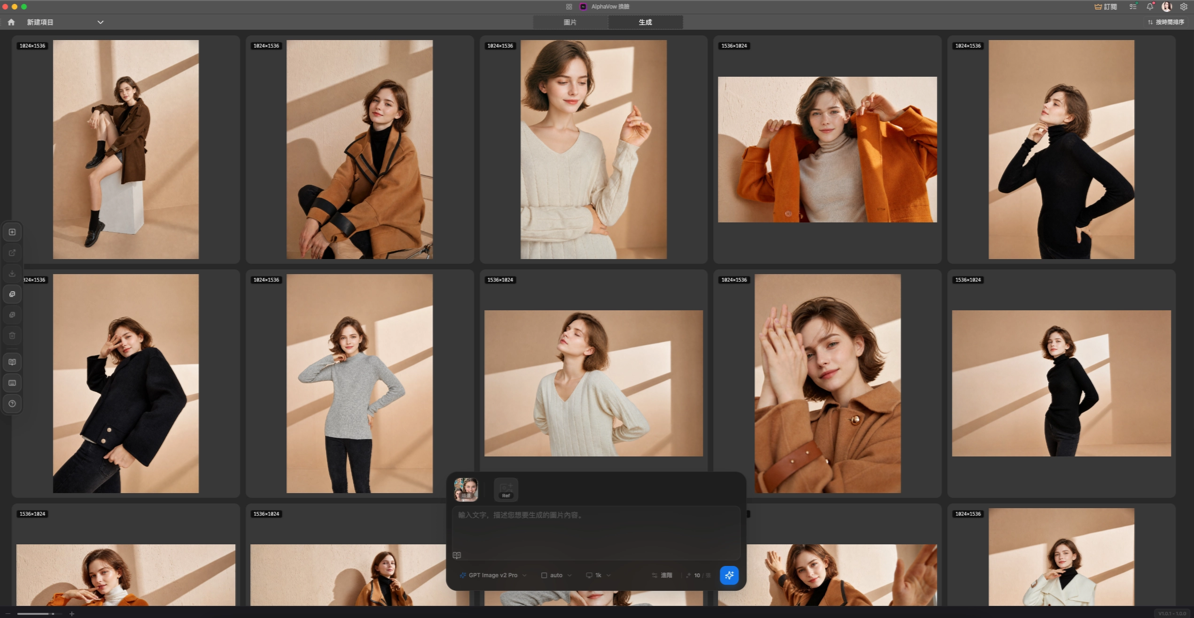
Batch AI face swap(Face Swap): High-fidelity simultaneous face swapping for multiple faces, automatically blending facial structure, skin tone, and lighting to achieve a traceless, natural effect.
-
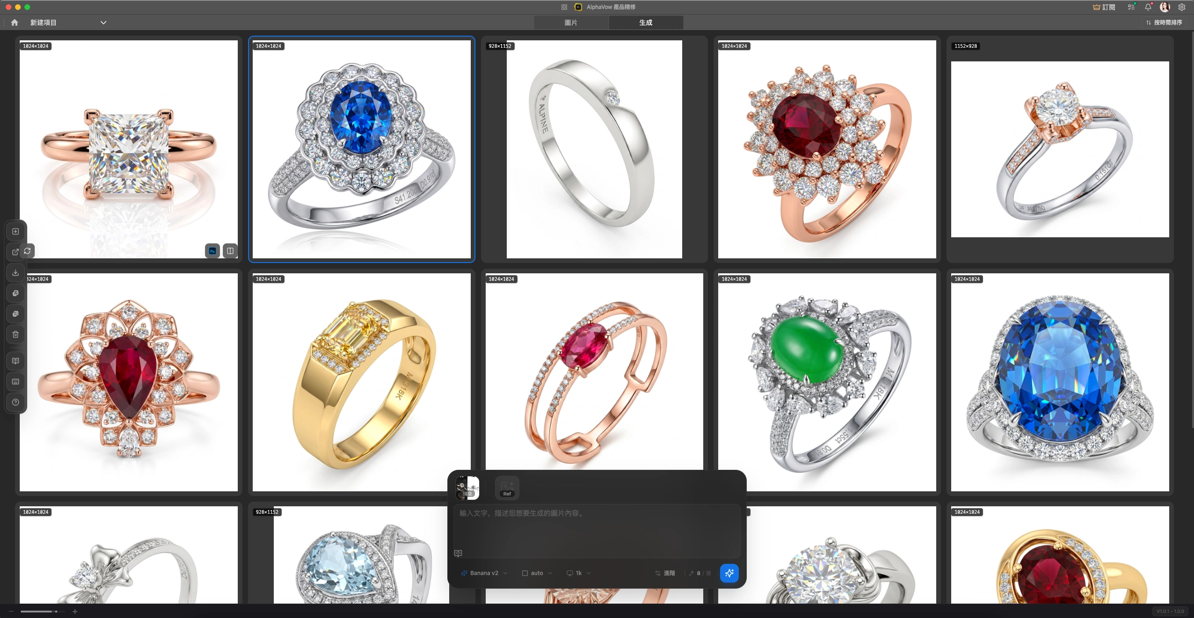
Batch product retouching(Pro Retouch): Designed specifically for e-commerce jewelry, intelligently removes scratches and dust and enhances the luster and texture of gold jewelry and gemstones.
-
AI browser plugin(Browser Extension): One-click sniffing and collection of design assets while browsing web pages, directly synchronized to the editor for batch processing.
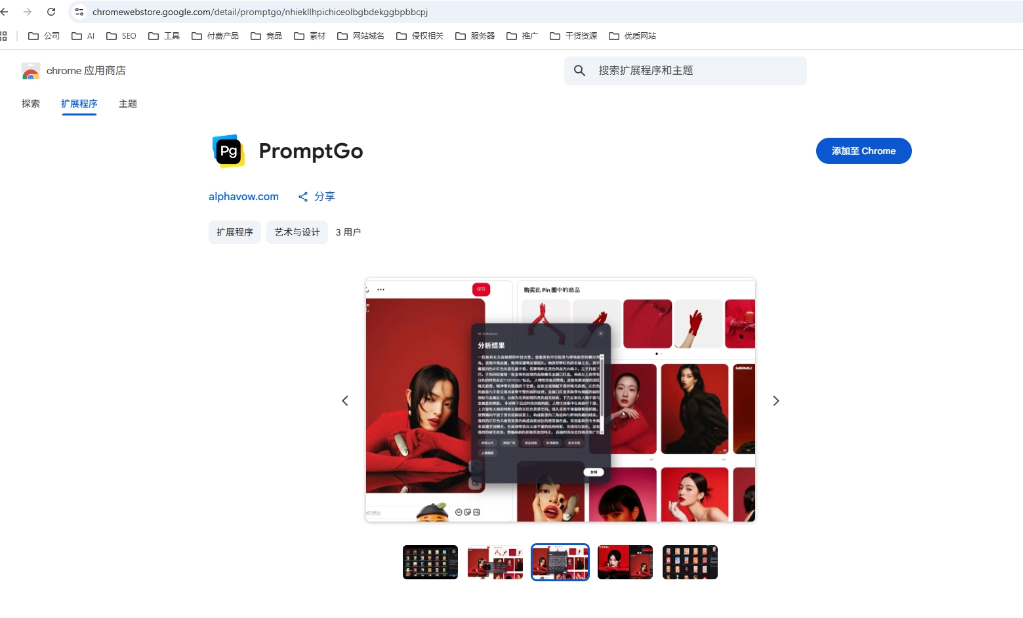
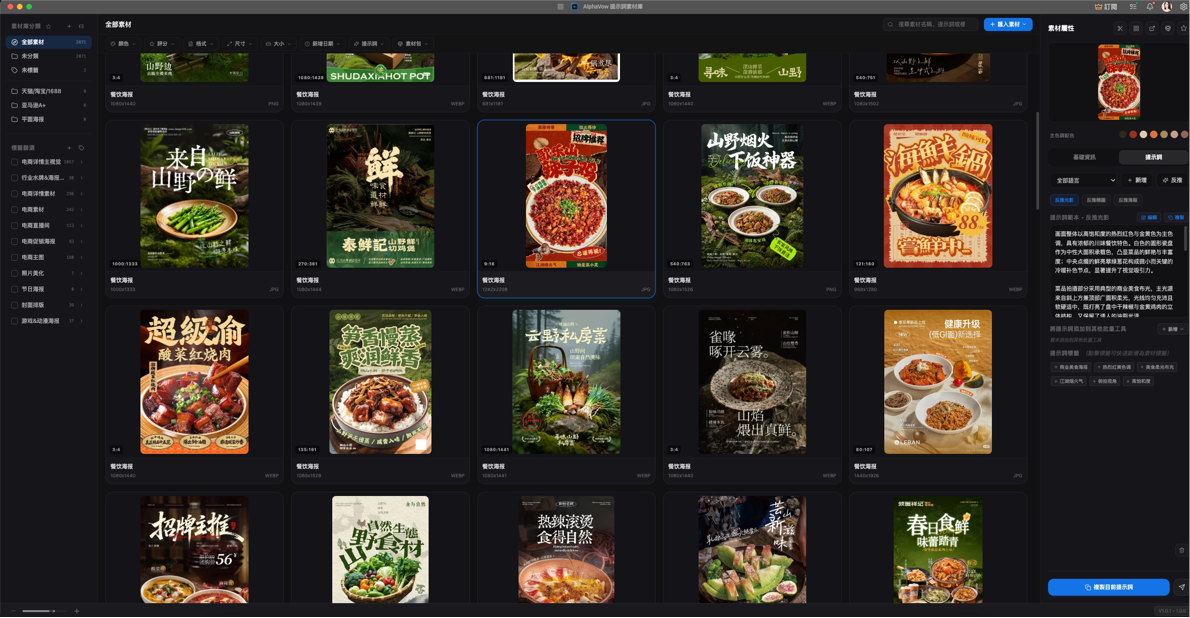
- Prompt asset management(Visual Hub): Efficiently manages prompts, supports batch prompt reverse inference, and supports more than 10 cross-border e-commerce prompt languages.
-
Model ecosystem: Natively integrates multiple mainstream high-end AI models such as Gemini, GPT Image, Seedream, Qwen, Flux, Banana, and more, and can be switched as needed.
-
Plugin integration: Can be used as a plugin for mainstream design software such as Photoshop, seamlessly integrating into existing workflows.
-
Overnight batch unattended operation: All tools support unattended overnight batch generation, enabling continuous and efficient output around the clock.
How to use AlphaVow
- Download and install: Visit the AlphaVow official website https://alphavow.com/zh/Download and install the AlphaVow client, supporting Windows/Mac systems.
- Select a tool: After running the program, select the retouching tool you need to use on the main interface.
- Batch import: Drag and drop the images or text to be processed in batches into the editing area of the corresponding tool.
- Configure parameters: Select an AI model and adjust processing parameters according to your needs.
- One-click generation: Click the "Batch Generate" button, and the system will automatically process all assets one by one through high-concurrency cloud computing power.
- Overnight unattended operation: Supports setting an unattended overnight operation mode to achieve around-the-clock automatic batch output.
- PS plugin integration: Can be installed as a Photoshop plugin, directly invoking AlphaVow's AI capabilities within PS to process layers.
- Team Collaboration: The team edition supports member role assignment and shared asset libraries, making it easy for multiple people to collaborate on multiple projects.
AlphaVow's Core Advantages
- High-Concurrency Batch Processing Across All Tools: All seven core tools natively support high-concurrency batch processing. A single load can automatically complete retouching, cutout, face swap, or refinement for hundreds to thousands of images, with no need to operate on them one by one.
- Flexible Switching Between Multiple Models: Natively integrates mainstream high-end AI models such as Gemini, GPT Image, Seedream, Qwen, Flux, and Banana. Users can switch freely according to scenario requirements, covering diverse styles on a single platform.
- Non-Destructive Editing: Supports local batch retouching and multiple tiered adjustments. All modifications are reversible and the original image's fine details do not degrade, giving professional designers full control over the final output.
- Unattended Overnight Operation: Supports overnight unattended mode and intelligent scheduling of multi-batch task queues. The system can continuously produce automatically around the clock without supervision, breaking through time bottlenecks.
- All-in-One Seven-in-One: Integrates seven major capabilities—retouching, text-to-image, cutout, super-resolution, face swap, refinement, and asset management—into the same platform, completely ending the inefficient workflow of switching back and forth between multiple software programs.
- Team Collaboration System: Provides unified management of team accounts, assignment of member roles and permissions, and shared asset libraries. Supports parallel advancement of multiple projects, designed specifically for studio-level batch delivery scenarios.
- Ultimate Efficiency Improvement: Based on cloud high-concurrency computing power, it compresses traditional batch post-processing work that took hours or even days into seconds or minutes, helping teams save 60%-80% of manpower investment.
AlphaVow's Comparison with Similar Competitors
| Comparison Dimension | AlphaVow | PhotoRoom |
|---|---|---|
| Product Positioning | One-stop AI batch image processing center (full chain of 7 major tools) | Online AI image editing tool |
| Feature Coverage | Seven-in-one: retouching, text-to-image, cutout, super-resolution, face swap, refinement, and asset management | Background removal, AI scene generation, shadows, batch adjustments, templates |
| Batch Depth | All seven tools natively support high-concurrency batching, with unattended overnight operation | Batch processing requires paid unlock; Pro version 500 times/month, Ultra up to 5,000 times/month |
| AI Models | Multi-model matrix (Gemini, GPT Image, Seedream, Qwen, Flux, Banana, etc.) | Single self-developed segmentation model, optimized for product photos |
| Professional Features | Supports hair-strand-level cutout, multi-face face swap, jewelry refinement, 4K super-resolution, and non-destructive editing | Does not support in-depth features such as face swap, super-resolution upscaling, or product refinement |
| Plugin Integration | Can be used as a Photoshop plugin, connecting with professional design workflows | No PS plugin; runs as a standalone app and on the web |
| Team Collaboration | Unified team account management, role permission assignment, shared asset library | Limited team edition features; focused on single users/small sellers |
AlphaVow's Application Scenarios
-
Batch Image Production for Major E-commerce Promotions: Batch-adjust color, remove backgrounds, retouch flaws, and export white-background images for thousands of product main images at once, compressing traditional post-production work that takes hours down to minutes.
-
Wedding/Group Photography Post-Production: Batch face-swap and retouch hundreds of group photos from an entire wedding, automatically blending lighting, shadow, and skin tones, eliminating manual Photoshop work image by image, and shortening delivery cycles from several days to several hours.
-
Jewelry and Luxury Goods Retouching for Listing: Batch-remove scratches and dust from images of hundreds of jewelry pieces in the same collection, enhance the translucent texture of metal and gemstones, and quickly complete pre-listing retouching for new products with unified standards.
-
High-Definition Restoration of Old Photos/Materials: Batch super-resolution upscale entire sets of low-resolution old photos or high-ISO night scene materials to 4K, completing digital restoration in one pass with AI neural detail reconstruction.
-
Design Team Material Asset Management: Batch-sniff and collect inspirational materials through a browser extension, while Visual Hub automatically categorizes and tags them and reverse-engineers prompts, connecting the entire chain from inspiration to finished product.


