

What is Tavafa
Tavafa is a new-generation AI online design platform that integrates AI generation, AI photo editing, and PS-level pixel retouching. Users can quickly generate and modify images through natural language conversation, while using built-in PS features to perform pixel-level retouching of images and freely arrange layouts on an infinite canvas. Tavafa adopts a "pay-as-you-go" model, charging only for AI interface calls (such as AI large models, background removal, image enhancement, etc.), while basic editing features are completely free, greatly reducing design costs.
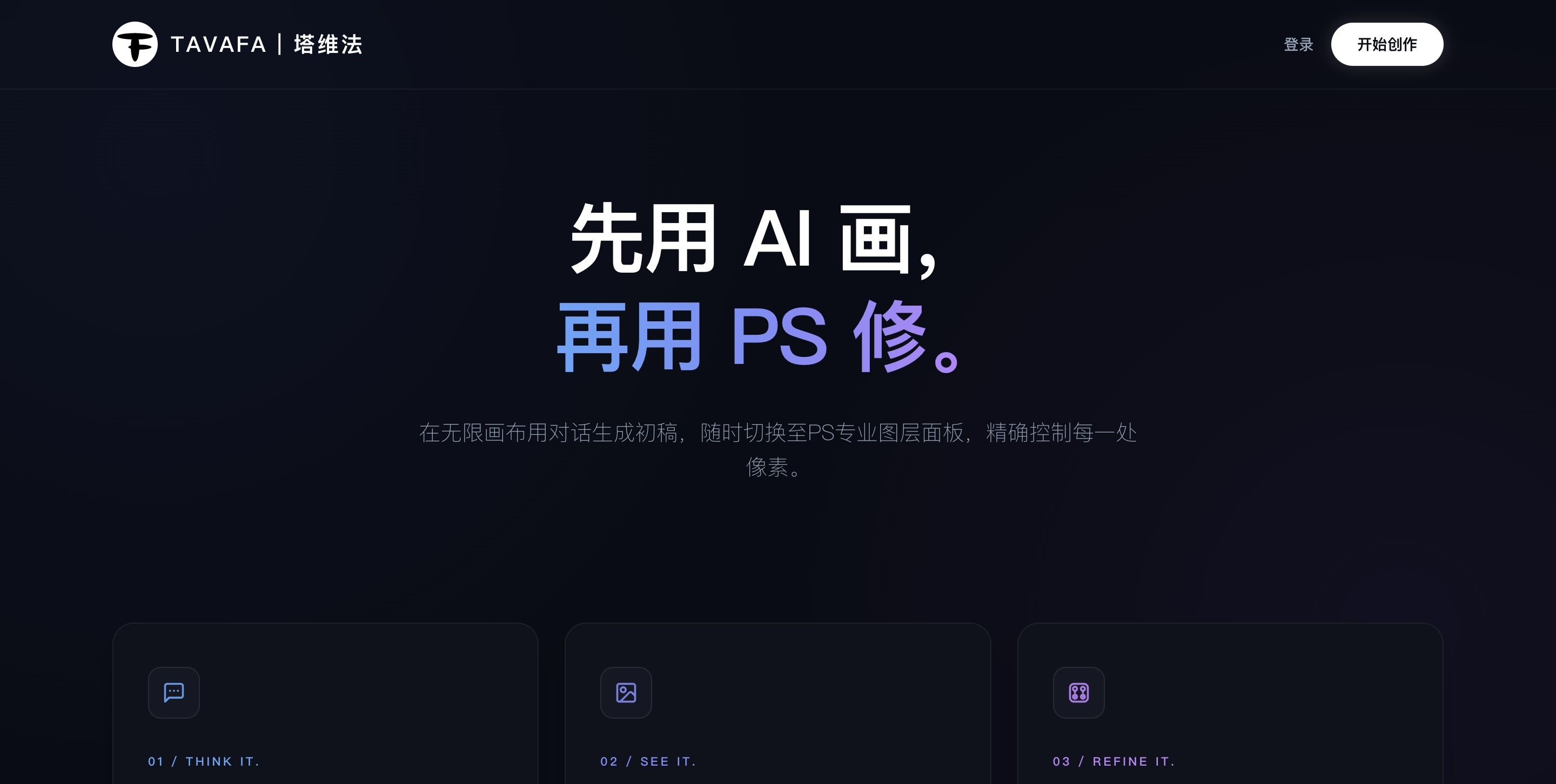
Tavafa's main features
-
AI Chatbox conversational generation and modification: Image generation, style transfer, and content modification can be completed through natural language descriptions, with no need to learn complex parameters.
-
Built-in PS pixel-level retouching: Integrates professional-grade image editing capabilities and supports layer-level fine adjustments, meeting designers' high standards for detail.
-
Free layout on an infinite canvas: Replicates the interaction logic of professional design software, supports scroll wheel zooming and spacebar dragging, and allows free organization of multi-element visual layouts on the canvas.
-
AI practical toolset: One-click AI background removal, AI clarity enhancement, high-resolution upscaling, and other intelligent processing to quickly optimize image quality.
-
Smart reuse of history: Supports re-editing and regenerating past generation records, and prompts can be copied and reused with one click, efficiently continuing creative work.
-
PS retouching Icon entry: Because AI can complete most operations, retouching features are used less frequently, so they are stored in Icon form to keep the interface lightweight and concise.
How to use Tavafa
-
Visit the platform: Visit Tavafa's official website https://www.tavafa.com , register and log in to your account.
-
Describe requirements: Enter natural language descriptions in AI Chatbox to quickly generate design drafts or modify existing images.
-
Browse the overall layout: On the infinite canvas, use scroll wheel zooming and spacebar dragging to freely browse and adjust the overall visual layout.
-
Use tools: If AI-enhanced processing is needed, call tools such as one-click background removal, AI clarity enhancement, and high-resolution upscaling (consumes credits based on usage).
-
Professional-grade fine-tuning: Click the PS retouching Icon entry to enter pixel-level editing mode and perform professional-grade fine-tuning of image details.
-
Save and export: After completing the design, save or export the final result.
Tavafa's core advantages
-
Pay-as-you-go, controllable costs: Only AI computing interfaces (such as large model generation, background removal, clarity enhancement, etc.) are charged, and basic editing features are completely free
-
Integrated design workflow: From AI generation to PS retouching, there is no need to repeatedly switch between the browser and professional software
-
Zero learning cost: Replicates PS layer logic and professional canvas interaction, allowing designers to get started seamlessly
-
Lightweight interface, efficient operation: Low-frequency retouching features are stored as Icons, while high-frequency AI capabilities are placed up front, keeping the interface uncluttered
-
Traceable history: Fully saves generation records, supporting anytime review, reuse, and secondary creation
Comparison of Tavafa with similar competitors
| Dimension | Tavafa | Lovart | Canva |
|---|---|---|---|
| Pricing model | Pay-as-you-go, basic features free | Annual subscription | Subscription + partial payment |
| AI generation | Supported, natural language conversation | Supported | Supported |
| PS-level retouching | Built-in, Icon entry | Basic editing | Basic editing |
| Infinite canvas | Professional-level interaction (zoom/drag) | Basic canvas | Basic canvas |
| Background removal/enhance clarity | AI interface billed on demand | Included in subscription | Some features paid |
| Interface design | Lightweight, low-frequency features tucked away | Features laid out flat | Feature-rich, somewhat complex |
Tavafa application scenarios
-
E-commerce visual design: Quickly generate product main images, detail page posters, and campaign banners, use AI background removal and PS retouching to complete pixel-level fine-tuning, and freely lay out multi-image combinations on the infinite canvas.
-
Social media content creation: Generate cover images and illustrations for platforms such as WeChat Official Accounts, Xiaohongshu, and short videos, change styles with one click via AI Chatbox, and reuse historical Prompts to achieve series-wide visual consistency.
-
Brand promotional material production: Design brand assets such as logos, business cards, posters, and roll-up banners, then enter PS retouching mode after AI generates the first draft to polish details, ensuring the output meets brand standards.
-
Batch production of advertising and marketing materials: Quickly generate multiple versions of ad images for campaign needs, compare different options side by side on the infinite canvas, and pay only for AI generation and enhancement calls to control batch production costs.
-
UI/product prototype design: Build product interface prototypes or App screenshot packaging on the infinite canvas, use AI to generate auxiliary visual elements, and rely on PS retouching to ensure pixel-level alignment and texture of the interface.
-
Image repair and quality enhancement: Perform AI clarity enhancement and upscaling on low-resolution materials, old photos, or blurry screenshots, and combine with PS retouching to restore details and rescue unusable images.


