

What is Qodo
Qodo (formerly CodiumAI) is an AI-driven development platform focused on improving code quality and development efficiency. Through intelligent agent technology, it seamlessly integrates into developers' daily workflows, including IDEs, terminals, and Git platforms. Qodo provides features such as code generation, test generation, and code review, and can generate code and test cases that comply with best practices based on project requirements, providing context-aware code suggestions and automated review workflows in pull requests. Utilizing a multi-agent architecture and Retrieval-Augmented Generation (RAG) technology, it efficiently collects code context information and generates high-quality code and test content. Qodo only analyzes necessary code, ensuring data security and privacy, and transmits data through SSL encryption, while also obtaining SOC2 certification.
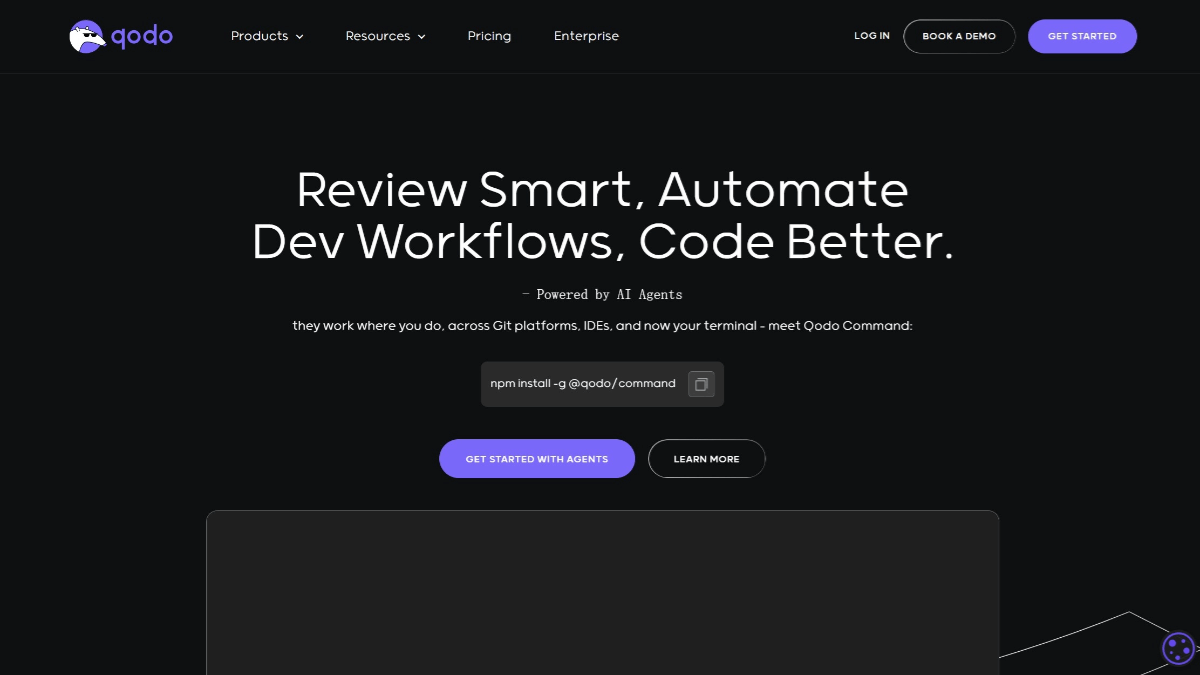
Qodo's main features
-
Intelligent code completion: Provides precise completion suggestions based on code context, accelerating development speed.
-
Code translation: Supports translating code from one programming language to another, facilitating cross-language development.
-
Automatic naming: Provides intelligent variable and function naming suggestions, reducing naming conflicts.
-
Comprehensive test generation: Automatically generates test cases covering normal paths, edge cases, and rare scenarios, improving code coverage.
-
Regression test generation: Through Qodo Cover, analyzes source code and generates regression tests to ensure code maintains functional integrity as development evolves.
-
Automated code review: Provides detailed review results in pull requests (PRs), helping teams quickly review code and ensure compliance with best practices.
-
Context-aware suggestions: Provides intelligent suggestions based on code context, helping developers optimize code.
-
Automatic code documentation: Automatically generates code documentation, helping maintain clear documentation records.
-
Supports multiple development environments: Seamlessly integrates with VS Code, JetBrains IDE, GitHub, GitLab, and more.
-
Dynamic learning: Qodo Merge can dynamically learn from suggestions accepted by developers, maintaining an ever-evolving knowledge base of best practices.
How to use Qodo
- Visit the platform: Visit Qodo's official website.
- Installation and integration
-
Install Qodo Command: Install Qodo Command through the terminal, with the command
npm install -g @qodo/command。 -
Integrate into the development environment: Qodo supports multiple development environments, including VS Code, JetBrains IDE, GitHub, GitLab, and more. It can be integrated by installing the corresponding plugin or extension.
-
GitHub Actions integration: Qodo-Cover can be integrated into CI/CD processes as part of GitHub Actions. For example, using
qodo-cover-prAction to automatically trigger test coverage analysis when a PR is created or updated.
-
- Use Qodo's main features
-
Code generation and optimization:
-
Activate Qodo Gen in the IDE, select the component for which code needs to be generated, and enter the
/generatecommand to start code generation. -
Qodo provides features such as intelligent code completion, code translation, and automatic naming.
-
-
Test generation:
-
Open the file to be tested, activate Qodo Gen, select the test component, and enter
/testcommand, and Qodo will guide you through test generation. -
You can use the CLI tool
qodo-coverto run test generation locally, with the command formatqodo-cover run --language <language> --source <source_dir> --tests <test_dir>。
-
-
Code Review:
-
Use Qodo Merge on the PR page, and Qodo will automatically analyze the code and provide context-aware code suggestions.
-
Trigger commands via CLI or online comments (such as
/review), and Qodo will generate a code review report.
-
-
-
Configuration File: Qodo provides configuration files (such as
configuration.toml), and users can customize models, Git providers, commands, etc. -
Custom Commands: Users can add custom commands through configuration files to adapt to specific workflows.
Qodo's Application Scenarios
-
Rapid Prototyping: In the early stages of development, Qodo can quickly generate code snippets and test cases, helping developers shorten development cycles.
-
Automated Test Generation: Qodo's test generation tools (such as Qodo Cover) can analyze code behavior and generate test suites covering normal paths, edge cases, and rare scenarios, ensuring code quality.
-
Code Quality Maintenance: Through automated code review and context-aware code suggestions, Qodo helps developers maintain high quality standards while writing code.
-
Team Collaboration Optimization: Qodo supports multi-person collaborative development. Through integration with platforms such as GitHub and GitLab, it provides PR analysis and review features, improving the team's overall work efficiency.
-
Enterprise-Level Feature Support: For enterprise teams, Qodo provides enterprise-level user management, dashboards, and analysis tools, and supports enterprise-level SSO and priority support services.

