

What is Lantay
Lantay is a professional-grade document processing intelligent workbench launched by ModelBest, known as the "Cursor of the document field." Lantay pioneered the Vibedocing interaction paradigm, adopting a three-in-one interface of navigation area, workspace, and dialogue area, supporting batch processing of 200 documents at a time (covering 16+ formats such as PDF and Word). Lantay has built-in professional Agents for vertical fields such as law and finance, as well as a traceable knowledge base, effectively reducing AI hallucinations. Lantay is a new human-machine collaboration paradigm built for lawyers, analysts, and other document workers with high rigor and heavy workloads.
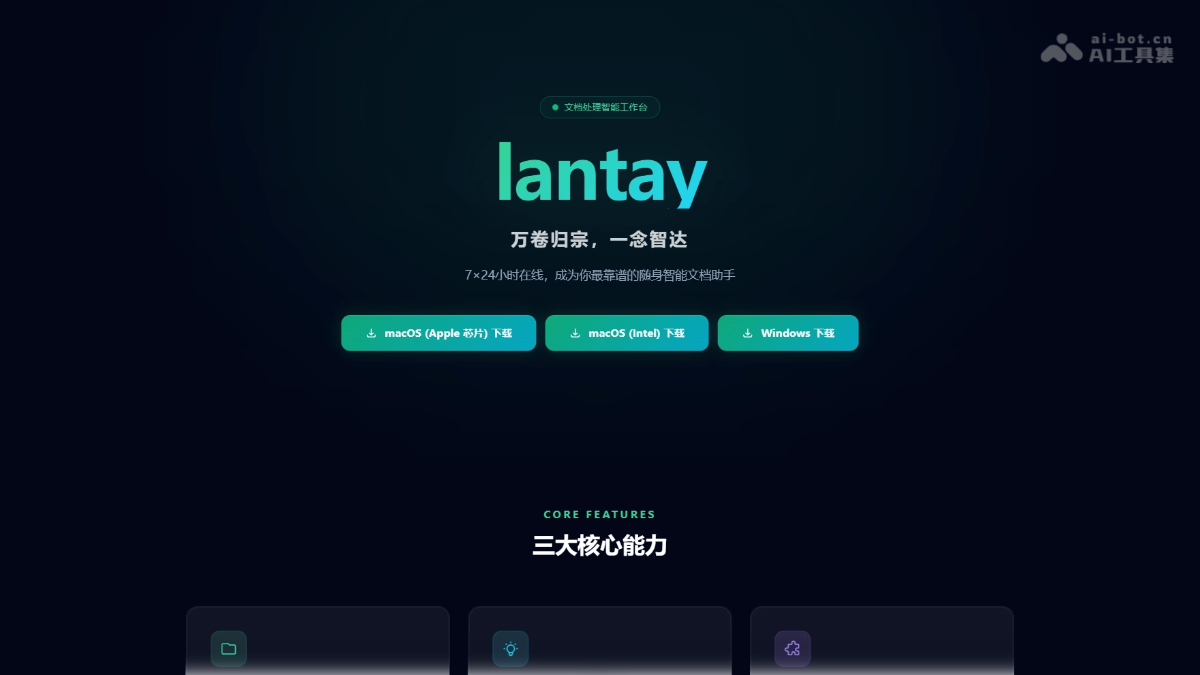
Lantay's main features
- Intelligent workspace: Local folders can be turned into intelligent workspaces with one click, enabling two-way real-time synchronization between local and cloud, and the built-in browser supports directly looking up information and saving it to the workspace.
- Full-scale document processing: Supports batch processing of more than 16 formats including PDF, Word, PPT, and recordings, processing up to 200 files at a time (single file limit 100MB, audio up to 500MB), enabling cross-file information extraction, summarization, and recompilation.
- Interaction and collaboration: Adopts the three-in-one Vibedocing interaction interface of navigation area, workspace, and dialogue area, supports precise association of specified files for analysis through the @ symbol, and provides voice input and intelligent recording transcription for meeting minutes.
- Professional Agent ecosystem: Pioneers a linear Agent canvas, allowing users to invoke professional preset Agents in fields such as law and finance by typing #, while also supporting user-defined exclusive SubAgents and integration with professional knowledge bases to reduce AI hallucinations.
- Security and controllability: Based on a device-cloud collaborative architecture, provides an all-in-one private deployment solution to ensure sensitive data is not uploaded to the cloud, and protects important documents from accidental operations by limiting file source scope and deletion/modification policies.
How to use Lantay
- Obtain and install: Visit the official website https://lantay.modelbest.cn/ , download the corresponding version (supporting macOS Apple/Intel chips and Windows), and register and log in after installation.
- Create a workspace: In the navigation area, click to connect a local folder and turn case materials or project folders on your computer into an intelligent workspace with one click, with real-time two-way synchronization between local and cloud.
- Process documents
-
Single document processing: Directly upload or drag files to the workspace, and select text to have AI analyze, polish, or check risks.
-
Batch processing: Upload up to 200 files at the same time (16 formats such as PDF, Word, and recordings), and AI automatically integrates and summarizes across files.
-
Precise association: Enter in the dialogue area
@文件名to make AI answer based only on that document, avoiding hallucinations.
-
- Invoke professional Agents: Enter in the dialog box
#to wake up preset Agents (such as legal assistant and due diligence assistant), or enter#自定义Agent名称to invoke exclusive workflows, and AI automatically executes complex tasks according to preset steps. - Voice interaction: Click the voice button to directly dictate instructions, such as "combine these three recordings to generate a cooperation agreement," and the system automatically transcribes the recordings and generates a document.
Key information and usage requirements of Lantay
-
Developer: Developed by ModelBest, a leading large model technology company in China.
-
Product positioning: Positioned as a "Cursor-like professional-grade document agent workbench," pioneering the Vibedocing (Vibe + Docing) interaction paradigm.
-
Core Capabilities: Supports batch processing of 200 files at a time (covering over 16 formats including PDF, Word, PPT, audio recordings, etc.), with cross-file intelligent integration, a pioneering linear Agent canvas (input
#to invoke professional Agents), and an end-cloud collaborative architecture. -
Target Users: Primarily aimed at practitioners in document-intensive industries such as lawyers, financial analysts, professional writers, and investment leads, who demand high rigor, handle high workloads, and have extremely high data security requirements.
-
Deployment Methods: Currently offers two options: a SaaS cloud version (in public beta) and an all-in-one appliance private deployment, meeting different security level requirements.
-
System Requirements: The client supports macOS (with separate versions for Apple chips and Intel chips) and Windows operating systems.
Lantay's Core Advantages
-
Professional-Grade Positioning Advantage: As a "Cursor-like document agent workbench," it pioneers the Vibedocing interaction paradigm, deeply embedding AI capabilities into the workflows of high-rigor industries such as law and finance, rather than merely providing generic Q&A.
-
Ultra-Large-Scale Processing Capability: Can batch process 200 files at a time (covering over 16 formats), supporting cross-document intelligent integration and traceability analysis, far exceeding the single-file processing limits of conventional AI assistants.
-
Deep Industry Adaptation: Built-in professional Agents and traceable knowledge bases for fields such as law and finance, with the entire retrieval process visible, effectively eliminating the "hallucination" problem of general-purpose large models and ensuring professional output is well-founded.
-
Ultimate Data Security: Adopts an end-cloud collaborative architecture and supports all-in-one appliance private deployment; sensitive data can be fully processed locally without going to the cloud, meeting the compliance requirements of institutions such as law firms and investment banks.
-
Efficient Interaction Experience: A three-in-one interface design comprising navigation area, workspace, and conversation area, combined with a linear Agent canvas (
#invocation) and@文件precise association, enabling immersive human-machine collaboration without switching windows. -
Flexible Extensibility: Supports user-defined SubAgents (similar to Skills) and dedicated workflows, can invoke preset professional intelligent agents, and allows configuration of automated task flows according to personalized needs.
Lantay's Comparison with Similar Competitors
| Comparison Dimension | Lantay (ModelBest) | NotebookLM (Google) | WPS AI (Kingsoft Office) |
|---|---|---|---|
| Developer | ModelBest (面壁智能) | Kingsoft Office | |
| Product Positioning | Professional-grade document agent workbench (Cursor-like Vibedocing paradigm) |
AI-native research assistant and note-taking tool | Office software AI enhancement plugin |
| Batch Processing Capability | Single-run processing of 200 files Supports cross-file integration and analysis of 16+ formats |
Supports multi-source documents (Google Docs, PDF, audio, etc.), but batch scale is limited | Primarily single-document processing Focuses on format conversion and layout optimization |
| Vertical Domain Support | Built-in professional Agents for law/finance, etc. Access to legal regulations database and similar case database, with traceable sourcing |
General research domains No vertical industry knowledge base validation |
General office scenarios Lacks deep vertical domain adaptation |
| Data security | Device-cloud collaborative architecture Supports all-in-one machine private deployment Sensitive data can be fully processed locally |
Pure cloud processing Data must be uploaded to Google servers |
Primarily cloud processing Enterprise edition supports localized deployment |
| Interaction mode | Navigation area + workspace + conversation area Three-in-one interface Supports @文件 precise association and voice commands |
Conversational research assistant Supports generating podcasts and notes |
Embedded toolbar commands Dialog box interaction |
| Core advantages | Professional and rigorous (anti-hallucination), ultra-large-scale batch processing, high security and compliance |
Strong multimodal understanding capability In-depth research insights Low barrier to use |
Excellent format compatibility Comprehensive office ecosystem Rich template resources |
| Main limitations | In public beta stage, ecosystem yet to be improved Relatively high learning cost |
No professional domain validation mechanism Risk of AI hallucination Compliance risks in cross-border data transfer |
Lacks Agent workflow capabilities Weak professionalism, only assists with editing |
Lantay application scenarios
-
Legal practice scenarios: Lawyers can use it for batch organization of case materials (processing 200 pieces of evidence at a time), contract risk review and clause comparison, automatic generation of court hearing outlines, analysis of suspect interrogation transcripts, and litigation strategy research combining legal regulations database and similar case database.
-
Financial investment scenarios: Investment leads and analysts can conduct localized processing of massive due diligence data (supports transcription of 500MB large audio interviews), cross-file integration of multi-period financial report data, and automatic drafting of VC/PE due diligence reports, ensuring sensitive business data is not uploaded to the cloud.
-
Corporate compliance and consulting: Suitable for batch parsing of bidding documents, centralized management of multi-department project documents, compliance risk review, and generating standardized reports combining internal knowledge bases, supporting real-time synchronization and version control of local folders.
-
Academic research and publishing: Professional authors and researchers can conduct literature review writing (based on existing literature content), logical organization and polishing of academic papers, cross-validation of multi-source materials, and batch proofreading of book manuscripts, effectively reducing interference from AI hallucinations on professional content.

