

What is Gemini Notebook
Gemini Notebook (formerly NotebookLM) is an AI note-taking app launched by Google. Based on a large language model (LLM), it helps users manage and absorb information. Users can upload documents, links, and text, and Gemini Notebook can understand the content and generate summaries, answer questions, and propose creative ideas.AI PodcastThe feature can convert uploaded content into a conversational podcast, offering a new information consumption experience through a dialogue between two virtual hosts, one male and one female. Gemini Notebook supports generating outlines, timelines, study guides, FAQs, and more, improving learning, research, and work efficiency for individuals and professionals. Gemini Notebook supports multiple languages and provides services in more than 200 countries and regions worldwide.
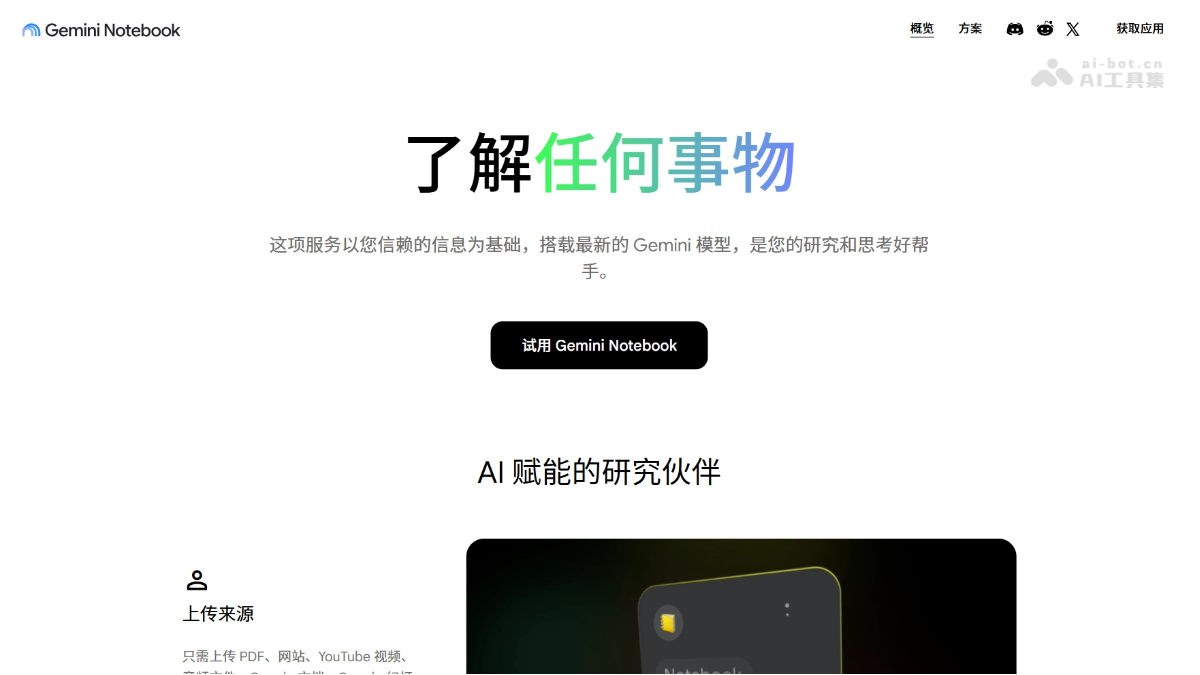
Main Features of Gemini Notebook
- Document Understanding and Summarization: Users can upload PDFs, text files, or Google Docs, and Gemini Notebook will understand the document content and automatically generate a summary.
- Question Answering: Based on the documents uploaded by the user, Gemini Notebook can answer questions the user asks about the document content.
- Creative Idea Generation: In addition to answering questions, Gemini Notebook can help users generate new creative ideas and thoughts, making it suitable for content creation and brainstorming.
- Podcast Generation: Gemini Notebook can convert document content into podcast form, discussing the topics in the document through a dialogue between AI hosts, providing information consumption in audio format.
- Multilingual Support: Supports multiple languages, so users worldwide can use the AI note-taking tool.
- Personalized AI Assistant: Through "source-grounding" technology, Gemini Notebook can create a personalized AI assistant based on the specific content uploaded by the user.
- Video Overviews: Automatically creates narrated slide videos based on the topic requested by the user, and supports enriching the content with data extracted from user-uploaded images, charts, quotations, and documents.
- Native Code Execution: With newly added secure cloud computer support, users can write and run code directly within the notebook to perform complex data analysis based on data sources.
How to Use Gemini Notebook
- Visit the Official Website:Visit the Gemini Notebook official website https://notebooklm.google/ 。
- Create a Notebook:When using it for the first time, you need to create a new notebook. Log in to your Google account and name the notebook.
- Upload Documents:In the notebook, you can upload the documents you need to process. Supported formats include PDF, TXT, Google Docs, web links, and more.
- Generate a Summary:After uploading documents, Gemini Notebook will automatically analyze the document content and generate a summary.
- Ask Questions and Get Answers:You can ask Gemini Notebook questions, and it will provide answers based on the uploaded document content.
- Generate a Podcast:Using Gemini Notebook's "Audio Overview" feature, you can convert document content into podcast form, and the AI hosts will discuss the topics in the document in a conversational way.
- Save and Organize Notes:While interacting with Gemini Notebook, you can save interesting answers or summaries as notes for later reference.
- Available in Some Regions: Gemini Notebook is currently available only in certain regions to users aged 18 and above.
Gemini Notebook product pricing
- Free for individuals:
- Build with the latest Gemini models
- Upload PDF files, websites, Google Docs and Google Slides, YouTube URLs, and more
- Create one-click summaries, FAQs, timelines, and briefing documents
- Generate audio overviews and listen anytime, anywhere
- Ask questions to get deeper data insights and answers with citations
- Pro version:
- Five times the upper limits for audio overviews, notebooks, queries, and sources per notebook
- Customize the style and length of notebook responses
- Create shared notebooks for your team and analyze usage
- Additional privacy and security protections
Gemini Notebook use cases
- Academic research: Students and researchers can use Gemini Notebook to organize and analyze large amounts of research materials, generate summaries, answer research questions, and help write papers.
- Content creation: Writers, bloggers, and content creators can use Gemini Notebook to organize ideas, generate article outlines, and extract key points from existing content to create new articles or podcast scripts.
- Education and learning: Teachers and students can upload course materials, and Gemini Notebook can help summarize key concepts, answer students' questions, and generate study guides and review materials.
- Business analysis: Business analysts and market researchers can use Gemini Notebook to analyze market reports, competitor analyses, and customer feedback to gain deeper insights.
- Personal knowledge management: Individual users can upload various documents, such as meeting notes, reading notes, and more, and Gemini Notebook can help organize this information and generate a personal knowledge base.


