
What is Lingguang
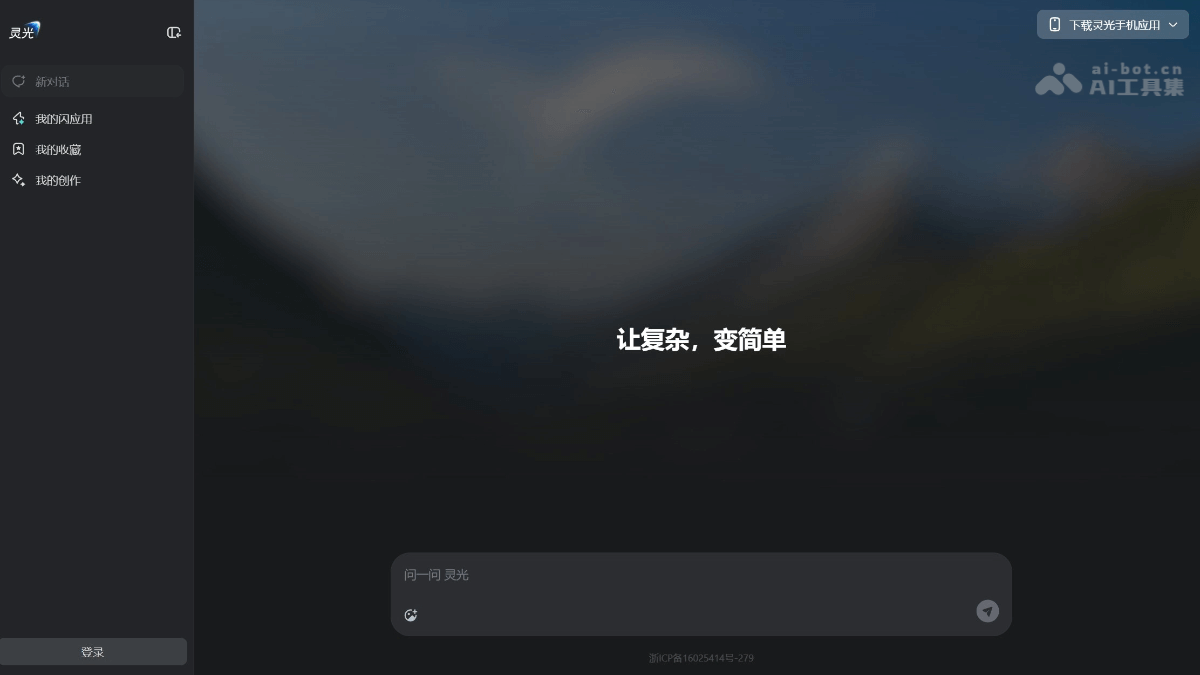
Lingguang is launched by Ant GroupAI dialogue and application generation platform, supporting web and mobile. Lingguang supports output of various omni-modal information such as 3D, audio, charts, animations, and maps. By conversing with Lingguang, you can quickly generate various practical small applications, such as a sleep calculator, countdown timer, etc., to meet personalized needs. Users can manage, save, and share their creations in "My Flash Apps," making them convenient to use anytime. The "My Favorites" feature makes it convenient for users to organize and review important information. The web version supports synchronization with the mobile app, enabling multi-device linkage and seamless intelligent experience.
Main Features of Lingguang
- Natural Language Interaction: Users can converse with Lingguang through natural language. Lingguang can understand and accurately answer various questions, whether everyday knowledge, professional questions, or specific needs, and can provide clear and accurate replies.
- Multi-turn Dialogue Capability: Supports multi-turn dialogue, can understand user intent based on context, continuously and deeply answer questions, making communication more natural and smooth.
- Quick Generation of Small Applications: Users only need to input simple instructions, such as "Make me a sleep calculator," and Lingguang can generate the corresponding small application in a short time to meet personalized needs.
- Application Management and Sharing: Users can view, edit, and manage the applications they create in "My Flash Apps," and can conveniently share applications with others, enabling rapid dissemination and use of features.
- My Flash Apps: Centrally manages all small applications created by users, making it convenient for users to view, use, and modify their creations anytime.
- My Favorites: Users can add important conversation content or generated applications to favorites for quick search and use later, improving efficiency.
-
Mobile App Integration: The web version seamlessly connects with the Lingguang mobile app. Users can create and edit applications on a computer, then continue using and sharing them on mobile, enabling collaborative work across multiple devices.
- Lingguang Vision: Through image recognition technology, Lingguang can recognize scenes and provide relevant information, such as historical origins, transportation options, real-time translation, etc., helping users better understand their surroundings.
- Lingguang Dialogue: Automatically extracts key points of document structure and generates visual summaries, charts, and task lists, helping users quickly organize and extract key information.
How to Use Lingguang
-
Visit the Platform: Visit the Lingguang AI official website https://www.lingguang.com/chat to enter the Lingguang main page; or downloadLingguang Mobile App, and install the app according to the device type.
-
Log In: Click the [Log In] button in the lower left corner, enter your mobile phone number for verification, and then you can use it.
- Input Instructions: Enter specific needs in the dialog box, such as "Make me a sleep calculator," and Lingguang will generate the corresponding small application within 30 seconds.
- Customize and Save: After generating an application, users can customize settings, adjust parameters, etc., and click save. Saved applications can be found in "My Flash Apps" and can also be shared with others.
- Lingguang Dialogue: Users can input text or voice questions, and Lingguang will provide answers in various forms such as text, charts, and 3D models based on the question.
- Lingguang Open Eye: Click the "Open Eye" feature to capture images, and Lingguang can recognize the scene and provide related information.
Lingguang's Application Scenarios
-
Health Management: Create small applications such as sleep calculators and step counters to help users better manage their health.
-
Life Assistant: Generate countdown tools, shopping lists, etc., to facilitate various needs in daily life.
-
Learning Tools: Create vocabulary learning cards and knowledge summary applications to assist with learning and review.
-
Material Organization: Through Lingguang's dialogue feature, quickly organize study materials and generate summaries and key points.

