

What is MakeManga
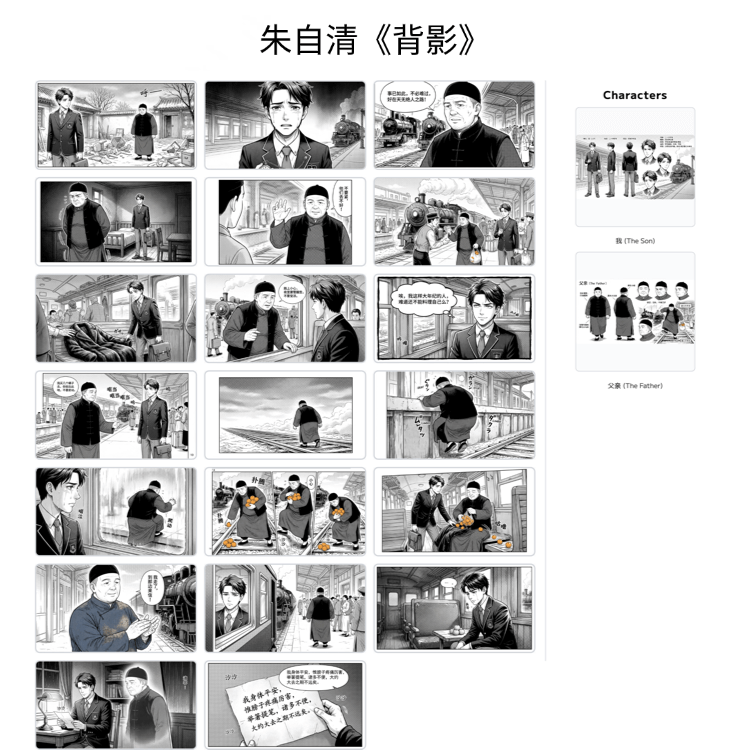
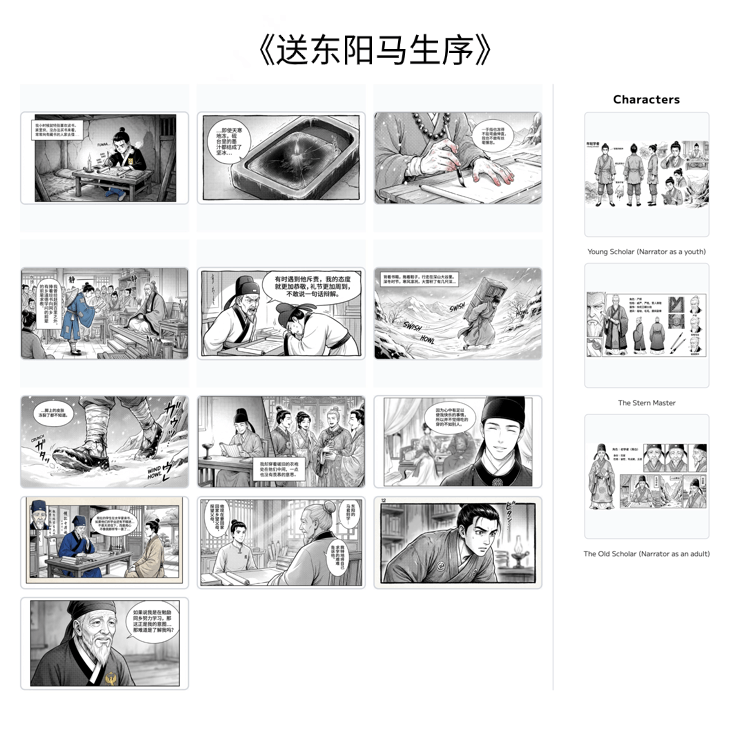
MakeManga is an AI comic creation platform that can quickly turn text stories into exquisite comics. Users only need to input the story content, and the platform automatically generates storyboards and characters. It offers a variety of comic styles. Based on Google's latest and most powerfulNanobanana2image generation model, it quickly and beautifully turns text stories into comic works. From creating projects to generating storyboards, and then to publishing and sharing, the entire process is completed online. It supports image editing capabilities such as redrawing, modification, and style consistency, and has a Chinese/English bilingual interface. MakeManga also has community interaction features, such as likes, favorites, and a points system, to encourage users to create and share. Whether you are a screenwriter, author, fan creator, or brand operator, it can help ideas land faster and make works easier to spread. With just one sentence, the story can be "seen".

MakeManga's main features
-
AI comic generation: After users input a text story, MakeManga uses AI technology to quickly generate comic storyboards and characters, realizing automated conversion from text to comics.
- AI storyboard generation: Supports single-panel and batch generation, allowing stories to quickly become drawings.
-
Image editing features: Provides image editing tools and supports operations such as redrawing, modification, and style consistency, helping users optimize and beautify the generated comics.
-
Multiple style options: Supports a variety of comic styles to meet the creative needs of different users.
-
Full-process online creation: From creating projects, generating storyboards, to editing and improving, and publishing and sharing, the entire comic creation process can be completed online on the platform.
-
Community interaction: Includes community features such as likes, favorites, and a points system, making it convenient for users to communicate and interact with other creators and enthusiasts.
- Works plaza and sharing: Users can publish their works to the plaza or export and post them on social media to increase their influence.
How to use MakeManga
-
Create a project: Register and log in to the MakeManga official website makemanga.ai, and create a new comic project.
-
Provide a story: Input your comic story, which can be in forms such as a text description or script.
-
AI generation: After inputting the complete text story or script, AI automatically generates storyboards and characters.
-
Editing and optimization: Edit and optimize the AI-generated storyboards and characters, such as modifying details and adjusting styles.
-
Publish and share: After completing the comic creation, you can publish the work to the MakeManga community and share it with other users.
MakeManga's application scenarios
-
Personal creation: Comic enthusiasts can quickly turn ideas into comic works, lowering the creative threshold and realizing their personal comic dreams.
-
Commercial applications: Creators can use the ability to efficiently generate comics to quickly produce comic prototypes for commercial projects, such as advertisements and promotional materials.
-
Education: Used in education to create teaching comics, helping students better understand and remember knowledge and enhancing their interest in learning.
-
Content creation: Provides tools for self-media and online content creators to quickly generate comic content, enriching content formats and attracting audiences.
-
Story adaptation: Quickly adapt text content such as novels and scripts into comic form, expanding the content's distribution channels and audience.


