

What is Quark PPT
Quark PPT is a product of Alibaba'sQuark AIlaunchedintelligent presentation document generation tool. Users can quickly generate PPTs by entering a topic or uploading documents and images. Quark PPT supports operation across multiple platforms, has a simple interface, and is easy to use, capable of producing a first draft within 20 seconds. Quark PPT's basic features are free, but downloads of PPTs are limited in number, and payment is required after exceeding the limit. Quark PPT is suitable for users who need to quickly create presentations, especially in scenarios such as workplace reports or academic presentations.
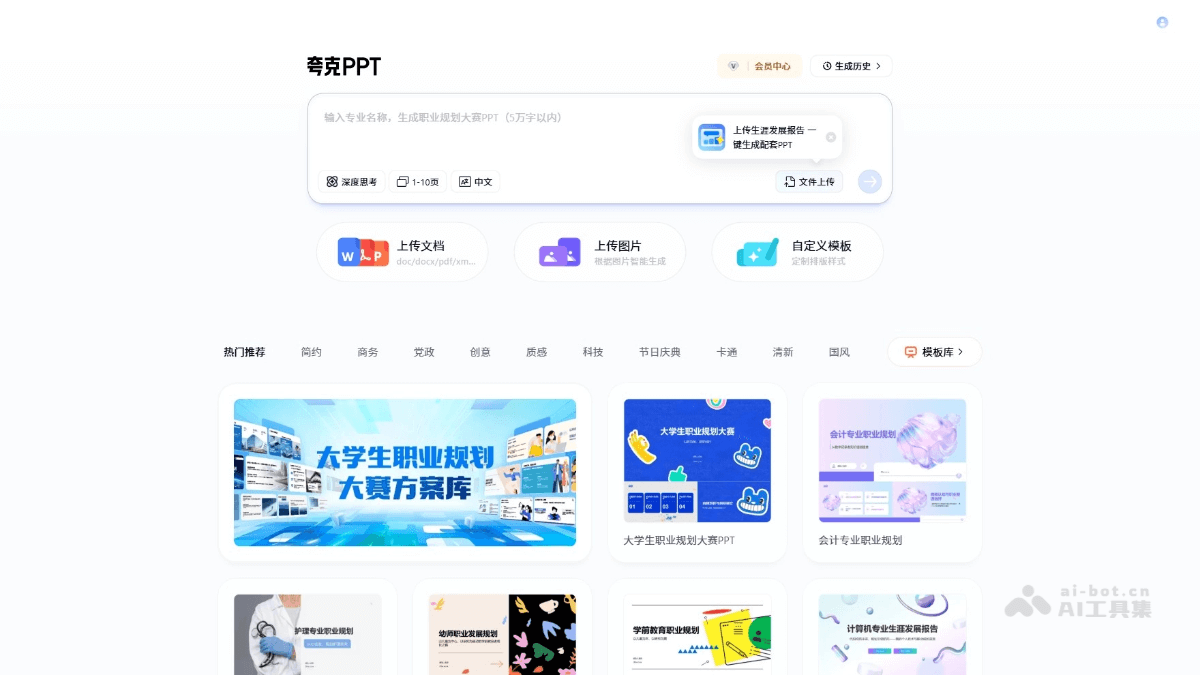
Main features of Quark PPT
-
Intelligent PPT generation: Automatically generates presentations based on the topic entered by the user or uploaded documents and images.
-
Multi-format support: Supports uploading files in multiple formats, such as doc, docx, pdf, pptx, etc.
-
Image generation: Users can upload images, and the system intelligently generates PPTs based on the image content.
-
Custom templates: Provides a variety of template choices, and users can customize layout styles as needed.
-
Free basic features: Basic features have no payment restrictions, but downloads of PPTs are limited in number, and payment is required after exceeding the limit.
-
Multi-platform operation: Supports online and client operation, making it convenient for users to create PPTs anytime and anywhere.
How to use Quark PPT
-
Visit the platform: Visit the Quark PPT official website https://ppt.quark.cn/ , or downloadQuark APPfind Quark PPT to enter, and follow the prompts to complete account login and registration.
-
Enter a topic: Enter the topic or professional name for the PPT you want to create in the search box.
-
Upload files or images(if needed): Choose to upload existing documents (such as Word, PDF, etc.) or images, and let AI generate a PPT based on the materials.
-
Choose a template: Browse and select a suitable template, or use the custom template feature to design a PPT.
-
Generate PPT: Click the "Generate" button, and AI will generate a PPT based on the input and selections.
-
Edit and adjust: Review the generated PPT and make necessary edits and adjustments to ensure the content meets your needs.
-
Download PPT: After completing the edits, download the generated PPT file.
Examples of using Quark PPT
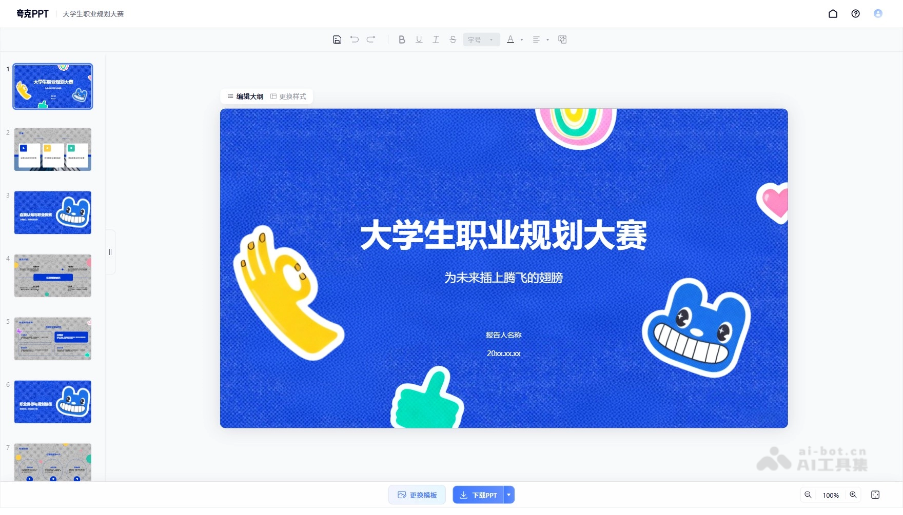
College Student Career Planning Competition PPT:
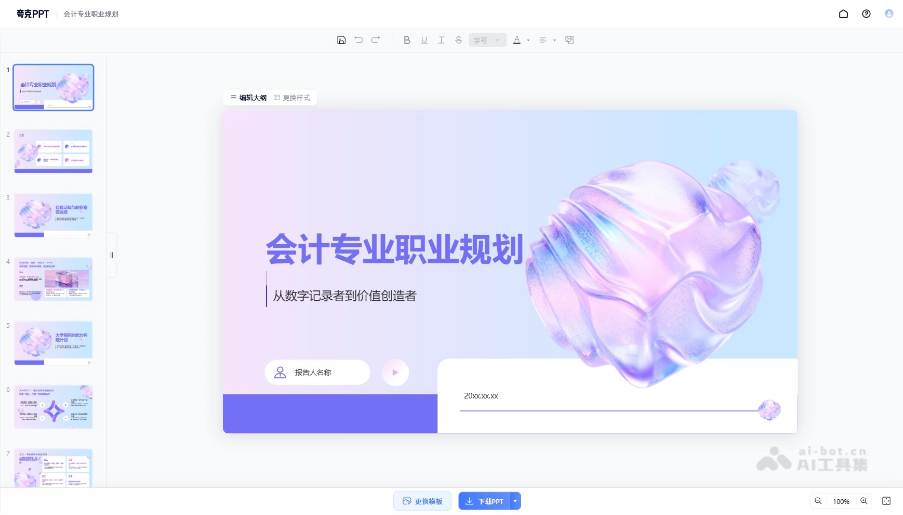
Accounting Major Career Planning PPT:
Application scenarios of Quark PPT
-
Academic research: Helps students and researchers quickly create PPTs for academic reports and paper presentations.
-
Business reporting: Provides workplace professionals with an efficient business presentation creation tool, saving preparation time.
-
Education and training: Teachers and trainers can quickly create teaching courseware and training materials.
-
Product launches: Used by enterprises to prepare presentations for product introductions and marketing promotion.
-
Meeting records: Automatically organizes meeting content into PPTs, making it convenient for attendees to review and share.

