

What is HitPaw
HitPaw focuses on AI video, image, and audio processing tools, helping creators worldwide improve content quality and lowering the barrier to using professional-grade multimedia processing technology. HitPaw Univd supports lossless video, audio, and image conversion across more than 1000 formats, and integrates multiple tools such as compression, editing, watermark removal, and AI background removal. HitPaw VikPea (video quality restoration software) can use AI models to restore blurry or old videos to 4K/8K high definition and colorize black-and-white videos; HitPaw NiuXiaoYing is an AI tool focused on video quality enhancement and creative editing. The product matrix also covers audio and video editing, AI voice changers, online video editing, and mobile AI photo and video generation applications. It can remove background noise from audio and enable multilingual video translation and dubbing.
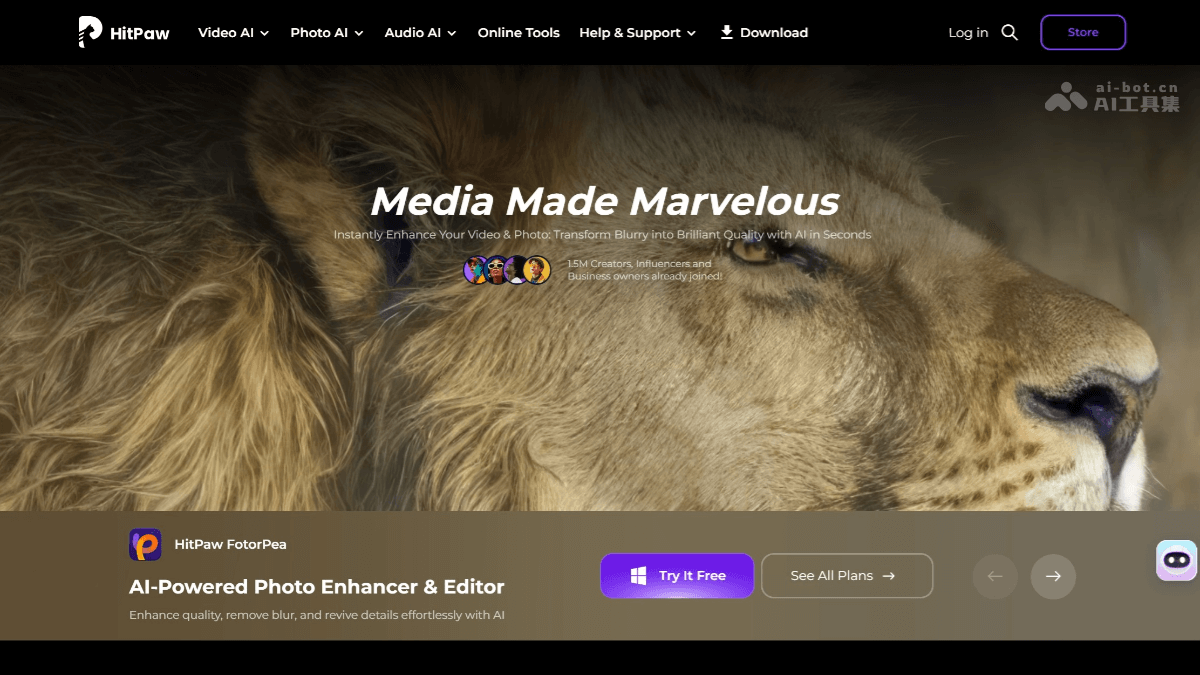
HitPaw's Core Products
| HitPaw VikPea (formerly Video Enhancer) | Repairs and enhances video quality through AI models, such as making blurry videos clear, colorizing black-and-white videos, and upscaling resolution to 4K/8K, etc. |
| HitPaw Univd (formerly Video Converter) | Supports lossless video, audio, and image conversion across more than 1000 formats, and integrates multiple tools such as compression, editing, watermark removal, and AI background removal. |
| HitPaw NiuXiaoYing | A professional AI video processing tool focused on video quality enhancement, restoration, and creative editing, supporting features such as smart matting and background replacement. |
| HitPaw Edimakor | Video editing software that provides features such as resource loading, direct text editing, dynamic subtitle styles, and speech-to-text (STT). |
| HitPaw Edimakor Screen Recorder | Screen recording and live streaming software that can record the screen and gameplay, and supports streaming to multiple live streaming platforms and video conferencing software. |
| HitPaw VoicePea | Voice changer software that provides audio enhancement features such as noise reduction, echo cancellation, and automatic volume adjustment. |
| HitPaw FotorPea | AI photo editing tool that provides features such as portrait restoration, generated effects, and background replacement. |
| AI Marvels | Mobile app that provides a variety of AI entertainment features, such as generating AI dance videos, photo-to-AI art, role-playing, photo enhancement, etc. |
HitPaw's Main Features
-
Video Enhancement: Through AI technology, quickly convert blurry videos into high-definition videos, support conversion across multiple formats, and improve image quality while maintaining the original video quality.
-
Audio Processing: Provides AI audio enhancement features to remove background noise and distractions, making audio clearer, suitable for video creators and audio editors.
-
Video Translation and Dubbing: BlipCut AI Video Translator supports translating videos into more than 130 languages and automatically generates subtitles and dubbing, helping content go global.
-
Video Editing: HitPaw Edimakor provides AI-assisted editing features, including automatic editing, filters, and effects, helping users easily improve video quality, suitable for beginners and professionals.
-
Image Processing: Provides AI image enhancement features to restore old photos, improve resolution, and remove watermarks, giving images a fresh new look.
-
Batch Processing: Supports batch processing of videos and images, greatly improving work efficiency and saving time and effort.
HitPaw's Product Advantages
| 🚀Powerful and Accurate AI Models | Provides dedicated AI models forportraits, anime, noise reduction, and black-and-white colorizationand other scenarios, with natural processing results. |
| ⚡ Efficient processing speed | SupportsGPU acceleration, with some conversion tasks sped up by up to120x, and supportsbatch processing。 |
| 👨💻 Friendly operating experience | The interface is intuitive, using a "drag-and-drop" operation, and most features allowone-click preview of results, reducing the learning curve. |
| 🛡️ Privacy and local processing | Supportslocal offline processing, so sensitive data does not need to be uploaded to the cloud, ensuring privacy and security. |
| 🎯 Comprehensive all-in-one functionality | The product line coversvideo conversion, editing, enhancement, image restoration, AI generation, etc., providingmulti-platform support。 |
How to use HitPaw
-
Download and install: Visit the HitPaw official website https://www.hitpaw.com/ , download and install, and register or log in to your account.
-
Import files: After opening the software, import the video, audio, or image files you need to process.
-
Select a feature: According to your needs, select the corresponding feature module, such as video enhancement, audio processing, image restoration, etc.
-
Set parameters: In the feature module, set the relevant parameters as prompted, such as resolution, format, language, etc.
-
Start processing: After settings are complete, click the "Start" or "Process" button, and the software will process automatically.
-
Export files: After processing is complete, select the appropriate format and path to export the file, and the operation is complete.
HitPaw application scenarios
-
Video creators: Used to improve video quality, add subtitles and dubbing, and quickly convert formats to adapt to different platforms.
-
Audio editors: Remove background noise from audio and improve audio clarity, suitable for producing high-quality audio content.
-
Photographers: Restore old photos, improve image resolution, and remove watermarks to make photos more perfect.
-
Content localization: Add subtitles and dubbing in multiple languages to videos, helping content creators break through language barriers and expand their global audience.
-
Corporate promotion: Produce high-quality promotional videos and images, enhance brand image, and increase content appeal.
-
Education field: Teachers and students can use its features to create teaching videos and presentations, improving teaching effectiveness.


