

What is Calicat
Calicat isProcessOna one-stop product-design-research collaboration platform launched by the team, with "AI efficiency + flexible customization" at its core, helping users draw high-fidelity prototypes with zero threshold. Users only need to describe their requirements in natural language, and AI can quickly generate a draft and support iterative editing. Calicat is equipped with a full-scenario component library, including the TDesign component library, etc., as well as features such as style replacement and auto layout, enabling product beginners to quickly validate ideas while designers focus on creative optimization. Calicat can extract designs from sketches, web pages, etc., and supports multiple design scenarios, such as self-media covers, document layout, PPT design, etc., helping users achieve efficient design creation through AI.
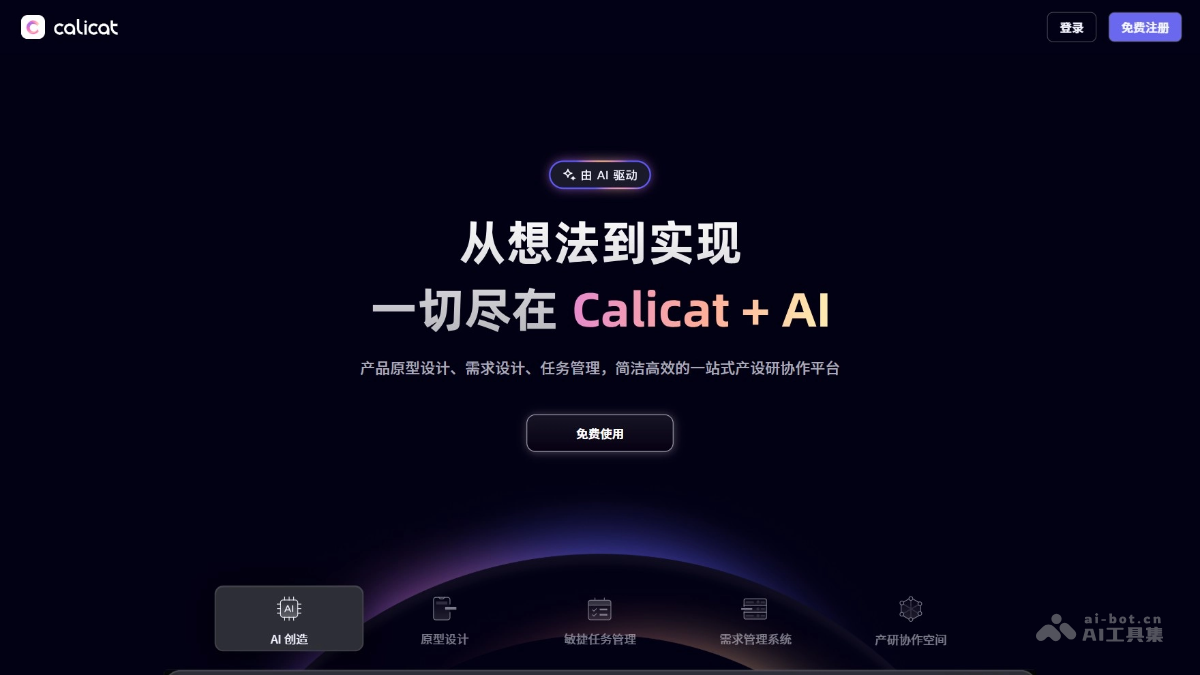
Calicat's main features
- AI DesignAssistant:
-
Natural language prototype generation: Users describe requirements in natural language, and AI quickly generates a draft and supports iterative editing.
-
Multimodal design input: Supports converting sketches to prototypes and extracting designs from web pages. AI recognizes sketch elements or extracts web page designs for editing.
-
Requirements document generation: AI automatically generates requirements document cards, helping transform vague ideas into professional PRD modules.
-
Component library support: Equipped with a full-scenario component library, supporting style replacement and auto layout to meet diverse design needs.
-
- Prototype design features:
-
AI streaming prototype drawing: Supports generation from a single page to a complete design solution, meeting various design needs.
-
Efficient design tools: Provides features such as auto layout, component library, image library, icon library, and quick styles to improve design efficiency.
-
Multi-scenario design support: Suitable for various design scenarios such as self-media covers, document layout, and PPT design.
-
-
One-stop collaboration: Breaks down the separation between product, design, and R&D, achieving seamless connection from requirements to design and then to development.
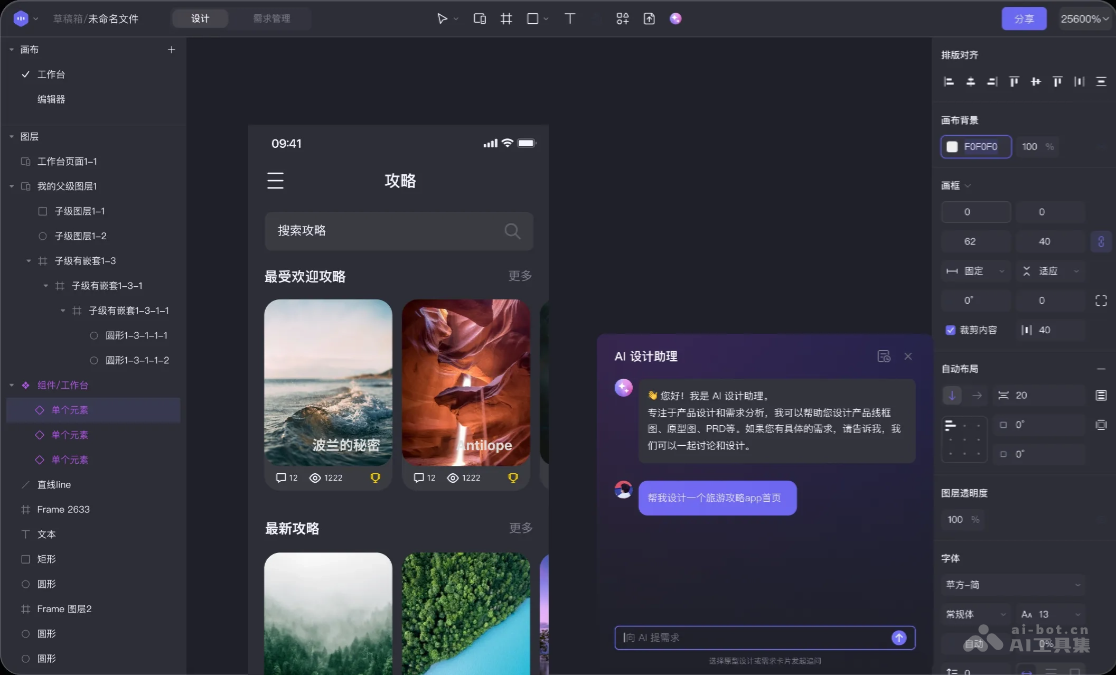
How to use Calicat
- Register and log in: Visit the Calicat official website https://www.calicat.cn/ to register an account and log in.
- Create a project: After logging in, create a new design project and enter the project name and related description.
- Use the AI Design Assistant: Describe design requirements in natural language in the input box, and AI quickly generates an initial design draft based on the description.
- Use component libraries and tools: Select appropriate components for design as needed. Use features such as auto layout, style replacement, image library, and icon library to further improve the design.
- Multimodal design input:
- Sketch to prototype: By uploading a sketch image or taking a photo to upload, AI automatically recognizes sketch elements and converts them into high-fidelity pages.
- Web page design extraction: Use the Calicat Chrome browser extension to extract web page designs for editing with one click.
- Requirements document generation: During the design process, AI automatically generates requirements document cards, helping users transform vague ideas into professional PRD modules.
- Collaboration and delivery: Invite team members to join the project for real-time collaboration and communication. After completing the design, export the design files or push them directly to the development team. The MCP Server that Calicat AI is about to launch will facilitate efficient development and delivery.
Calicat's application scenarios
- Product design: Product managers describe requirements in natural language, quickly generate product prototypes, and validate product ideas.
- UI design: Designers generate initial drafts through AI, and combine component libraries and editing tools to efficiently complete UI design.
- Self-media content creation: Self-media creators produce self-media covers and image-text layouts. AI generates designs with one click, enhancing content appeal.
- Document layout: The tool supports automated document layout. AI can generate beautiful layouts, saving layout time.
- PPT design: Quickly generate PPT page designs. AI optimizes layout and visual effects, improving presentation quality.


