

What is n8n
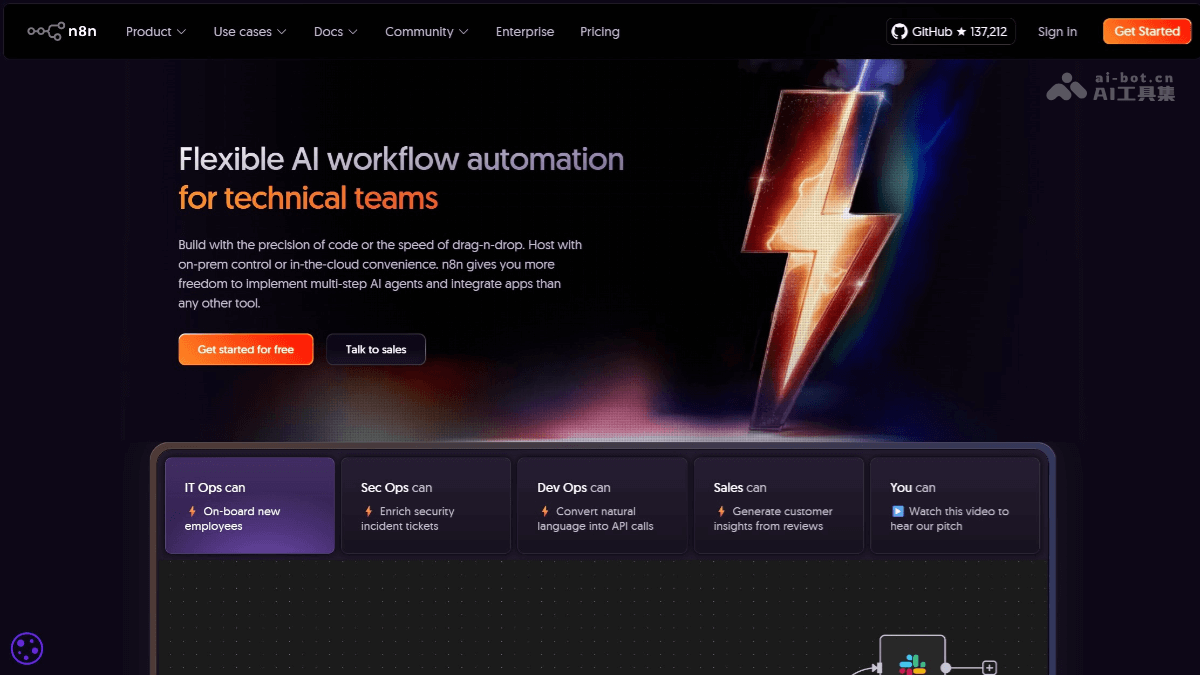
n8n is an open-source low-code AI workflow automation tool built on Node.js. Through a visual interface, it allows users to easily build automated processes by dragging and dropping nodes, where each node represents an operation or trigger. n8n supports over 400 service integrations, including Slack, Google Sheets, Notion, etc., and supports custom code to meet complex needs. The core advantages of n8n lie in being open-source and free, free to use for personal and non-commercial purposes, controllable data privacy, and support for self-hosted deployment. It is suitable for enterprises and individuals, and can automatically handle tasks such as customer inquiries and publishing social media posts. n8n offers flexible deployment and can be installed via npm, Docker, or binary packages.
Main features of n8n
-
Visual workflow building: Build automated workflows by dragging and dropping nodes; each node represents an operation or trigger, enabling process automation without complex programming.
-
Rich service integrations: Supports over 400 service integrations, covering common applications and data sources such as Slack, Google Sheets, Notion, Airtable, etc., making it easy for users to connect various tools and platforms.
-
Custom code support: Allows users to write JavaScript or Python code in nodes to implement more complex logic and functionality, meeting personalized needs.
-
Self-hosted deployment: Users can deploy n8n themselves to ensure data privacy and security, and can customize and extend it as needed.
-
Flexible trigger methods: Supports multiple triggers, such as scheduled triggers, event triggers, etc., allowing flexible configuration of workflow startup conditions for different business scenarios.
-
Powerful data processing capabilities: Can handle various types of data, including text, numbers, files, etc., and supports data transformation, filtering, and mapping operations.
-
Collaboration and management features: Supports team collaboration; users can share workflows, set permissions, and it provides features such as workflow version control and execution logs, making management and maintenance convenient.
How to use n8n
-
Installation and deployment: Can be installed via global npm installation, Docker deployment, or using binary packages.
-
Create a workflow: After logging into the n8n interface, click "New Workflow" to start building an automated process.
-
Add a trigger: Choose an appropriate trigger node, such as scheduled trigger, API trigger, etc., and set the trigger conditions.
-
Add action nodes: Add various action nodes as needed, such as sending emails, updating databases, etc.
-
Configure node parameters: Configure specific parameters for each node, such as data source, target address, etc.
-
Connect nodes: Connect triggers and action nodes by dragging lines to form a complete workflow.
-
Test the workflow: After saving the workflow, click the "Test" button to check whether the workflow runs as expected.
-
Deploy and run: After testing is correct, deploy the workflow to the production environment to automatically execute tasks.
-
Monitoring and maintenance: Use n8n's logging and monitoring features to view workflow execution status and handle exceptions promptly.
n8n's official website address
- Official website address:https://n8n.io/
- GitHub repository:https://github.com/n8n
n8n's technical principles
-
Built on Node.js: n8n uses Node.js as its runtime environment, leveraging its efficient event-driven and non-blocking I/O model to achieve high-performance automated task processing.
-
Workflow engine: Through a visual interface, users can connect different nodes (operations or triggers) to form workflows. The n8n engine is responsible for parsing and executing these workflows, running each node according to the order and logic defined by the user.
-
Node system: Each node represents a specific operation or trigger, such as sending email, reading a database, receiving a Webhook, etc. n8n provides a rich set of built-in nodes and supports user-defined nodes, extending functionality by writing JavaScript or Python code.
-
Data flow and processing: In a workflow, data flows between nodes in JSON format. Each node can receive, process, and pass on data. n8n provides powerful data processing capabilities, including data transformation, filtering, and mapping, etc.
-
Service integration: n8n supports integration with more than 400 external services and APIs, connecting to various applications and data sources through OAuth, API keys, and other methods to enable data interaction and operations.
-
Self-hosting and deployment: n8n supports multiple deployment methods, including local servers, cloud platforms, etc. Users can choose a suitable deployment environment according to their own needs and security requirements to ensure data privacy and security.
-
Task scheduling and triggering: n8n provides multiple trigger methods, such as scheduled triggers, event triggers, etc., which can automatically start workflows according to preset conditions to achieve automated task scheduling.
Who n8n is suitable for
-
Developers: Used to quickly build automated processes and reduce repetitive coding.
-
Data analysts: Implement data collection, processing, and integration to improve work efficiency.
-
Operations personnel: Automate tasks such as marketing and customer relationship management to improve operational results.
-
Enterprise IT personnel: Build internal enterprise automation systems and optimize business processes.
-
Individual users: Automate daily tasks, such as scheduling and file backup, etc.

