

What is Kuse
Kuse is an AI visual workspace that integrates an AI intelligent assistant, an infinite canvas, and information integration, like ChatGPT + whiteboard + Notion , and can think about work from a human perspective. Users can drag text, images, links, and other materials onto the canvas, freely arrange and combine them, and build a clear knowledge structure. Kuse's built-in AI assistant can polish text, summarize key points, and spark inspiration, and supports real-time multi-person collaboration, making team communication smoother. Kuse's multimedia support features make knowledge presentation richer and more vivid. Kuse can transform chaotic information into organized intelligent output, supporting efficient work and learning.
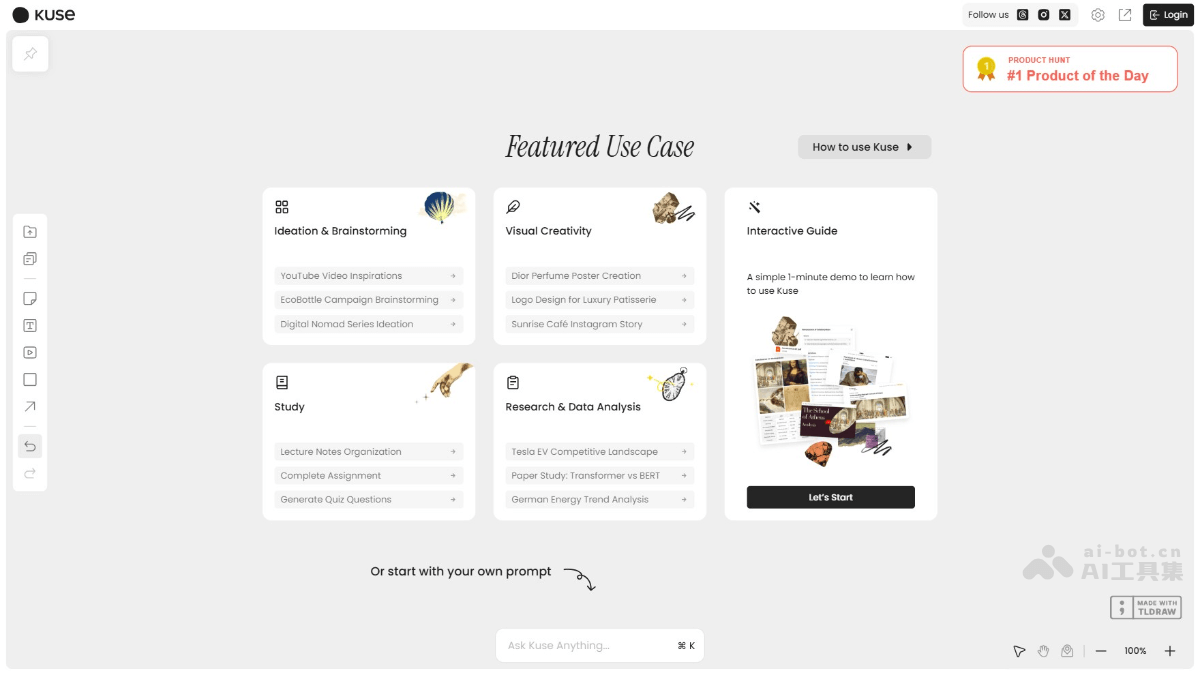
Kuse's main features
- Infinite canvas: Provides a borderless workspace where users can freely drag, arrange, and combine information to build a personalized knowledge structure.
- AI intelligent assistant: Built-in powerful AI features support polishing text, summarizing content, and extracting key information, and can generate ideas and suggestions based on user needs.
- Multimedia integration: Supports content in multiple formats, including text, images, PDFs, videos, web links, etc., making it easy for users to integrate information from different sources.
- Real-time collaboration: Supports multiple people working on the same canvas at the same time, suitable for team collaboration, improving communication efficiency and creative output.
- Information structuring: Helps users organize messy information into a clear structure for easy understanding and memory.
- Reuse: Knowledge structures created by users can be saved as templates for easy reuse and quickly building new knowledge systems.
- Saving and exporting: Content is automatically saved to the cloud, supports cross-device access, and supports export to PDF, image, or text formats for easy sharing and archiving.
How to use Kuse
- Registration and login: Visit the Kuse official website https://app.kuse.ai/,用邮箱或 Google account to register and log in.
- Create a canvas: Click "New Project" to create a new canvas, and name it to distinguish different projects.
- Import materials: Upload text, images, PDFs, videos, or web links and other materials on the canvas.
- Visual editing: Drag, arrange, and connect information blocks to build a personalized knowledge structure.
- Use AI features: Enter instructions in the chat box, such as "polish the text" or "summarize the content," and the AI responds instantly and optimizes the information.
- Build a knowledge map: Organize information, add notes, adjust the layout, and form a clear knowledge map.
- Save and share: Content is automatically saved to the cloud and can be exported to PDF, image, or text formats for easy sharing.
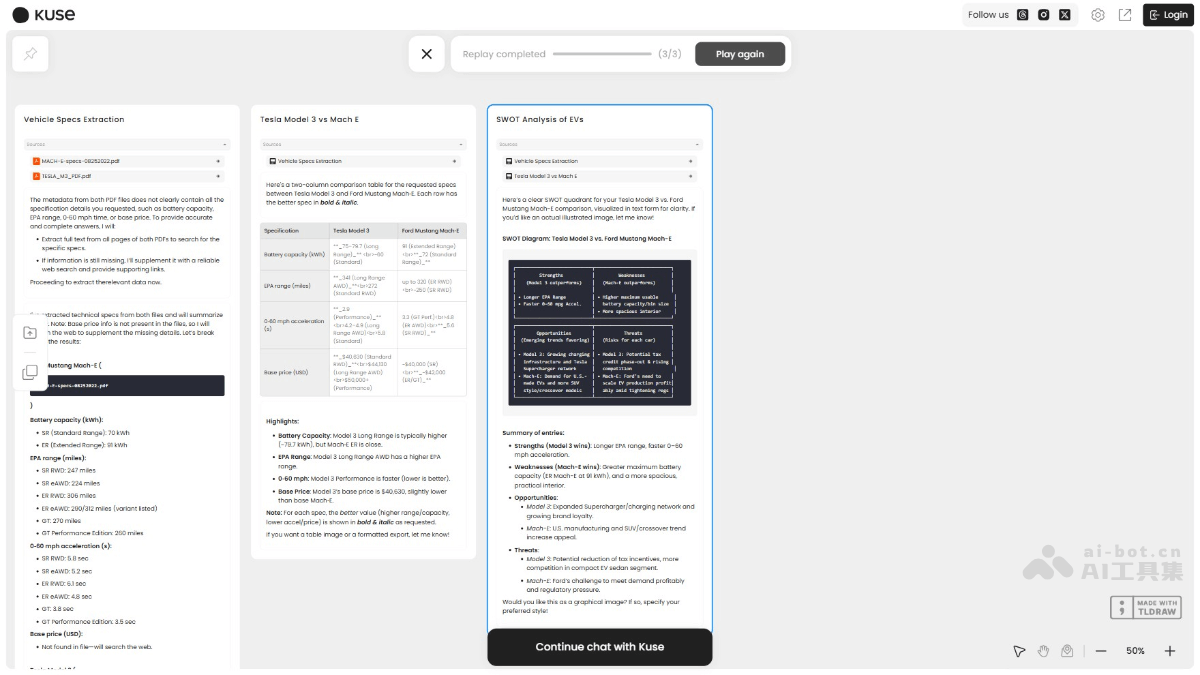
Kuse's application scenarios
- Project management: Visually display project tasks, resources, and progress on the canvas, with team members collaborating and updating in real time to improve management efficiency.
- Creative ideation: Designers organize design inspiration and competitor analysis on the canvas, and AI provides style suggestions to spark more creativity.
- Academic research: Researchers integrate literature, videos, and experimental data, and AI generates structured notes to support efficient research.
- Education and learning: Teachers create interactive courseware, students organize reading notes, AI assists with polishing and summarizing, optimizing teaching and learning.
- Marketing: The team collects market trends and competitor information, AI generates marketing copy and action plans, improving marketing effectiveness.

