

What is Tongyi Lingma
Tongyi Lingma is a freeAI programming toollaunched by Alibaba, based on the Tongyi large model, helping developers improve programming efficiency and quality. It has a variety of practical functions, such as intelligent code continuation, which can generate code in real time according to the context; natural language code generation, where users only need to describe requirements in natural language to quickly generate corresponding code; it can automatically generate code comments, explain code logic, and assist in troubleshooting exceptions and errors. Tongyi Lingma supports offline single-line completion, allowing some functions to continue to be used when the network is restricted; it provides technical documentation and code snippet search, making it convenient for developers to quickly find information in mainstream IDEs.
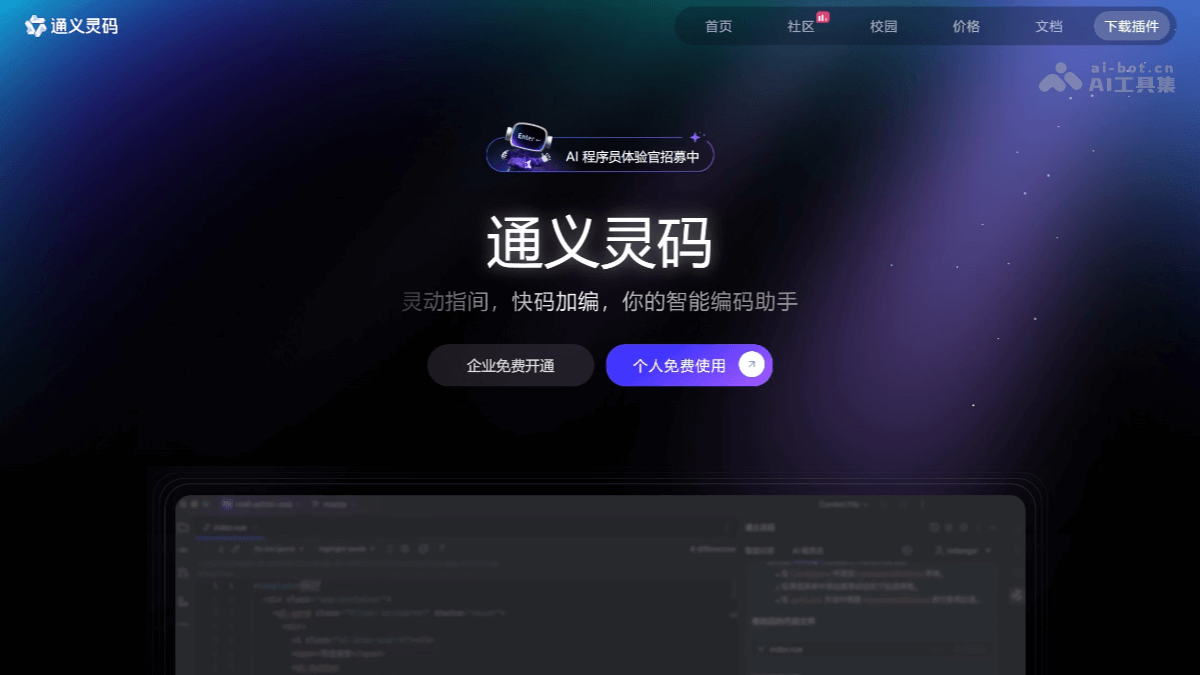
Main functions of Tongyi Lingma
- Line/function-level real-time continuation: During coding, based on the context and current syntax, it automatically predicts and generates suggested code for you, and you only need to click the Tab key to accept it.
- Natural language code generation: In the editor, describe the function you want in natural language. Based on your description and the context, it supports directly generating code and related comments in the editor area, so the coding flow is not interrupted.
- Code optimization generation: Helps you identify problems in the code and provides code optimization suggestions.
- Unit test generation: Supports generating unit tests and unit test-related code explanations according to frameworks such as JUnit, Mockito, Spring Test, unit test, and pytest.
- Image multimodal Q&A:Supports selecting, dragging, or pasting to add images as context, automatically analyzing image content, and generating code suggestions or problem fix suggestions according to requirement descriptions.
- Code comment generation: One-click generation of method comments and inline comments, saving you time writing code comments and effectively improving code readability and comment coverage.
- Code explanation: Supports recognition of more than 30 languages. After selecting code, it can automatically identify the programming language and generate a code explanation. Crossing language boundaries, it lets you quickly understand code logic and functional design.
- R&D intelligent Q&A: Based on Q&A training with massive R&D documents, product documents, general R&D knowledge, Alibaba Cloud cloud service documents, and SDK/OpenAPI documents, etc., it answers your questions and helps you easily solve R&D problems.
- Local project Q&A:Through Q&A, you can quickly combine the current repository for project understanding, code queries, etc. At the same time, you can describe requirements in natural language and, combined with the current project, generate overall fix suggestions and suggested code for simple requirements or defects.
- Enterprise knowledge base Q&A:With the help of enterprise knowledge and data for Q&A, quickly build an enterprise R&D knowledge Q&A assistant to improve the team's work efficiency and collaboration capabilities.
- Exception and error troubleshooting: Assists developers in troubleshooting exceptions and errors in code. When an error occurs in the code, Tongyi Lingma can provide possible solutions to help developers quickly locate and solve the problem.
- Offline single-line completion: In a network-restricted or no-network environment, developers can switch to local completion mode. Tongyi Lingma will provide single-line code suggestions to ensure that development work will not be interrupted due to network problems.
- Technical documentation and code snippet search: In supported IDEs (such as IntelliJ IDEA, PyCharm, etc.), developers can directly search technical documentation and code snippets, quickly find the information they need, and improve development efficiency.
- Project Rules Configuration (Project Rules): Developers can customize code generation rules according to project requirements, such as code style, technology stack constraints, security rules, etc. This helps ensure consistent code style across the team and reduces communication costs and code maintenance difficulty caused by differences in personal style.
- Unified authorization management:Supports uniformly adding usage permissions for developers within the enterprise and uniformly managing enterprise member permissions.
- Statistical reports:Provides statistics such as developer activity, the proportion of AI-generated code, and the proportion of Q&A usage, helping enterprises quickly understand the usage results.
- RepoWik: Supports automatically generating a structured knowledge document for the codebase that covers module relationships, interface definitions, and implementation logic, enabling AI to truly understand the project architecture instead of only looking at a single file.
How to use Tongyi Lingma
- Install Tongyi Lingma
-
Install from the plugin marketplace:
- Install in JetBrains IDEs
- Download and install a compatible JetBrains IDEs 2020.3 or later version
- Open the IntelliJ IDEA settings window, search for Lingma in the plugin marketplace, and findTongyi Lingmathen click Install.
- After installation is complete, please restart IntelliJ IDEA.
- Install in Visual Studio Code
- Download and install Visual Studio Code 1.68.0 or later version.
- Open the Visual Studio Code extensions window, search for Lingma, and findTongyi Lingmathen click Install.
- After installation is complete, please restart Visual Studio Code.
- Install in Visual Studio
- Download and install Visual Studio 2022 17.3.0 or later version, or Visual Studio 2019 16.3.0 or later version
- Open the Extensions - Manage Extensions window at the top of Visual Studio, search for Lingma, and findTongyi Lingmathen click Install.
- After installation is complete, please restart Visual Studio.
- Install in JetBrains IDEs
-
Download the installation package and install: Visit the official website of Tongyi Lingma and download the zip installation package for JetBrains IDEs. After the download is complete, open IntelliJ IDEA, go to the plugin management settings, choose to install a plugin from local, find and select the downloaded zip file to install, and restart IntelliJ IDEA after installation is complete.
-
- Login and initialization: After restarting IDEA, click the Tongyi Lingma icon in the right toolbar to enter the plugin interface. For first-time use, you need to log in to your Alibaba Cloud account. After clicking the login button, the browser will automatically open the Alibaba Cloud login page. After completing login, return to IDEA.
- Use the main features of Tongyi Lingma
-
Intelligent code completion: When writing code, Tongyi Lingma provides intelligent code completion suggestions based on the context to help complete code quickly. You can also use the shortcut key
Alt + P(Windows) orOption + P(macOS) to manually trigger code generation suggestions. -
Code explanation: After selecting a code snippet, right-click and select
通义灵码->解释代码to obtain a detailed explanation of the code. You can also select code in the IDE editor area and click the code explanation button of Tongyi Lingma, and the AI will generate a corresponding explanation based on the code. -
Generate Unit Tests: Right-click the Tongyi Lingma icon in the code and select
生成单元测试feature, and Tongyi Lingma will automatically generate the corresponding test code. The generated test code can be directly copied into the test file and modified and debugged as needed. -
Code Optimization and Refactoring: Tongyi Lingma can analyze code and provide optimization suggestions to help improve code quality and performance.
-
Generate Code from Natural Language: You can describe requirements in natural language (such as "generate a user login function"), and Tongyi Lingma will try to convert it into code.
-
Code Comment Generation: After selecting a code snippet, right-click and select
通义灵码->生成注释to quickly add comments to the code. You can also use the shortcut keyShift+Alt+V, or select the code comment feature from the right-click menu.
-
- Usage Recommendations
-
Configure the Plugin: After installation is complete, it is recommended to go to the settings page of Tongyi Lingma and adjust options such as autocomplete delay and language preferences.
-
Make Full Use of the Features: Tongyi Lingma supports multiple programming languages. It is recommended to try its features in different projects to become familiar with how it works.
-
Update Regularly: Keep the plugin and IDEA updated to the latest versions to get the latest features and improvements.
-
- Add Context: In an intelligent conversation, you can add context in the following ways:
-
Click the add context button in the input box to trigger the context selection window.
-
Enter in the input box
#to trigger the context selection window. You can continue typing to perform file retrieval. -
For code files and images, you can drag and drop or copy and paste to add the corresponding content as context (JetBrains IDEs only).
-
- Supported Context Types: Tongyi Lingma provides a variety of context options, including
file、folder、image、codebase、teamDocs、codeChanges、gitCommit, etc.
Tongyi Lingma's Compatible IDEs and Systems
- JetBrains IDEs:
- IDE versions: IntelliJ IDEA, PyCharm, GoLand, WebStorm, Android Studio, HUAWEI DevEco Studio, etc. 2020.3 and above
- Operating systems: Windows 7 and above, macOS, Linux
- Visual Studio Code
- IDE version: 1.68.0 and above
- Operating systems: Windows 7 and above, macOS, Linux
- Visual Studio
- IDE version: Visual Studio 2022 17.3.0 and above, or Visual Studio 2019 16.3.0 and above
- Operating system: Windows 10 and above
Tongyi Lingma's Application Scenarios
- Personal Development: Tongyi Lingma can intelligently predict and complete code based on context, reducing the amount of coding and improving coding speed.
- Team Collaboration: Teams can integrate knowledge such as coding standards, security standards, and code documentation into Tongyi Lingma's enterprise knowledge base, so that members can stay closer to business needs during code generation and optimization.
-
Code Refactoring and Technical Architecture Adjustment: In enterprise technology architecture adjustments, Tongyi Lingma can help efficiently complete component replacement and ensure system quality and consistency.
-
Enterprise Customer Service: Tongyi Lingma can help enterprises achieve intelligent customer service automation and answer users' common questions.

