

What is Capsule
Capsule is an AI-poweredvideo creationplatform designed specifically for content creators, marketing teams, and enterprises. Through the AI CoProducer feature, it automatically completes tasks such as editing, transitions, and subtitle generation, allowing users to focus on creativity. Capsule's smart video aspect ratio adjustment technology can adapt to multiple screen ratios with one click, without manual cropping. Its brand video design system supports the creation of unified motion graphic templates and asset libraries, ensuring videos comply with brand guidelines. The platform provides cloud collaboration features, supporting real-time editing and feedback among multiple team members, greatly improving creative efficiency.
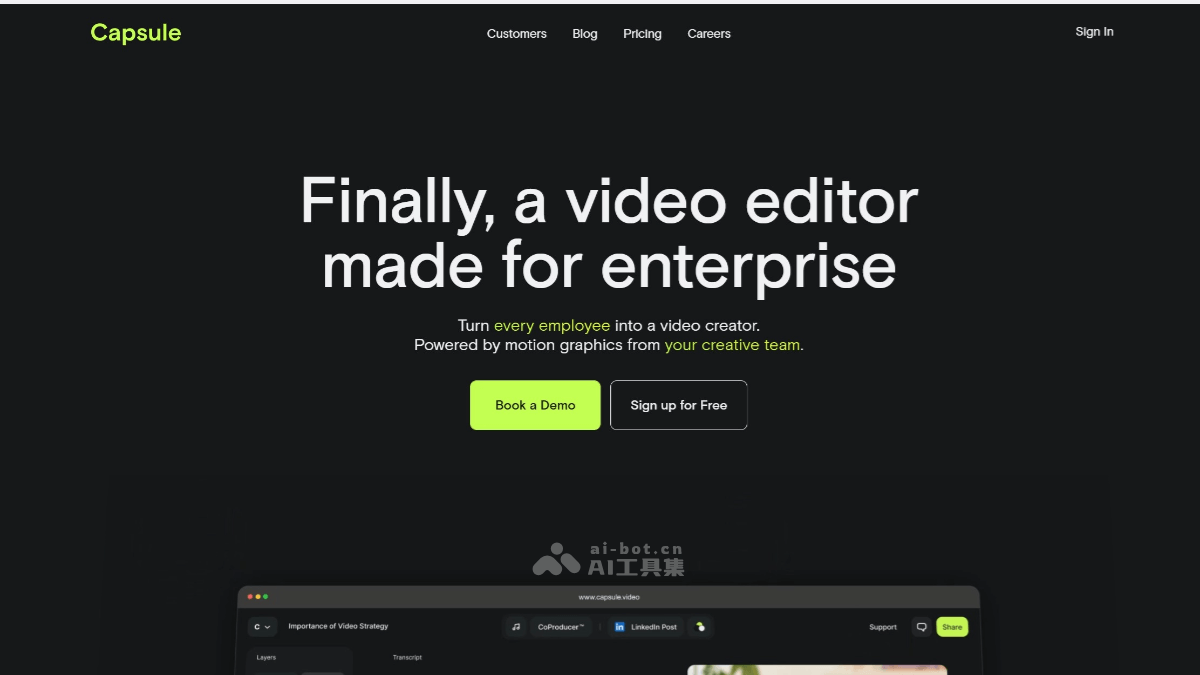
Capsule's product features
- AI CoProducer: Automatically completes tasks such as video editing, transitions, beat synchronization, subtitle generation, and copy supplementation, allowing users to focus on creativity. Supports intelligently adding B-roll to enrich video content.
- Smart video aspect ratio adjustment: Based on CapsuleScript technology, automatically adapts to multiple video ratios (such as 16:9, 9:16, 4:5, 1:1, etc.), without manual cropping, meeting the needs of different platforms.
- Brand video design system: Create reusable brand motion graphic templates and asset libraries, uniformly manage animated logos, colors, fonts, etc., ensuring videos comply with brand guidelines.
- Motion design system: Combines brand motion graphic collections with AI editing tools, enabling non-professionals to easily create high-quality videos.
- Interactive co-production tool: Based on simple instructions (such as "make a promotional short using our recent event footage"), automatically recommends shots, sequences, titles, and graphics, combined with a preset brand graphics library to ensure the video style conforms to corporate guidelines, reducing manual review.
- Real-time collaborative editing feature: Team members can work on different editing tasks in parallel, such as one person adjusting the opening segment while another perfects the ending. Supports adding comments directly on the timeline for efficient feedback.
- Cloud collaboration: Supports multiple team members working on the same project simultaneously, with real-time collaboration and feedback, improving team efficiency.
- Automatic subtitle generation: Supports multiple languages, improving video accessibility.
- Smart music matching: Automatically recommends matching music based on video content and style.
- Speech processing: Supports speech-to-text, speech synthesis, etc., making it convenient to create narration and voiceovers.
- One-click export: Supports multiple formats and resolutions, quickly exporting high-quality videos.
How to use Capsule
- Registration and login: Visit Capsule's official website, register and log in to your account. Capsule offers a free Business version, suitable for individuals and small teams.
- Upload materials: After logging in, enter the project workspace and upload the video materials to be edited. Capsule supports video files in multiple formats, and users can easily import materials from local or cloud storage.
- Smart editing and editing: Select the smart editing feature, and Capsule's AI CoProducer will automatically edit the highlights of the video, remove silent parts and filler words, and add appropriate transition effects. Capsule can automatically generate subtitles, titles, and motion graphics, and users can adjust the position, size, and style of subtitles as needed.
- Brand customization: During the editing process, users can add brand elements such as logos, color schemes, and fonts to ensure that the video content remains consistent with the brand image. The brand video design system provided by Capsule supports the creation of reusable motion graphic templates, making it easy for teams to quickly generate videos that comply with brand guidelines.
- Cloud collaboration: Capsule supports multi-user online collaboration, allowing team members to work on the same project at the same time with real-time editing and feedback. Users can invite members to join the workspace to enable efficient cross-platform and cross-regional collaboration.
- Preview and adjust: After completing the initial edit, preview the video result and make further adjustments as needed.
- Export and share: Export the edited video in the required format, or share it directly to social media platforms. Capsule supports multiple video ratios (such as 16:9, 9:16, etc.), making it easy to adapt to the needs of different platforms with one click.
Capsule's product pricing
- Business version is free:For small teams and individuals, it provides a standard component library. Allows changing fonts, colors, and logos. Provides access to the Capsule help center and support chat.
- Enterprise version:For large teams and enterprises, it supports unlimited collaborators, unlimited projects, and a custom motion design system, and requires contacting for a quote. It provides unlimited custom components, dynamic design creative services, access to comments, and real-time collaborative video editing.
Capsule's application scenarios
- Corporate promotion: Create corporate promotional videos, product demonstration videos, etc., to enhance brand image and awareness.
- Online education: Create instructional videos, course reviews, etc., to help students better understand and master knowledge.
- Event recap: Create event recap videos to record and share event highlights and memorable moments.
- Social media marketing: Create short videos, livestream replays, etc., to increase brand exposure and user engagement.
- User-generated content (UGC): Create brand-related user-generated content, such as webinar clips, customer testimonial videos, etc., to strengthen interaction between the brand and users.


