

What is Amp
Amp is an AI programming agent launched by Sourcegraph, positioned as an "autonomous programming tool for teams and outcomes." Unlike traditional code completion tools, Amp can autonomously plan and execute multi-step tasks across codebases like a junior engineer. Leveraging Sourcegraph's ten years of accumulated code search capabilities, it can deeply understand project structures and trace function call chains, enabling end-to-end development work such as complex refactoring, test generation, and documentation writing. Amp adopts a "quality-first" strategy, does not limit Token usage, and automatically selects frontier models such as Claude Opus 4.6 and GPT-5.2 to deliver high-quality code. The unique Thread session sharing feature allows teams to reuse prompts, Agent replies, and code modification records, promoting collaboration and the accumulation of best practices. It supports two usage methods: CLI command line and VS Code extension, and new users can receive $10 in free credit per day.
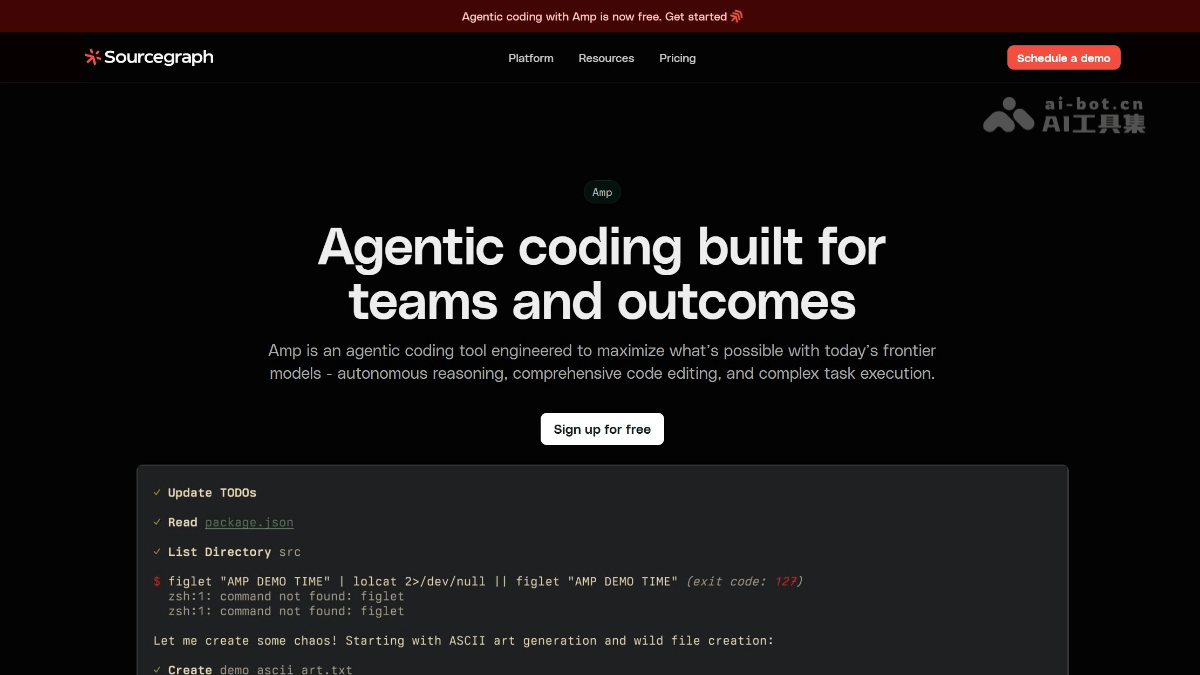
Amp's main features
-
Autonomous task execution: Provides code completion and can autonomously plan, reason, and execute complex programming tasks like a junior engineer, such as refactoring modules across codebases, generating test files, and writing documentation.
-
Multi-model intelligent scheduling: Automatically selects the optimal model (Claude Opus 4.6, GPT-5.2, DeepSeek, Gemini, Mistral, etc.), with no need for users to switch manually, always using the best model to deliver high-quality code.
-
Deep code understanding: Leveraging Sourcegraph's ten years of code search technology, it builds code graphs and vector embeddings, can trace type definitions and function call chains, and performs global analysis across microservices, shared libraries, and API boundaries.
-
Thread session sharing: Supports saving complete conversation records (prompts, Agent replies, code modifications) and sharing them with team members, promoting collaboration accumulation and reuse of best practices.
-
Three Agent modes:
smartmode provides unlimited use of the most advanced models,rushmode quickly handles clear tasks,deepmode uses deep reasoning to solve complex problems. -
AGENT.md integration: Automatically reads the project-specific AGENT.md file, understands the codebase structure, development practices, and coding standards, and generates code that better fits the context.
-
No Token limit: Unlike other tools that limit Token usage, Amp sets no upper limit on Token usage to ensure task completion quality.
-
Dual-platform support: Provides a CLI command-line tool and a VS Code extension, seamlessly integrating into existing development workflows without the need to learn a new interface.
How to use Amp
- Visit the platform: Visit Amp's official website https://sourcegraph.com/amp。
-
Install the CLI tool: Run
npm install -g @sourcegraph/ampto globally install the Amp command-line tool. -
Configure the API Key: Set environment variables or add the Sourcegraph API Key in the configuration file to complete authentication.
-
Start a session: Run
ampin the terminal to enter interactive mode, where you can directly enter natural language descriptions of programming tasks. -
Choose an Agent mode: Choose
smart(high quality),rush(fast), ordeep(deep reasoning) mode according to the task type. -
Connect the code repository: Amp automatically analyzes the project in the current directory, building a code graph and vector embeddings to understand the code structure.
-
Write AGENT.md(Optional): Create an AGENT.md file in the project root directory to define the codebase structure, development conventions, and coding standards, enabling Amp to generate code that better fits the context.
-
Use the VS Code extension: Install the Amp extension in VS Code and its forks (Cursor, Windsurf, VSCodium) to invoke Agent capabilities directly within the editor.
-
Share Thread sessions: After completing a session, save the Thread and share the prompts, Agent replies, and code change records with team members for reuse.
Amp application scenarios
-
Complex code refactoring: Perform large-scale code refactoring across modules and services, automatically analyzing dependencies and safely migrating the code structure.
-
Automated test generation: Automatically generate unit tests and integration tests based on existing code, improving test coverage and code quality.
-
Technical documentation writing: Automatically analyze code logic and generate API documentation and README descriptions, reducing the manual cost of maintaining documentation.
-
Rapid new feature development: From requirement description to code implementation, Amp can independently plan development steps, accelerating the feature iteration cycle.
-
Legacy code comprehension: Quickly sort out the code structure and call chains of old projects, helping new members get up to speed with complex codebases.
-
Code review assistance: Generate detailed code change descriptions and context, improving PR review efficiency and quality.

