
What is Designs.ai
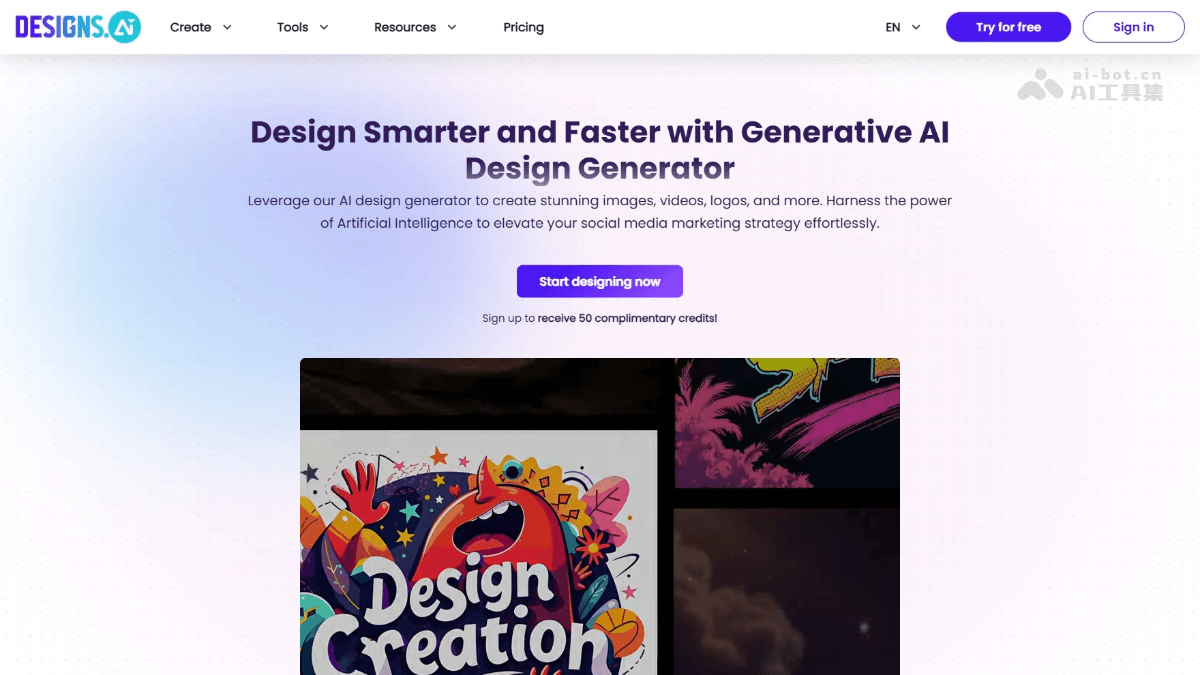
Designs.ai is a creativedesign platformbased on generative AI. Through AI technology, it helps users quickly and efficiently create various design content, including images, videos, logos, etc., improving social media marketing effectiveness and brand building. The platform providesAI audio synthesis, design,drawing、writingfunctions, as well asLogo、videoand image creation and other professional tools. Users can easily create high-quality visual and text content with the tools, improving marketing effectiveness and brand consistency. The platform can simplify the design process, reduce costs, and is suitable for beginners and professionals.
Main features of Designs.ai
-
AI design generator: quickly generate high-quality design content such as images, videos, and logos, improving design efficiency.
-
Logo generator: supports users in creating professional logos online for free, simplifying the design process and saving time and cost.
-
AI writing tool: used to generate video scripts, copy, and other text content, improving the efficiency and quality of content creation.
-
Multimedia production tools: include functions such as voice generation and video production, meeting users' diverse multimedia needs.
-
Creative assistance tools: such as color matchers, graphic makers, and font pairing tools, helping users optimize design details and improve the professionalism of their work.
-
Social media tools: such as social media calendars, helping users plan and schedule content publishing, improving the effectiveness of social media marketing.
How to use Designs.ai
-
Visit the platform: visit the Designs.ai official website https://designs.ai/。
-
Register an account: create a new account or log in with an existing account.
-
Choose a tool: according to your needs, choose one of the tools provided by the platform, such as the Logo generator, AI writing tool, etc.
-
Customize the design: use the interface of the selected tool to enter the necessary information or upload materials to customize a personalized design.
-
Preview and edit: view the preview of the generated design and edit and adjust it as needed.
-
Download or share: after completing the design, download the file or share the work directly on social media.
Application scenarios of Designs.ai
-
Brand building: use the Logo generator and AI design tools to create unique brand identities and visual assets.
-
Content marketing: use AI writing tools to write engaging blog articles, social media posts, and advertising copy.
-
Social media management: plan and schedule content publishing through social media calendar tools to improve online engagement.
-
Video production: use video production tools and AI audio generators to create high-quality video content.
-
Personal projects: apply AI design and multimedia tools in personal websites, presentations, or artworks.


