

What is EbSynth
EbSynth is avideo style transfer toolthat can convert existing videos into different artistic styles, such as oil painting style or cartoon style. Users can customize the style by drawing or importing their own style images to achieve unique video style transfer effects. The conversion results have high quality and detail, can preserve the content of the original video, and convert it into the selected artistic style. EbSynth provides flexible parameter controls, allowing users to adjust the details of the conversion effect, such as line thickness, color saturation, etc., to meet personalized needs. EbSynth supports real-time preview, making it convenient for users to instantly view the results and make adjustments and modifications during the conversion process. EbSynth can run on multiple operating systems, including Windows, Mac, and Linux, providing cross-platform support.
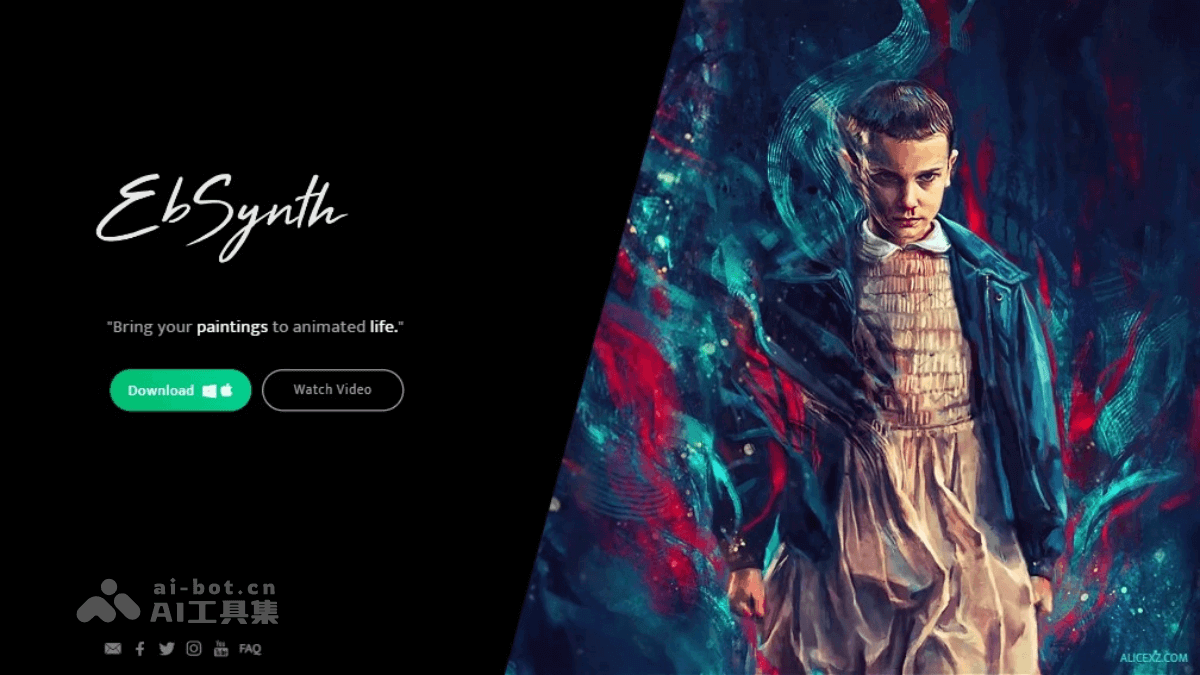
EbSynth's main features
- Style transfer: EbSynth's most core feature is the ability to convert videos into various artistic styles, such as oil painting, watercolor, cartoon, etc.
- Custom styles: Users can import their own style images and apply these styles to videos through AI algorithms.
- High-quality output: EbSynth can generate high-quality output videos while preserving the details of the original video.
- Real-time preview: During the style transfer process, EbSynth provides a real-time preview feature, allowing users to instantly see the conversion effect.
- Parameter adjustment: Users can adjust the parameters of the conversion effect as needed, such as line thickness, color saturation, etc.
- Cross-platform support: EbSynth supports multiple operating systems, including Windows, Mac, and Linux.
- Flexible frame processing: Users can select keyframes for style transfer, and then let EbSynth automatically generate intermediate frames to create smooth animation effects.
- Video editing: EbSynth can be used in combination with video editing software to achieve more complex video processing effects.
- Batch processing: EbSynth supports batch processing, allowing users to process multiple video files at once.
- Plugin support: EbSynth supports third-party plugins to extend its functionality and compatibility.
How to use EbSynth
The installation and usage methods of EbSynth are as follows:
- Download and install EbSynth, as well as the required extension plugins such as Ebsynth Utility and FFmpeg.
- Split the video file into frame-by-frame images.
- Use masks to extract the corresponding subject, such as a person.
- Extract one image as a keyframe every certain number of frames.
- Use AI tools such as Stable Diffusion to redraw these images in a different style.
- Use EbSynth to automatically generate connecting in-between frame animations from the redrawn keyframes.
- Recombine the redrawn frames and in-between frames into a complete video.
EbSynth's product pricing
- For specific pricing information, visit the official website directly to get the latest information.
EbSynth's application scenarios
- Film production: In film production, EbSynth can be used to add artistic-style visual effects to scenes, such as converting real scenes into oil painting or cartoon styles, enhancing the visual impact and artistic feel of the film.
- Animation production: EbSynth can be used for animation production, where creators change the appearance and style of the animation through painting, providing a new visual experience for animated characters or scenes.
- Video Game Production: In video game production, EbSynth can be used to add unique artistic styles to game scenes and characters, enhancing the visual appeal of the game.
- Advertising Production: EbSynth can be used for advertising production, adding special visual effects and styles to commercials, attracting the audience's attention and making the advertising content more appealing.
- Artistic Creation: Artists can use EbSynth to create unique artworks, exploring new forms of artistic expression by converting videos into different artistic styles.
- AI Video Editing: EbSynth Utility combines img2img and ebsynth technologies, providing AI-based video editing capabilities without relying on professional software such as Adobe After Effects, lowering the threshold for video editing.


