

What is Wordware
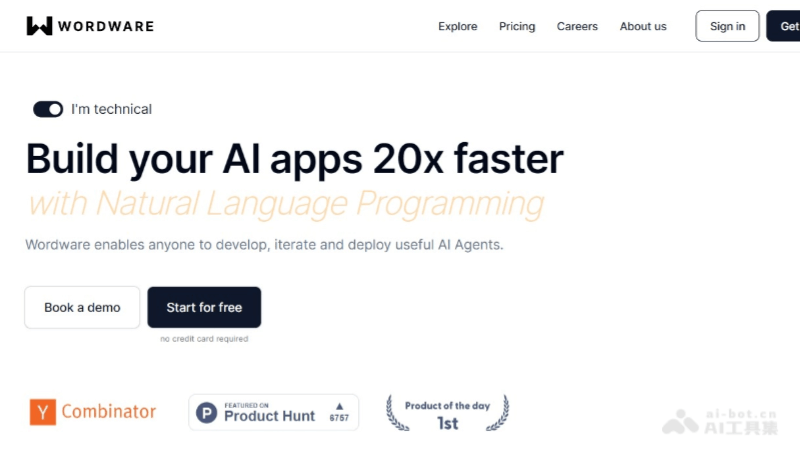
Wordware is an integrated development environment (IDE) that lets anyone use everyday language tobuild complex AI Agents and apps. Users can quickly develop personalized AI Agents without programming knowledge by leveraging pre-built tools and models. It integrates all current popular large language models and features advanced technical capabilities such as loops, branching, type safety, and code execution. Wordware supports one-click API deployment and has earned extensive user praise for its ease of use and powerful features.
Wordware's main features
- Natural language programming: Users only need to describe what they want the AI to do in everyday language, without writing complex code.
- No-code workflows: Through simple drag-and-drop and everyday language instructions, users can create workflows themselves without a programming technical background.
- Integrated large language models: Wordware integrates a variety of advanced AI language models and can handle various complex language tasks.
- One-click API deployment: Users can quickly deploy their AI apps to the cloud and call them through API interfaces.
- Multi-functional modules: It provides functional modules such as text generation, image generation, data analysis, and automation to meet different needs.
- Cross-functional team collaboration: It supports team members from different backgrounds to participate together in the AI app development process, improving collaboration efficiency.
- Intuitive and easy-to-use interface: Wordware's interface design is simple and intuitive, enabling users to quickly get started and build AI apps.
- Personalized AI apps: Users can build customized AI apps according to their specific needs, such as social media analysis, content creation, and more.
How to use Wordware
- Try the Twitter Snarky Agent:twitter.wordware.ai
- Product official website:wordware.ai
- Create a project: After logging in to Wordware, create a new AI project and add the required AI components to the project by drag-and-drop.
- Configure settings: Set parameters and select models for each component, and write instructions in natural language for the AI to execute tasks.
- Test run: Run the workflow, check whether the expected results are achieved, and adjust component settings based on the test results.
Wordware's application scenarios
- Social media analysis Agent: It can automatically collect and analyze posts on social media, identify public sentiment, and provide insights for market research or brand monitoring.
- Personalized poetry creation: Users can request the AI to create a poem about a specific topic, and the AI will create it based on the prompt words given by the user.
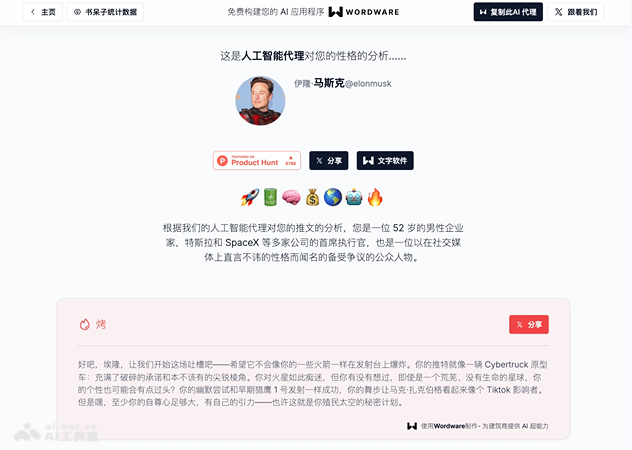
- Twitter Personality analysis: By analyzing Twitter users' tweets, it uses large language models to evaluate users' personality traits.
- Automated report generation: It extracts information from structured data and automatically generates business reports, saving manpower and improving efficiency.
- Legal contract review: It automatically analyzes legal documents and quickly identifies key clauses and potential issues in contracts.
- Personalized learning tutoring: The AI Tutor product uses AI to provide students with personalized learning tutoring while helping teachers reduce their workload.

