

What is InVideo AI
InVideo AI is an AI video creation and editing tool that can automatically generate video content based on user-input text. Users only need to provide the video topic or script, and InVideo AI can use its AI technology to generate a complete video including the video script, voiceover, images, subtitles, and background music. The tool supports personalization and allows users to edit and adjust the generated video content. It is suitable for content creators, marketers, and businesses, and aims to simplify the video production process and improve efficiency. InVideo AI also provides a rich media library and multiplayer collaboration features, supports free trials, and offers a variety of subscription plans for users to choose from.
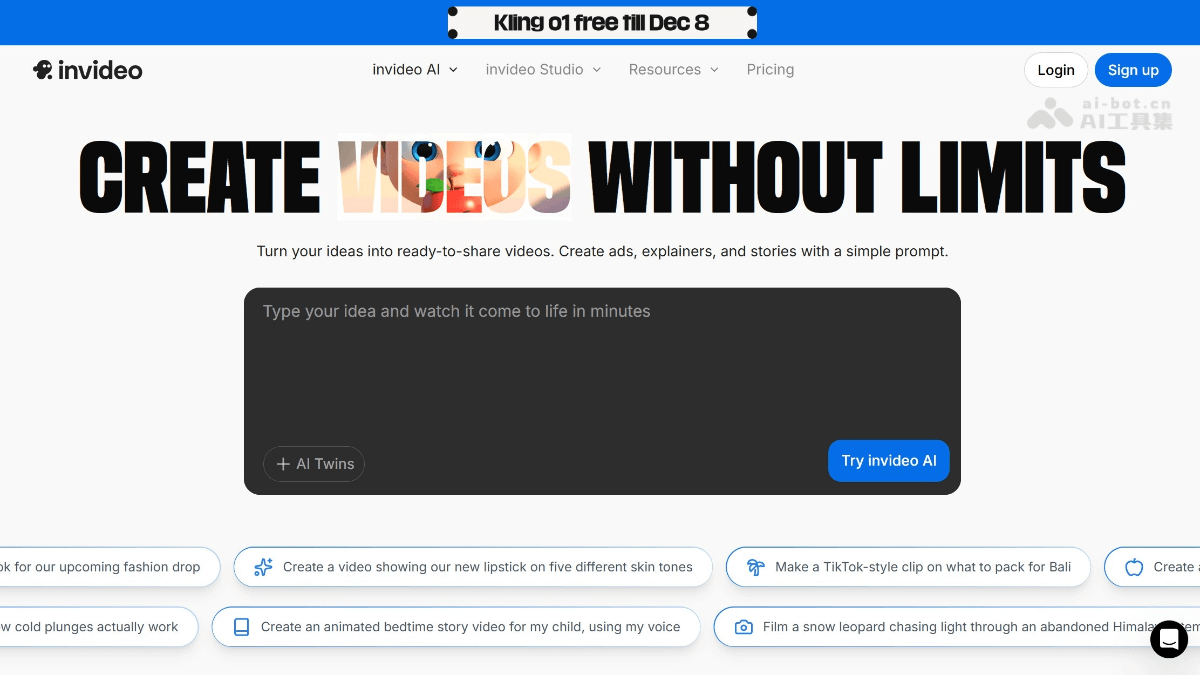
Main features of InVideo AI
- Text-to-video conversion: One of InVideo AI's core features is converting text content into video. Users only need to input or upload a script, and the AI will automatically select appropriate visual elements and layouts based on the content.
- AI-driven voiceover: The tool has built-in multiple AI voice options with natural pronunciation, supports different languages and accents, and users can choose suitable voiceovers according to the video style and target audience.
- Automatic subtitle generation: InVideo AI can automatically recognize speech and generate corresponding subtitle files, which is crucial for improving video accessibility and international dissemination.
- Huge media library: It provides a rich library of video, image, and music materials, and users can choose suitable materials according to the video theme and style.
- Real-time multiplayer collaboration: It allows multiple users to edit the same video project online at the same time, which greatly improves the efficiency of teamwork.
- Video editing and customization: Users can fine-tune AI-generated videos, including trimming video clips, changing transition effects, adjusting animations, and more.
- Personalized video customization: InVideo AI allows users to customize video content according to specific audience groups, visual styles, and publishing platforms.
How to use InVideo AI
- Register and log in: Visit the official Invideo website https://invideo.io/,选择注册并使用邮箱或社交媒体账号登录。
- Create a project: After logging in, click the "Create AI Video" button and enter a text prompt describing the video theme or keywords.
- Set preferences: Follow the prompts to set the video preference options, such as target audience, style, and publishing platform.
- Generate video: After completing the settings, click "Generate Video," and Invideo AI will automatically generate the script, visual materials, subtitles, narration, and soundtrack.
- Edit video: The generated video can be edited on the timeline, adjusting details such as shots, subtitles, and music.
- Export video: After editing is complete, choose the appropriate resolution and format to export the video, and save or share it to the desired platform.
Who InVideo AI is suitable for
- Content creators: Individuals or teams that need to regularly produce video content, such as bloggers, social media influencers, or YouTubers.
- Marketing professionals: Marketing teams responsible for producing marketing videos, who need to quickly create attractive advertisements or promotional videos to promote products or services.
- Corporate trainers: HR or training departments that need to produce training videos, for internal employee training or as customer education materials.
- Educational institutions: Teachers or educational institutions can use it to create educational videos, such as tutorials explaining complex concepts or distance education courses.
- Independent entrepreneurs: Small business owners or freelancers who may not have professional video production skills but need to create videos to showcase their products or services.


