

What is Augment Code
Augment Code is an AI programming assistant designed specifically for development teams, improving development efficiency and code quality. By deeply understanding the context of the codebase, it provides developers with personalized code generation, code optimization, and question-answering services. The core advantage lies in its ability to handle large and complex projects, supporting multimodal input such as screenshots and design files, helping developers solve problems more intuitively. Augment Code provides full-process support from problem definition to code optimization, supports mainstream development tools such as VS Code and JetBrains IDEs, and facilitates team collaboration through Slack integration. It has a powerful context engine with a capacity of up to 200,000 tokens, enabling better understanding of code structure and dependencies.
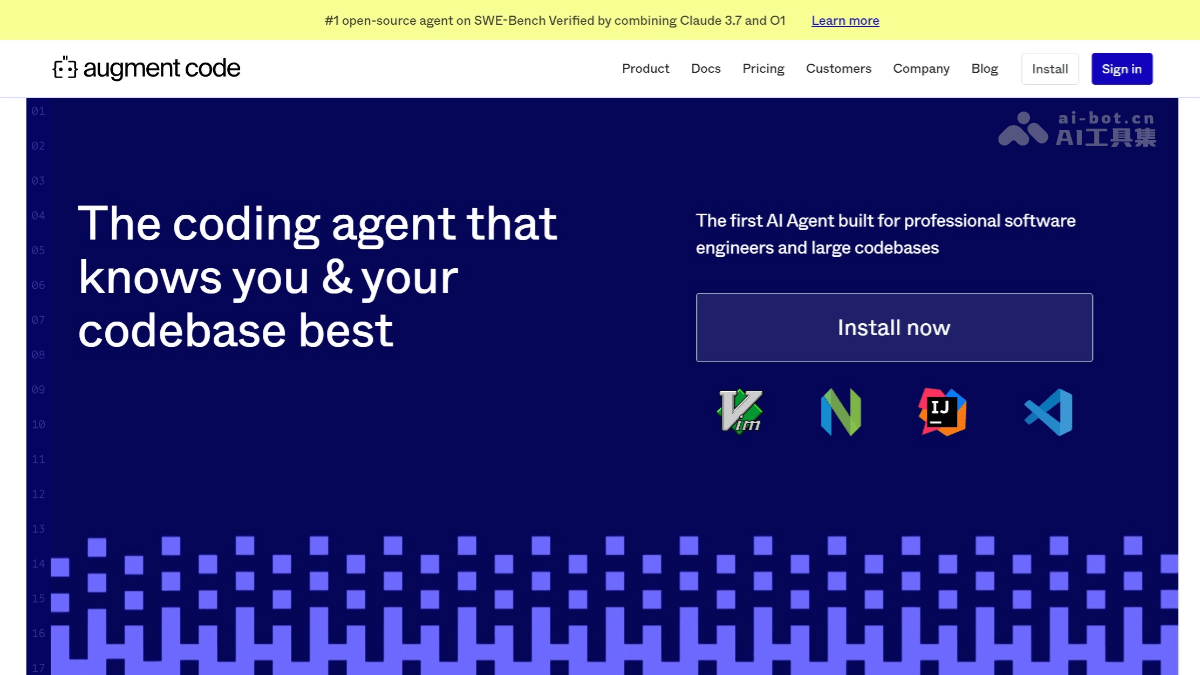
Main features of Augment Code
- Large codebase adaptation: Augment is specifically optimized for large codebases, able to understand complex project structures and coding patterns, and provide developers with more accurate code suggestions.
- Deep code understanding: Able to comprehensively understand the context of the entire codebase, and can respond quickly even for large and complex projects. By pre-indexing the codebase, it achieves a deep understanding of code structure and dependencies.
- Personalized code generation: Automatically learns and adapts to coding style as developers work, providing personalized inline code completion.
- Support for multiple input methods: In addition to traditional text input, it also supports multimodal input such as screenshots and Figma files, helping developers describe problems more intuitively.
- Powerful context processing capability: Context capacity of up to 200,000 tokens, enabling better understanding of the codebase structure and dependencies.
- Slack integration: Through Slack integration, developers can quickly get answers, help new members get up to speed, or make decisions when needed.
- Code optimization suggestions: Provides code optimization suggestions to help developers improve code quality and performance.
- Refactoring assistance: Assists with code refactoring to ensure code readability and maintainability.
- Instant question answering: Can instantly answer questions about the codebase, helping developers quickly locate and solve problems.
- Automatic snapshot creation: Automatically creates snapshots of the workspace, making it convenient for developers to view and roll back to previous versions at any time.
- Project management: From issue to pull request, it helps developers through the entire process from problem definition and code creation to code optimization.
How to use Augment Code
- Visit the official website: Visit the official website of Augment Code. Register with an email and log in.
- Install the plugin: Depending on the IDE you use, choose to install the corresponding plugin. Augment Code supportsVS Code、JetBrains、Vim, etc.
- Configure the environment: After installation, open the IDE and log in to your account. The plugin will scan the project codebase and build an index. The first scan time varies depending on project size.
- Feature usage
- Code completion: Enter code in the IDE, and the plugin will suggest code based on context. Press the "Tab" key to accept the suggestion.
- Smart chat: Ask code questions through the chat window. Click the "Chat" icon in the IDE sidebar, enter your question, and the AI analyzes the codebase and returns an answer with file paths noted.
- Multi-file editing: Use Agent mode to modify code in batches. Enter a task in the chat window, the Agent lists a preview of the changes, and click "Apply" to execute.
- Multimodal input: Upload screenshots or Figma files to assist with debugging or implementing UI. Click the upload button in the chat window, select a screenshot or Figma file, enter your requirements, and the AI will generate code.
- Project generation: Enter requirements in Agent mode to quickly build a complete project. >Enter requirements, such as "make a WeChat Mini Program library management system"; the AI generates the frontend code, backend service, and database tables; after checking the code, run it as prompted.
- Tool integration: Authorize accounts such as GitHub and Slack in settings. Commit code or send messages in the IDE.
Use cases of Augment Code
- Large codebase management: Augment Code supports a context of up to 200,000 tokens, can quickly understand complex projects, and generates accurate code suggestions. It is suitable for large enterprises with huge codebases and multiple development teams, helping unify coding standards and improve code reuse.
- Rapid prototyping: Through Agent mode, Augment Code can generate frontend and backend code within minutes, suitable for quickly validating ideas.
- Team collaboration and knowledge transfer: Augment Code supports collaboration among multiple developers and promotes the sharing of internal best practices. New members can quickly understand how the codebase works, investigate errors, etc. through the chat feature, accelerating learning and integration into the team.
- Code optimization and refactoring: Augment Code provides AI-based code review capabilities to identify potential errors and areas for improvement. It provides step-by-step guidance for code refactoring, helping developers improve code structure and performance.
- Complex task handling: With its powerful context processing capabilities, Augment Code can handle complex code refactoring and migration tasks.
Who Augment Code is for
- Individual developers: Independent developers who need to improve coding efficiency and quickly generate high-quality code.
- Development teams: Team members collaborating on large projects, especially new team members who need to quickly understand and adapt to the project's coding style.
- Senior engineers: Senior engineers who want to promote internal best practices and improve the overall coding level of the team.
- Technical leads and project managers: Those responsible for overseeing project progress and code quality, and who need to ensure the team follows established development processes and standards.
- Startups: Startup companies seeking to iterate products quickly and needing to produce large amounts of reliable code in a short time.
- Large enterprises: Large enterprises with huge codebases and multiple development teams that need to unify coding standards and improve code reuse.

