
What is Watermark Cloud
Watermark Cloud is an AI online image and video processing tool, providingwatermark removal、smart cutout, video-to-text, AI eraser pen and other features. Users can remove watermarks from images and videos online, quickly cut out subjects and change backgrounds, and extract text content from videos. Watermark Cloud supports saving short videos without watermarks, and adding personalized watermarks to images and videos. It is suitable for a variety of devices, including PC, Android and iPhone, meeting users' needs in image processing and video editing.
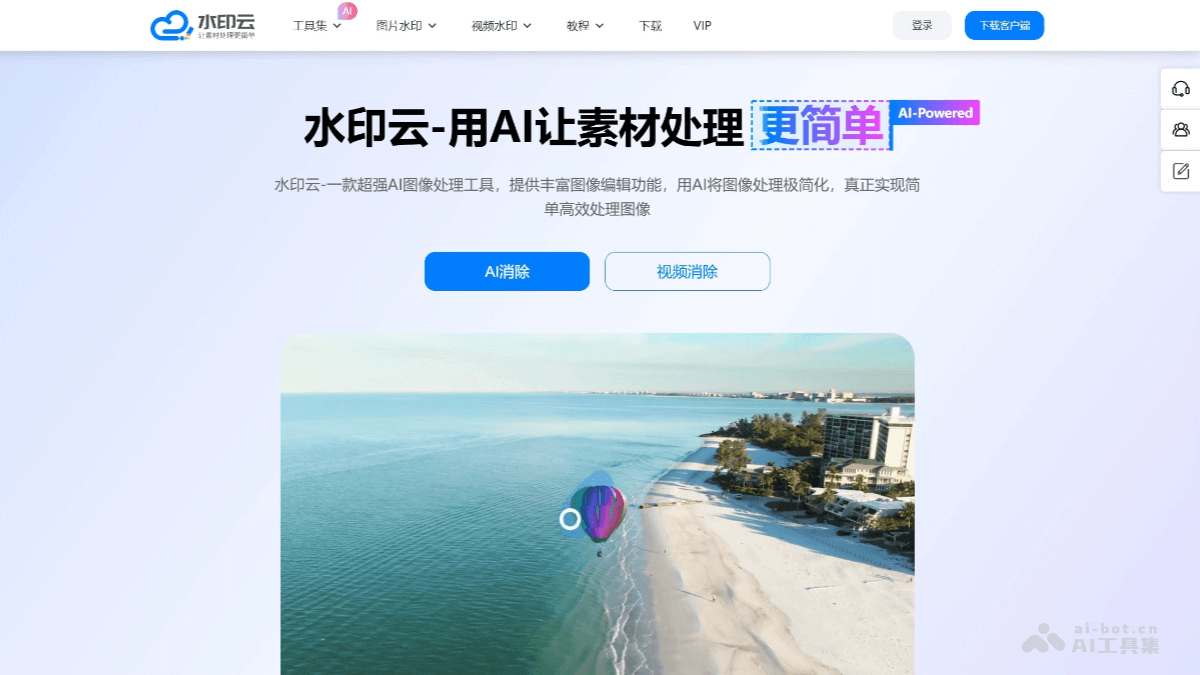
Main features of Watermark Cloud
- Online watermark removal: Can remove watermarks from images and videos while maintaining the integrity of the original content.
- Smart cutout: Automatically identifies and cuts out the subject in an image, supports manual adjustment for more precise cutout results.
- Video-to-text: Converts speech content in videos into text, supports recognition and transcription in multiple languages.
- AI eraser pen: Based on artificial intelligence technology, intelligently removes unwanted parts of an image, such as blemishes or unwanted logos.
- Watermark-free video download: Supports downloading watermark-free video content from mainstream short video platforms.
- Add watermarks to images/videos: Provides users with the function of adding personalized watermarks to images or videos, including full-screen watermarks, etc.
- Image enhancement: Uses AI technology to improve image clarity and repair blurry images.
- Batch processing: The desktop version supports batch processing of images and videos, improving work efficiency.
- Smart design templates: Provides a variety of design templates, suitable for e-commerce, new media, marketing and many other scenarios.
- Image format conversion and editing: Supports conversion between different image formats and basic image editing functions.
How to use Watermark Cloud
- Visit Watermark Cloud: Visit Watermark Cloud'sofficial website。
- Import files:
- For image watermark removal, open the software, select the "Image Watermark Removal" feature, and then import the image to be processed.
- For video watermark removal, select the "Video Watermark Removal" feature and upload the video file from which the watermark needs to be removed.
- Select the watermark removal area:
- In image watermark removal, use the rectangle tool to select the watermark area to be removed. If the watermark is small, you can zoom in on the image to make the selection. If the watermark position is the same across multiple images, you can click "Apply to All".
- In video watermark removal, click "Add Watermark Removal Area", select and adjust the watermark area, and you can choose the effective time range of the watermark area according to when the watermark appears.
- Start processing: After selecting the watermark area, click "Start Processing" or "Start Watermark Removal", and the software will automatically process and remove the watermark.
- Preview and save: After processing is complete, preview the watermark removal effect. Once satisfied, click the download or save button to save the processed file locally.
Application scenarios of Watermark Cloud
- Digital media protection: Watermark Cloud can be used in radio and television media asset systems. By adding a unique invisible watermark to each distributed media asset, it enables comprehensive tracking of distribution channels, enhances the security of copyrighted content and media asset protection, effectively holds the leaking party accountable, and ensures clear and controllable responsibility in content distribution.
- Enterprise File Protection: In enterprises, Watermark Cloud can be used in the fields of file protection and data security. By adding visible or invisible watermarks to files, it prevents employees from leaking information and enables tracing when information is disclosed.
- E-commerce White Background Replacement and Background Replacement: Watermark Cloud's intelligent cutout function can quickly cut out images and replace backgrounds, and is especially suitable for the e-commerce industry for processing product images, such as replacing with a white background or freely changing the background.
- Video Content Processing: Supports watermark-free downloading of mainstream short videos. Simply copy the link to remove the watermark and save images/videos, suitable for content creators and video editors.
- Video to Text: Converts the speech content in videos into text, suitable for scenarios such as meeting minutes and organizing lecture content, with fast and accurate recognition and one-click text extraction.
- Image and Video Quality Enhancement: Uses AI technology to improve image clarity and repair blurry images, suitable for occasions that require improving the quality of visual materials.