
What is SaySo
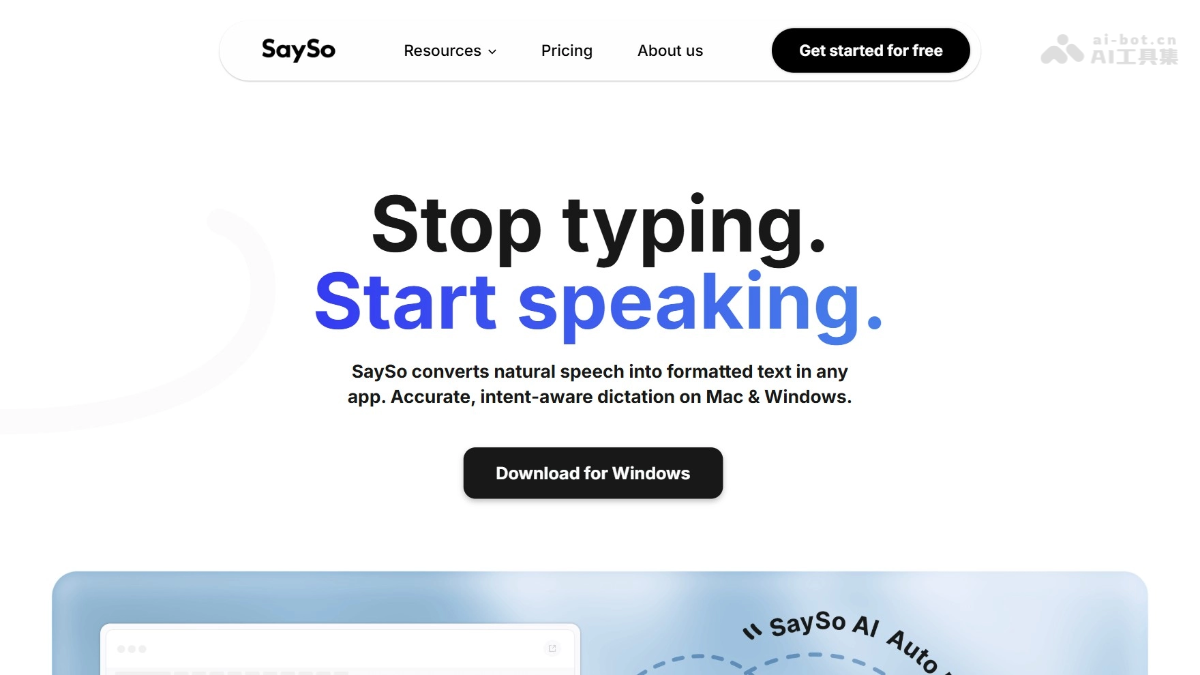
SaySo is an AI voice inputassistant that supports both Mac and Windows platforms. The tool can understand user intent, automatically filter out colloquial filler words such as "um" and "ah," correct slips of the tongue, intelligently format text, and directly output clearly structured text. SaySo supports email generation, real-time translation in 100+ languages, table organization, social media copywriting, and other functions. It offers three input modes to suit different scenarios, stores data locally to ensure privacy and security, and can help users save typing time and improve work efficiency.
SaySo's Main Features
-
Intelligent Speech Recognition: Supports understanding user intent and then outputting structured text, automatically filtering out colloquial filler words such as "um" and "ah" and correcting slips of the tongue.
-
Three Working Modes: Simple mode generates as you hold and speak, smart mode enables command interaction after voice wake-up, and Chip mode supports continuous recording to free your hands.
-
Intelligent Email Generation: Dictate content in Chinese, and the tool automatically outputs English business emails with standardized formatting and natural tone.
-
Real-Time Simultaneous Interpretation: Supports mutual translation among more than 100 languages, preserving the tone and emotional color of the original text, and adapting to slang and internet expressions.
-
Voice-to-Table: Users dictate disorganized information, and the tool automatically organizes it into clearly structured Excel or data tables.
-
Social Media Copywriting: Automatically generates natural Twitter copy with popular Hashtags based on core viewpoints.
-
Instant Terminology Explanation: Automatically explains professional terminology while reading documents, supporting both plain and professional expression styles.
How to Use SaySo
-
Download and Install: Visit the official website https://www.sayso.ai/ to download the Mac or Windows client and complete installation.
-
Activate and Use: In any input box interface, press the default shortcut key Fn and start speaking directly to launch voice input.
-
Choose a Mode: Switch between Simple mode, Smart mode, or Chip mode according to your needs to suit usage habits in different scenarios.
-
Intelligent Editing: After speaking, release the shortcut key, and SaySo automatically completes the entire process of speech recognition, filtering filler words, understanding intent, and formatting output.
-
Advanced Commands: In Smart mode, after saying "Hey, SaySo" to wake it up, you can add specific commands such as translation, email generation, and table creation.
-
Privacy Management: All history is automatically saved on the local device, and users can view or clear it at any time without worrying about data leaks.
SaySo's Product Pricing
- Pro Plan: A complete productivity solution for advanced users, at $12 per user per month (billed annually). It includes all Free plan features, provides unlimited words per week, priority feature request access, and early access to new features.
- Free Plan: An entry-level choice for beginners, completely free, with 4,000 words available per week, support for lightning-fast voice input, AI automatic editing and transcription, custom dictionary additions, and coverage of more than 100 languages.
SaySo's Application Scenarios
-
Daily Office Writing: The user dictates meeting content or work ideas verbally, and SaySo automatically generates well-organized meeting minutes, work reports, or year-end summary documents.
-
Cross-language business communication: When foreign trade personnel receive voice messages in a foreign language, SaySo instantly translates them and helps them dictate in Chinese to generate an authentic and professional English email reply to the customer.
-
Academic research and writing: When researchers read foreign-language literature, SaySo translates the content in real time, summarizes the core points, and automatically polishes colloquial expressions into standardized academic text.
-
Overseas social media operations: Operators select the core viewpoints of overseas posts, and SaySo analyzes the author's tone and sentiment and generates multilingual promotional copy with popular hashtags in one click.
-
Product manager work: Product managers input PRD documents by voice while drawing prototypes, maintaining a focused flow state without switching application windows.