
What Is Runway Aleph
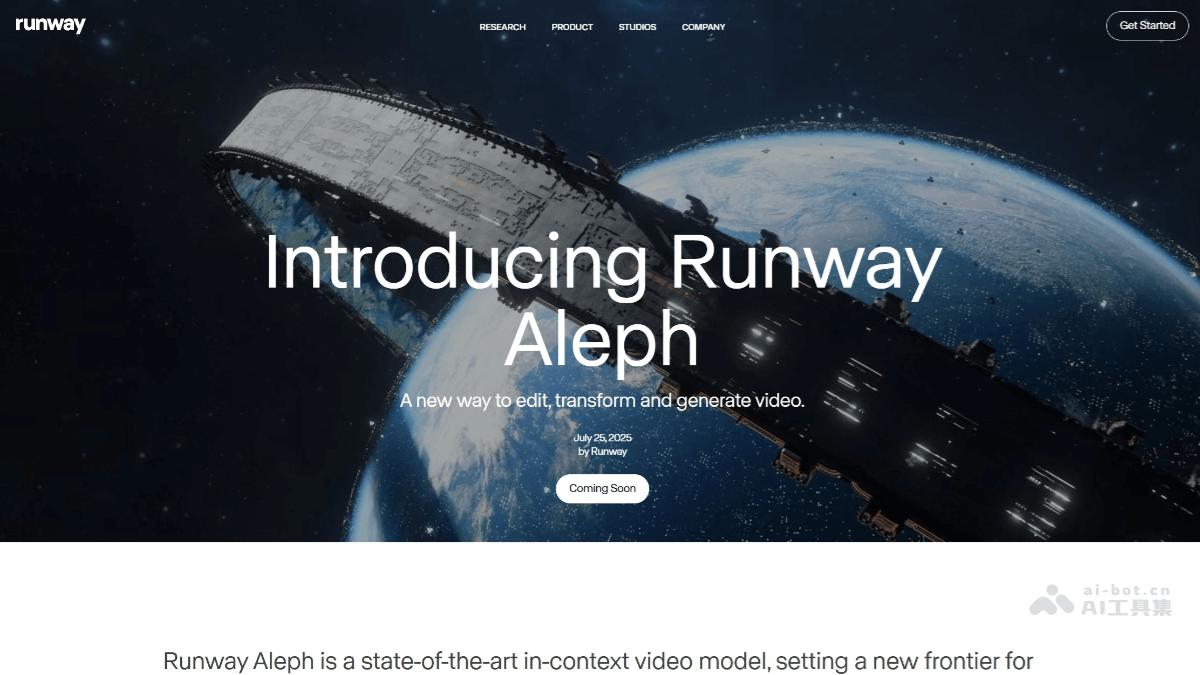
Runway Aleph is a powerful AI video editing model launched by Runway . Through simple text instructions, it can quickly add or remove video content, transform styles, change environments, and adjust camera movement. Users can easily remove unwanted elements from a video, turn daytime scenes into nighttime, or change a video's style from realistic to cartoon. Aleph's core advantage lies in its context-based editing capability, which can understand a video's narrative logic and spatiotemporal relationships, avoiding common editing errors.
Main Features of Runway Aleph
-
Content Addition and Removal: It can accurately identify objects in a video and supports adding new elements or removing unwanted content. For example, it can easily remove glass reflections or clutter in the background, and can also add falling cherry blossoms to a street interview video.
-
Environment and Atmosphere Transformation: Users can change the environment, weather, or season in a video through text instructions, such as turning a sunny scene into a rainy one, or adjusting a daytime image to a nighttime scene, giving the video a completely new narrative atmosphere.
-
Style Transfer: It supports converting a video's style into cartoon, oil painting, or other artistic styles while maintaining consistency in the visual content, providing diverse options for artistic creation and brand promotion.
-
Camera Movement Transfer: Users can preserve the original video's camera movement and generate new content or perspectives, making it especially suitable for scenes that require dynamic camera effects, such as mimicking the original video's pan, zoom, and tilt rhythm to generate new footage.
-
Green Screen Keying and Lighting Optimization: It has built-in green screen keying, so no professional green screen equipment is needed; the AI automatically identifies the subject and performs keying. It supports relighting and can automatically adjust lighting effects according to scene requirements.
How to Use Runway Aleph
-
Visit the Official Website: Open the official website of Runway Aleph:https://runwayml.com/research/introducing-runway-aleph。
-
Upload a Video: Upload the video you need to edit to the platform. Currently, videos with 360p resolution and a duration of 5-30 seconds are supported.
-
Enter Instructions: Enter simple text instructions in the text box to describe the editing effect you want, such as "remove passersby from the video" or "change the video style to cyberpunk."
-
Adjust Parameters: Adjust some parameters as needed to optimize the generated video effect.
-
Generate the Video: Click the generate button and wait for Aleph to process. It usually completes within 30-60 seconds.
-
Download and Use: The generated video can be downloaded directly, has no copyright restrictions, and can be used for commercial purposes.
Application Scenarios of Runway Aleph
-
Short Video Production: Creators can easily remove distracting elements such as passersby and clutter from videos, making the image cleaner. For example, an unsightly utility pole in a travel video can be removed with one click using Aleph.
-
Film and Television Post-Production: It can generate new camera positions and perspectives. For example, after inputting a video, it can generate a medium shot or a low-angle shot through instructions. It can seamlessly continue the story by understanding the content of the video's last frame and generating a logically coherent next shot.
-
Style Transfer: Apply the artistic style of any image or video to a target video to achieve an overall aesthetic transformation. For example, turn a realistic video into an anime style to meet different creative needs.
- Visual effects: Modify environmental elements in a video, such as changing the weather, time, or location, while keeping the dynamics and structure of the main subject essentially unchanged.
- Personal video enhancement: Users can enhance their personal videos, such as adjusting lighting and adding special effects, to improve video quality.