
What is Project Genie
Project Genie is an experimental AI world model prototype launched by Google DeepMind, powered by Genie 3、Nano Banana Pro and Gemini technology. Users can create virtual worlds through text prompts or uploaded images, with Genie 3 rendering interactive environments in real time. Project Genie supports first-person and third-person perspectives, allowing walking, cycling, flying, or driving exploration, and the system can generate the scene ahead in real time as the user moves. Currently it is only available to Google AI Ultra subscribers in the United States (aged 18 and above).
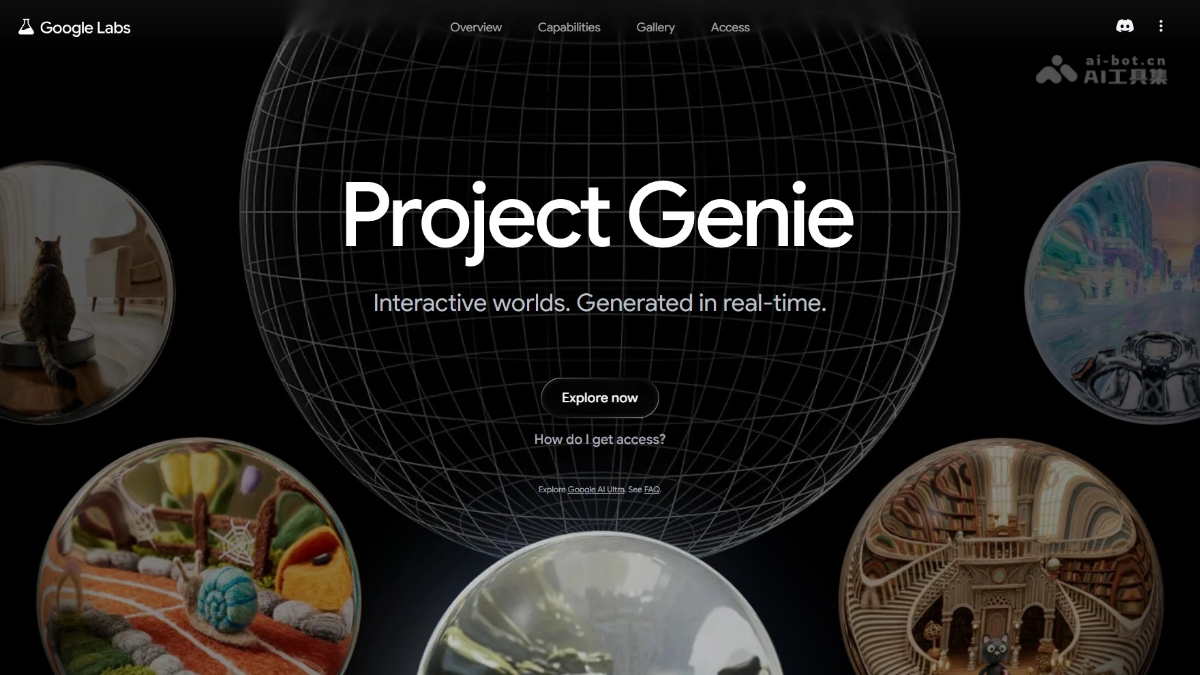
Main Features of Project Genie
- World Sketching: Create a world by entering text or uploading an image, preview and adjust the effect with Nano Banana Pro, and enter after choosing a first-person or third-person perspective.
- World Exploration: Supports controlling a character to move within the environment; the system generates the scene ahead in real time, and the camera angle can be adjusted at any time.
- World Remixing: Supports browsing others' works in the gallery for inspiration, modifying prompts to recreate, or randomly generating new worlds, and finally downloading exploration videos.
How to Use Project Genie
- Visit the Official Website: Visit the Project Genie official website https://labs.google/projectgenie,点击”Explore now” button to enter (requires Google AI Ultra subscription access).
- Create a World: Enter a world description in the text box (e.g., "cyberpunk city"), or upload a reference image, and click to generate a preview.
- Adjust the Preview: Nano Banana Pro will generate a static preview image; users can modify the prompt or image details until satisfied.
- Choose a Perspective: Choose a first-person or third-person perspective in the preview interface to determine how the character is observed.
- Enter Exploration: Click confirm to enter the real-time generated world, and use the keyboard/mouse to control the character's movement.
- Real-Time Roaming: While walking, flying, or driving, Genie 3 renders the scene ahead in real time as the user moves.
- Adjust the Camera: During exploration, you can zoom or rotate the view at any time to adjust the observation angle.
- Remix Creation: Return to the gallery, select others' works, modify the original prompt to generate a new version, or click the random button for inspiration.
- Save and Share: After completing exploration, click the download button to save the world video locally.
Application Scenarios of Project Genie
- Creative Entertainment: Game developers can quickly generate virtual world prototypes, and players can create and explore personalized interactive scenes.
- Film and Animation: Directors and artists can use previews to visualize scenes and generate concept environments, reducing pre-production costs.
- Architectural Design: Architects can let clients roam through spaces before they are built, intuitively experiencing the layout and atmosphere.
- Education and Training: Teachers can recreate historical scenes or scientific phenomena, allowing students to conduct virtual field studies immersively.
- Robotics Research: Researchers can generate diverse physical environments, providing unlimited testing scenarios for agent training.