
What Is Polar
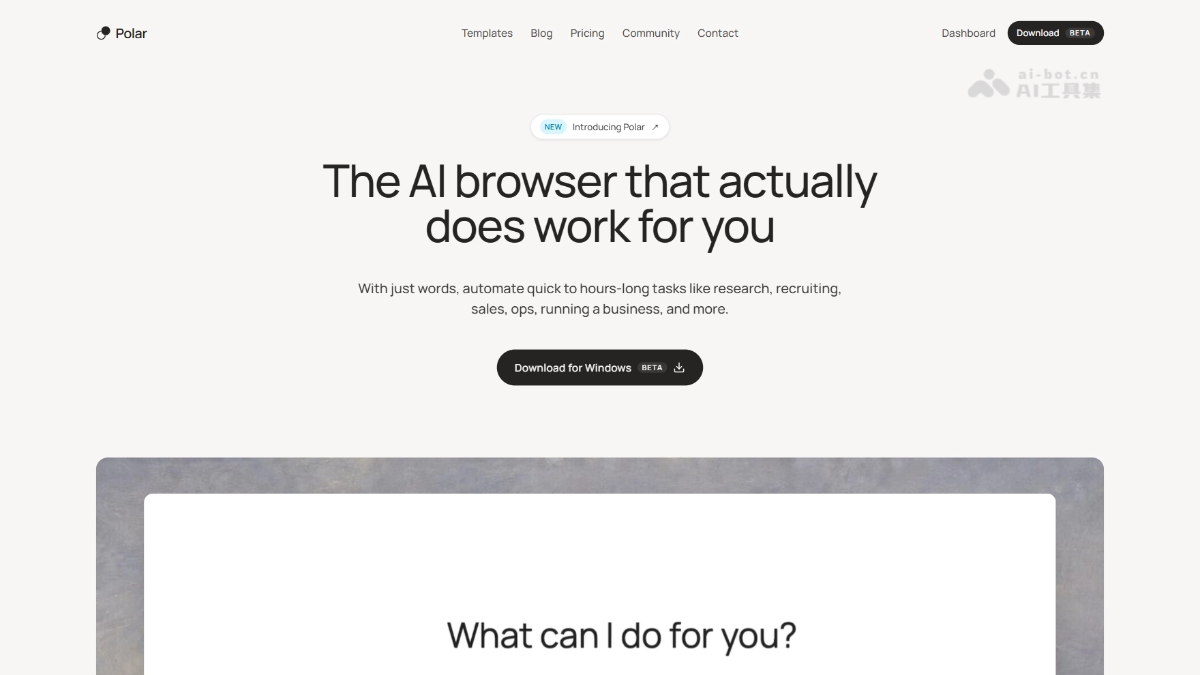
Polar is an AI browser launched by former Perplexity employee Kevin Jiang, with the platform built on Chromium. Unlike AI browsers that focus on consumer scenarios, Polar focuses on the knowledge work domain, specifically handling complex tasks that span multiple websites, are batch-based, repetitive, and last for tens of minutes or even hours, such as market research, sales lead mining, and recruitment screening, freeing users from tedious web operations.
Polar's Main Features
-
In-browser AI Agent: Directly performs actions such as clicking, scrolling, filling out forms, and scraping on the current webpage, with no need to switch tools.
-
250+ Preset Templates: Covering sales, recruiting, marketing, data, research, operations, and other areas, supporting one-click launch or saving as scheduled workflows.
-
Three Work Modes: Power Mode (high-performance complex tasks), Default Mode (balanced daily efficiency), Lite Mode (lightweight and low consumption), with support for a quick response toggle.
-
Cross-site Information Integration: Automatically jumps between multiple websites to collect information and generates structured reports with source links.
-
Scheduled Workflows: Supports automatically running tasks hourly, daily, weekly, or on a custom schedule, such as daily email summaries and regular LinkedIn outreach.
-
Real-time Visual Execution: The sidebar synchronously displays each step of the operation, the thinking process, and page screenshots, and users can pause or take over at any time.
How to Use Polar
-
Download and Install: Visit the Polar official website https://polarbrowser.com/ to download the macOS version of the Polar browser and complete the installation.
-
Log In to Your Account: Log in with an existing Google or other account, and Polar will automatically inherit the session state in the browser.
-
Choose a Template or Enter Instructions: Open the target webpage, then select a preset template in the sidebar or directly enter a natural language task description.
-
Set the Mode: Choose Power / Default / Lite Mode according to task complexity, and you can enable quick response.
-
Execute and Monitor: The AI automatically operates the webpage, and users can view execution steps and screenshots in real time in the sidebar and pause or take over at any time.
-
Get the Report: After the task is completed, view the structured output and save it as a workflow for scheduled reuse.
Polar's Core Advantages
-
Precisely Targeted at Knowledge Work: It avoids low-frequency consumer scenarios such as booking flights and focuses on high-frequency, repetitive professional tasks, resulting in stronger user stickiness.
-
Chromium-native Architecture: Based directly on a Chromium fork, it is compatible with existing tools and login states, requires no extension plug-ins, and is far more stable than early Electron solutions.
-
Long-duration Autonomous Operation: Supports complex task chains lasting for hours, and the progress of a new generation of models in long context and visual understanding makes it less likely to lose sight of the goal.
-
Transparent and Controllable: Every step of the operation and thinking process is visualized, users can intervene at any time, and guardrail mechanisms are in place to prevent high-risk operations.
-
Top-tier Team Background: The founding team comes from MIT, YC, Perplexity, Modal, Jane Street, Apple, and others, and its product capabilities have been proven leading through real knowledge work tasks.
Comparison of Polar with Similar Competing Products
| Comparison Dimension | Polar | Perplexity Comet |
|---|---|---|
| Positioning | AI browser Agent focused on knowledge work | Enterprise-grade AI research browser |
| Task Type | Cross-site batch operations, long-duration execution (several hours) | Deep research, information retrieval and summarization |
| Work Mode | Three-tier modes + scheduled workflows | Search and Q&A as the core |
| Architecture | Native Chromium fork | Based on existing browser architecture |
| Output | Structured reports + source links + savable workflows | Research summaries and cited sources |
| Team Background | Founded by former Perplexity employees | Official Perplexity product |
| Real-world task score | 90.4(Real Knowledge Work Tasks) | 70.4 (same benchmark) |
Polar's Application Scenarios
-
Market Research: Automatically scrape competitors' official websites, Reddit comments, and review information, and generate a competitive analysis report including customer pain points and positioning recommendations.
-
Sales Lead Mining: Batch-extract target customer information from channels such as LinkedIn and industry directories, and after enrichment organize it into a sales spreadsheet ready for follow-up.
-
Recruitment Screening: Automatically search for matching candidates across multiple recruitment platforms, extract key resume information, and generate a preliminary screening assessment form.
-
Investment Research: Collect financing, team, product, and market data of target companies across sites, and output a due diligence brief with sources.
-
Operations Automation: Regularly monitor inventory, order status, website changes, etc., automatically summarize anomalies and push reports, replacing repetitive manual inspections.