
What is Play with Putty
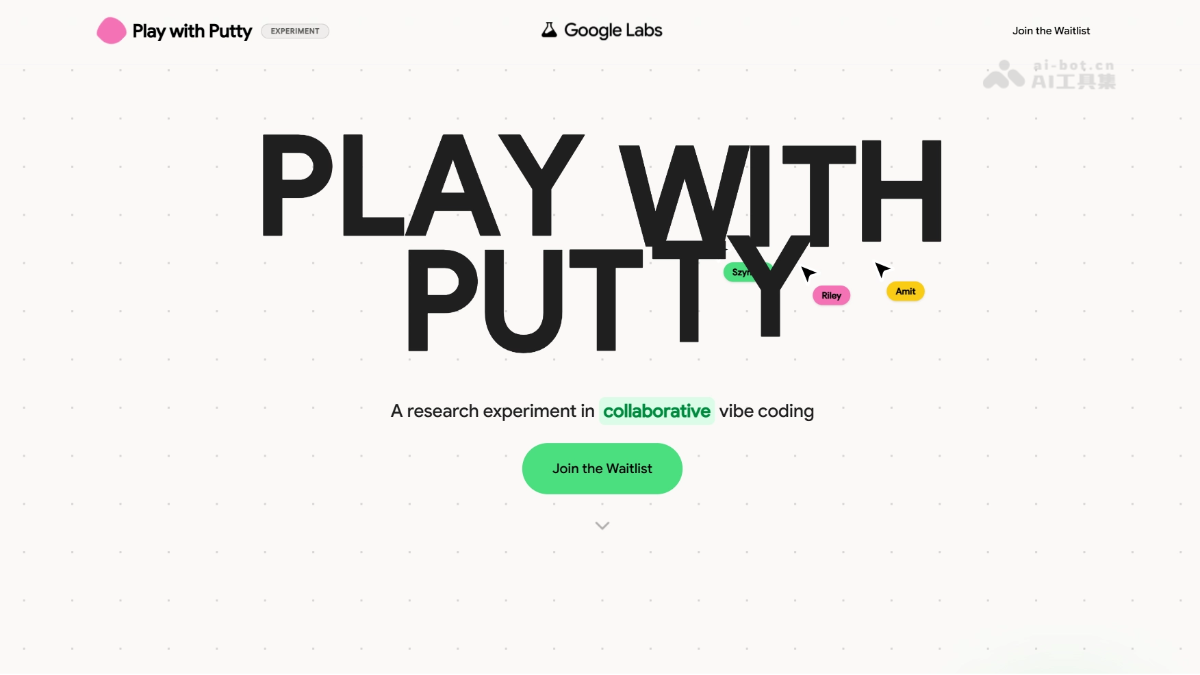
Play with Putty is a multiplayer real-time collaborative vibe coding experimental tool launched by Google Labs. Users describe requirements in natural language, AI automatically generates code, and multiple people can build tools and websites together in real time in the same shared space, with changes synced instantly and no programming background required. The product is currently being released in batches via a waitlist system, positioned as lightweight social creation, turning software from something written individually into a collective conversation that takes shape quickly through real-time collaboration.
Main Features of Play with Putty
-
Multiplayer Real-Time Collaboration: Supports multiple people entering the same shared workspace and building projects simultaneously, just like editing a collaborative document.
-
Natural Language Driven (Vibe Coding): Users describe requirements in natural language, and AI automatically generates the corresponding code, with no programming background required.
-
Real-Time Synchronized Rendering: Any prompt modification is instantly synchronized to all participants, with no need to manually save or refresh the page.
-
Generates Usable Products: The output is a directly usable tool or website, rather than a static preview, and supports instant testing.
-
Link Invitation Mechanism: After creating a space, invite others to join by sharing a link, quickly forming a collaborative team.
-
Lightweight and Easy to Use: Positioned as a consumer-grade experimental tool, it is lighter than Google AI Studio and ready to use out of the box.
How to Use Play with Putty
-
Visit the Official Website: Visit the Play with Putty official website https://labs.google/playwithputty,用个人 log in with a Google account and join the waitlist.
-
Wait for an Invitation: Google will send access invitations by email in batches; Workspace and school/enterprise accounts are not currently supported.
-
Create a Shared Space: After gaining access, create a new Putty space, and the system will automatically generate an invitation link.
-
Invite Collaborators: Share the link with others, and they can click it to join the same real-time collaboration room.
-
Describe Requirements in Natural Language: In the shared space, enter prompts in natural language to tell the AI what tool or website you want to build.
-
View Generated Results in Real Time: AI automatically generates code and renders it instantly, and all participants see updates synchronously, with no need to save or refresh.
-
Iterate, Modify, and Optimize: Anyone in the room can modify the prompt at any time, and AI will immediately regenerate it, allowing the team to discuss while building.
Core Advantages of Play with Putty
-
Multiplayer Real-Time Collaboration: Supports multiple people entering the same shared space to create simultaneously, breaking the isolated experience of traditional single-person coding.
-
Zero-Code Barrier: Users only need to describe requirements in natural language, and AI automatically generates code, with no programming background required.
-
Real-Time Synchronized Updates: All modifications are instantly synchronized to every participant in the room, and the latest results can be seen without saving or refreshing.
-
Output Is the Product: The generated result is not a static preview, but a directly usable tool or website that supports instant testing and verification.
-
Conversational Creation: Turning software development into a collective brainstorm, teams see ideas come to life in real time during discussion, greatly shortening iteration cycles.
-
Lightweight and easy to get started: As a consumer-grade experimentation tool, it requires no complex configuration and works out of the box, with a lower barrier to entry than professional development platforms.
Comparison of Play with Putty and Similar Competing Products
| Comparison Dimension | Play with Putty | Bolt.new |
|---|---|---|
| Product Positioning | Multiplayer real-time collaborative vibe coding experimentation tool | Single-player AI full-stack application building and deployment platform |
| Collaboration Mode | Core selling point: multiple people editing in real time in the same space, with shared cursors and instant synchronization | Primarily individual development, supports sharing links but not real-time collaborative editing |
| Interaction Method | Natural language prompt-driven, conversational collective creation | Natural language prompts + code editor, individual pair programming with AI |
| Output Form | Generates tools or websites that can be tested instantly, focusing on rapid validation | Generates production-grade full-stack applications that can be deployed with one click (including database and backend) |
| Target Users | Non-technical people, creative teams, educators, lightweight users | Developers, indie hackers, technical people who want to launch quickly |
| Barrier to Use | Zero code, consumer-grade lightweight experience | Low code, but understanding code structure helps with deep customization |
| Deployment Capability | Experimental in nature, independent deployment is not yet emphasized | Supports one-click deployment to the production environment, with built-in domain and hosting |
Application Scenarios of Play with Putty
-
Rapid Team Prototype Validation: Product, design, and development people share the same screen, using natural language to generate interactive prototypes while discussing, turning ideas into clickable demos within 1 hour.
-
Programming Teaching and Classroom Interaction: Teachers and students are in the same space. Students describe requirements in language, AI generates code in real time, and teachers explain the logic instantly, lowering the barrier to entry.
-
Hackathons and Creative Marathons: Team members do not need to configure an environment. They can join via a link and collectively vibe code, quickly piecing together an MVP and demonstrating it on site.
-
Building Small Internal Enterprise Tools: Non-technical colleagues such as operations and sales staff collaborate to build lightweight tools such as data dashboards, calculators, and approval forms, ready to use as soon as they are built.
-
Entertainment Creation at Friends' Gatherings: A group of friends collaborates over voice chat, using language to describe and build a small game, voting page, or commemorative website together, combining socializing and creation into one.