
What is Bolt.new
Bolt.new is an AI full-stack Web programming toolthat automatically writes code, runs, edits, and deploys applications. Bolt.new relies on WebContainers technology and supports running a complete Node.js environment directly in the browser, without any local installation or configuration. Users only need simple prompt commands to quickly generate code and immediately run and test the code in the browser.
Bolt.new provides one-click deployment, supports deploying applications to cloud service providers such as Netlify, and also integrates automatic error detection and repair mechanisms to simplify the development and debugging process. The emergence of Bolt.new lowers the threshold for programming, so that even users without a technical background can easily develop products.
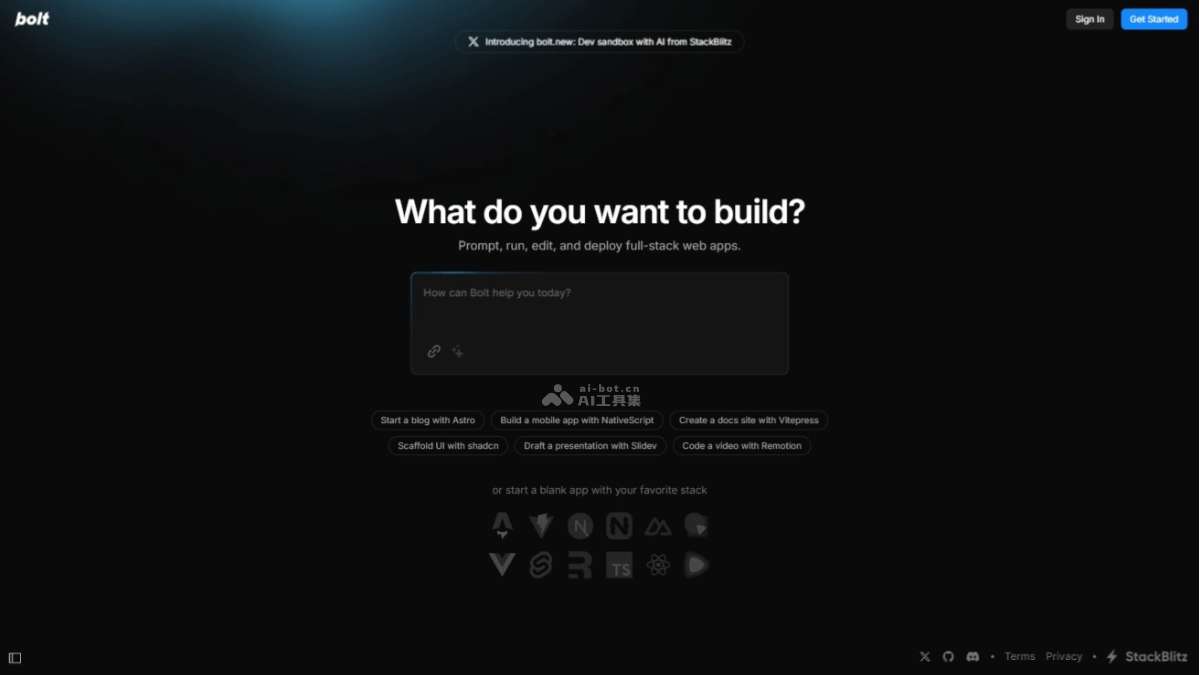
Main features of Bolt.new
- Conversational development: Users can interact with Bolt through natural language prompts, describing the required features or modifications, and Bolt will automatically generate the corresponding code based on these prompts.
- No local setup required: Bolt allows users to develop directly in the browser, without installing any local development environment or software.
- Supports multiple front-end frameworks: Bolt supports popular front-end frameworks such as Vue, React, Svelte, etc., as well as modern front-end tools like Astro, Vite, Next.js, and Nuxt.js.
- Code generation and editing: Bolt can generate code based on the user's description and allows users to further edit and modify the generated code.
- Detailed introduction to the project code process: During the code generation process, Bolt provides detailed step-by-step explanations to help users understand how the code is constructed.
- One-click deployment: Users can easily deploy projects online. Bolt provides a one-click deployment feature, making the process from development to launch very simple.
- GitHub project import: Bolt supports importing existing projects from GitHub, making it convenient for users to continue development in Bolt.
- Upload attachments: Users can upload attachments, such as design mockups or images, and Bolt can generate the corresponding UI code based on these attachments.
- Automatic error repair: If errors occur in the project, Bolt can help users repair them automatically, reducing obstacles in the development process.
- Full browser integrated development environment: Bolt provides a complete integrated development environment, including a code editor, terminal, preview, and other features.
Technical principles of Bolt.new
- WebContainers technology: Runs a complete Node.js environment in the browser, using WebAssembly technology, without relying on remote servers.
- Node.js execution in the browser: The first implementation of local execution of Node.js in the browser, providing a secure sandbox environment.
- Fast builds: Build speed is faster than local environments, and package installation is fast.
- Security: Code execution takes place in the browser, avoiding the security risks of remote servers.
- Real-time sharing and collaboration: Run applications through the browser and share links instantly, without setting up a complex local environment.
- Chrome DevTools integration: Seamless integration with Chrome DevTools for in-browser backend debugging.
Bolt․new project address
- Product website:bolt.new
- GitHub repository:https://github.com/stackblitz/bolt.new
Bolt․new product pricing
Bolt offers two service models: a free version and a paid subscription
- Free version: The free version provided by Bolt allows users to use a browser-based IDE, supports creating an unlimited number of public projects and editing public GitHub repositories, but each project file upload is limited to 1MB, making it suitable for individual developers doing basic web development.
- Paid version: The paid version includes two plans, Pro and Teams. The Pro version provides features such as unlimited file uploads and sharing private projects, making it suitable for individual users who need more personalized services; the Teams version provides support for team collaboration, including private project collaboration, integration with private NPM registries, etc., making it suitable for team and enterprise users. For specific prices, please refer to the official website content.
Bolt․new use cases
- Rapid prototyping: Developers quickly build application prototypes to test new ideas or features.
- Education and learning: Students and beginner developers use Bolt․new to learn programming and web development without configuring a complex development environment.
- Remote and collaborative development: Team members share and collaboratively develop projects in real time, no matter where they are.
- Creating personal projects: Individual developers build personal websites, blogs, portfolios, or any personal interest project.
- Commercial application development: Enterprise developers quickly build and deploy commercial web applications based on Bolt․new.
- Presentation creation: Quickly create interactive presentations with Bolt․new, such as using Slidev.