
What is OpenWork
OpenWork is an open-source desktop application that provides knowledge workers with a workflow in a style similar to "Claude Cowork". OpenWork is built on OpenCodeand provides a clean guided operation interface, allowing users to easily select a workspace, start tasks, view progress in real time, and approve permission requests when needed. OpenWork supports local and remote modes and is suitable for individuals and team collaboration, making it an efficient automation work platform for knowledge workers.
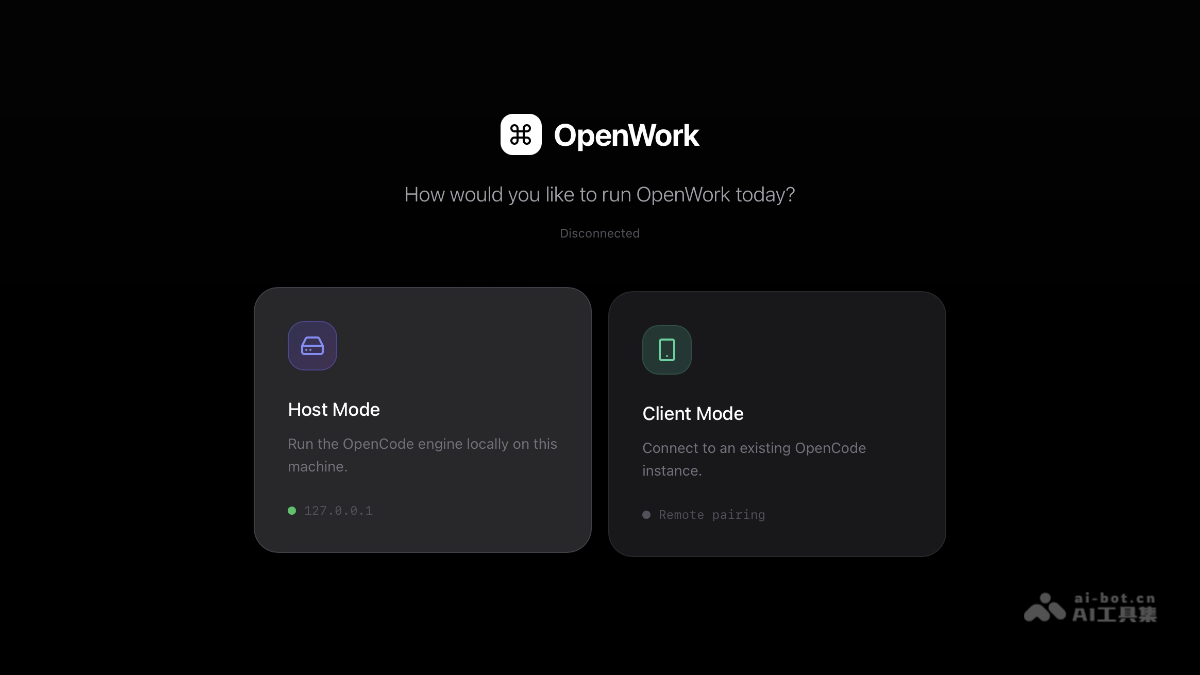
Main features of OpenWork
-
Visual desktop application: The application provides an intuitive user interface that simplifies task execution.
-
Workflow guidance: Users can easily select a workspace, start tasks, monitor progress, and approve permissions when needed.
-
Template and skill reuse: The application supports saving and reusing common workflows (templates) as well as installing and managing skills.
-
High extensibility: The application supports installing skills and OpenCode plugins, extending functionality by managing
opencode.jsonfiles. -
Audit function: The application can clearly record the operation process, making it easy to trace and audit.
-
Local and remote modes: Supports local operation (as the host mode of an OpenCode server) and connecting to a remote OpenCode server (client mode).
How to use OpenWork
- Install dependencies: Ensure that the system has installed Node.js, pnpm, the Rust toolchain (for Tauri development), and the OpenCode CLI.
- Clone the repository: Use the Git command
git clone https://github.com/different-ai/openwork.gitto clone the OpenWork GitHub repository locally and enter the project directory. - Install project dependencies: Run the
pnpm installcommand in the project root directory to install all dependencies required by the project and ensure the development environment is ready. - Run the application: To run the desktop application, use the command
pnpm devto start it; if you only need to run the Web UI, you can use thepnpm dev:webcommand. - Use the application: After opening the application, select a workspace to specify the task running directory, start tasks and monitor progress in real time, manage permission requests according to prompts, and reuse existing templates and skills to optimize the workflow.
- Extend functionality: Install new skills through OpenPackage, or manually edit
opencode.jsonfiles to manage OpenCode plugins and extend the application's functionality. - Security and auditing: Use the application's audit function to view operation records, ensuring that all operations are transparent and traceable and safeguarding the security of the workflow.
- Switch modes: Choose local mode (run the OpenCode service locally) or remote mode (connect to a remote OpenCode server) according to your needs, flexibly adapting to different work scenarios.
OpenWork project address
- GitHub repository:https://github.com/different-ai/openwork
OpenWork application scenarios
- Personal knowledge management and automated tasks: Individual users manage daily workflows, such as automated document processing and data organization tasks, improving efficiency through template and skill reuse.
- Team collaboration and project management: Team members collaborate on project tasks through the OpenWork shared workspace, monitor progress in real time, and manage permissions.
- Data Science and Analytics: Data scientists can build and manage data processing workflows, rapidly iterate on analytical models, and use audit features to trace the data processing process.
- Software Development and Testing: Developers can use OpenWork as a tool for code generation, test automation, and deployment processes, extending the development toolchain through skill plugins to improve development efficiency.
- Content Creation and Publishing: Content creators can manage the content creation process, from draft writing to final publishing, optimizing the creative experience through template reuse and real-time update features.