
What Is OpenWhip
OpenWhip is an open-source desktop gadget based on Electron, designed specifically for Claude Code users. When the AI falls into an infinite loop, repeatedly modifies the same line of code, or is unresponsive for a long time, the user clicks the whip icon in the tray, a whip animation flies out on the screen, and at the same time a Ctrl-C interrupt signal is automatically sent to interrupt the current task, randomly accompanied by a sarcastic remark. OpenWhip works out of the box on Windows and macOS; Linux requires additionally installing xdotool.
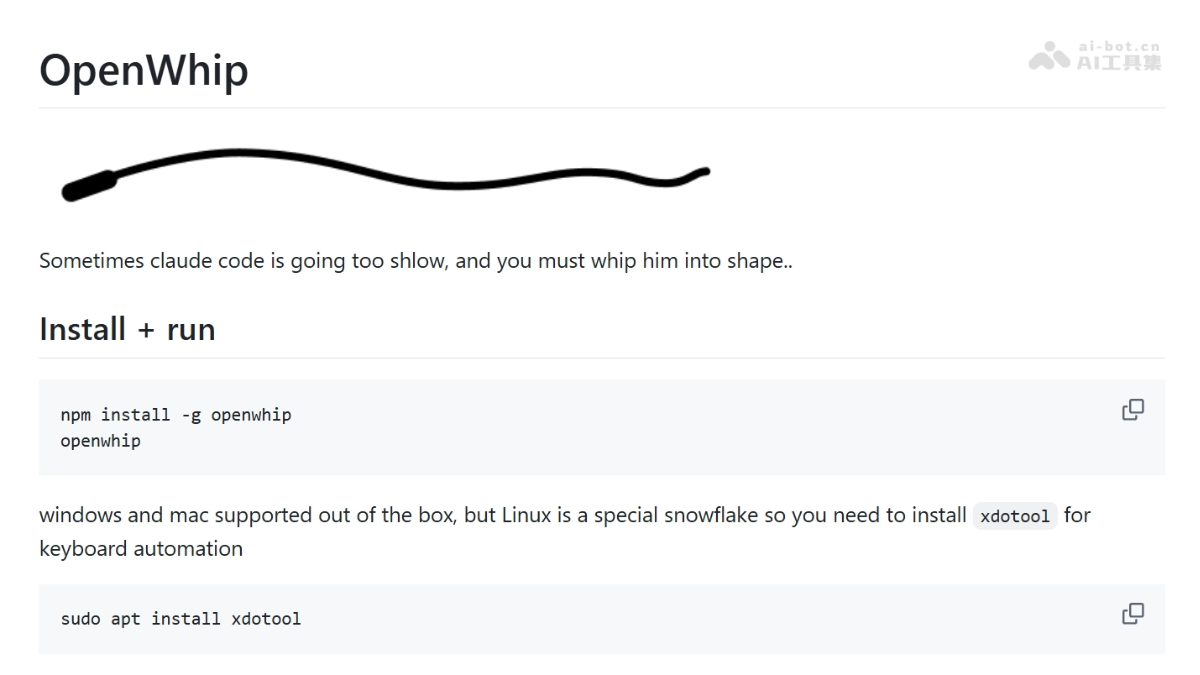
OpenWhip's Main Features
- Whip Animation Interruption: After clicking the whip icon in the system tray, a whip is generated on the screen; clicking anywhere again swings the whip, simultaneously triggering Claude Code's Ctrl-C interrupt signal.
- Random Remark Injection: After interruption, one remark is automatically randomly selected from 5 preset encouragement/sarcastic remarks and sent to the Claude Code terminal, saving the user the trouble of manually typing criticism instructions.
- Cross-Platform System Tray: Built on Electron, it resides in the system tray area, ready at any time, without occupying the main screen workspace.
OpenWhip's Technical Principles
- Electron Desktop Framework: Builds a cross-platform desktop application based on Electron, achieving a unified interaction experience across Windows, macOS, and Linux and system-level tray integration.
- Global Keyboard Simulation: By calling system-level APIs to simulate the Ctrl-C key combination, it sends a SIGINT interrupt signal to the currently active Claude Code terminal process.
- Visual Overlay: Uses a transparent WebView/Overlay to render the whip SVG animation on the topmost layer of the screen, achieving an immersive whip-swinging effect without window borders.
How to Use OpenWhip
- Install the Tool: In the terminal, run
npm install -g openwhip, and wait for the global installation to complete. - Start the Service: In the terminal, enter
openwhipto run the program; the whip icon will appear in the system tray area. - Grant Permissions (macOS Only): On first run, grant the app Accessibility permission in System Settings to ensure it can simulate keyboard events.
- Wait for the AI to Slack Off: Use Claude Code normally to perform coding tasks, and observe whether it falls into an infinite loop or gets stuck for a long time.
- Click the Whip Icon: After discovering that the AI is slacking off, click the whip icon in the system tray, and a whip ready to be swung will appear in the center of the screen.
- Swing the Whip to Interrupt: Click anywhere on the screen again, the whip swings down, and Claude Code immediately receives the Ctrl-C interrupt and displays a random sarcastic remark.
OpenWhip's Key Information and Usage Requirements
-
Open-Source License: Not explicitly stated (check the repository License)
-
Installation Method:
npm install -g openwhip -
Run Command:
openwhip -
System Requirements: Works out of the box on Windows / macOS
-
Linux Dependency: Requires additionally installing
xdotool(sudo apt install xdotool) -
macOS Permission: On first run, Accessibility permission authorization is required to simulate global shortcuts
-
Community Data:2.3K Stars / 242 Forks / 12 Commits
OpenWhip's Core Advantages
- Maximum Emotional Value: Compared to manually pressing Ctrl-C, the whipping animation and random roasts provide a legitimate emotional outlet, easing developers' anxiety when facing AI repeatedly making mistakes.
- Zero-config, ready to use: Install globally with a single npm command, no need to write scripts or modify Claude Code configuration, ready to use out of the box.
- Ultra-lightweight design: Does only one thing—"interrupt + roast"—without intruding into the editor or IDE, and without changing the original Claude Code workflow.
OpenWhip's project address
- GitHub repository:https://github.com/GitFrog1111/OpenWhip
Comparison of OpenWhip with similar competitors
| Comparison dimension | OpenWhip | Manual Ctrl-C + manual input |
|---|---|---|
| Interrupt speed | One-click whip swing, animation synchronized with signal | Requires manually locating the terminal and pressing key combinations |
| Emotional value | Whipping animation + random roast lines | None, purely mechanical operation |
| Operation cost | Two clicks on the tray icon | Switch windows + press keys + type criticism |
| Reproducibility | Lines are random each time, adding fun | Completely depends on the user's spontaneous performance |
| Invasiveness | Does not modify any Claude Code configuration | Native operation, zero intrusion |
| Applicable scenarios | Needs both an emotional outlet and quick interruption | Pursues minimalism and no additional tool dependencies |
OpenWhip's application scenarios
-
AI infinite loop self-rescue: When Claude Code falls into an infinite loop of repeatedly reading and writing files, one whip swing interrupts it, avoiding resource waste.
-
Intervention for long stalls: When a complex refactoring task spins for more than ten seconds with no progress, immediately interrupt it and issue a new instruction along with a roast.
-
Emotional debugging companion: When developers feel irritated by the AI making consecutive mistakes, they vent their emotions through the whipping animation, maintaining mental health.
-
Livestream/screen recording entertainment: Used by tech bloggers in livestreams or tutorial screen recordings to enhance the show's effect and give viewers topics for interaction.