
What is OpenLess
OpenLess is built on Rust + Tauri + React + TypeScript It is a fully open-source cross-platform voice input application, supporting macOS & Windows. Press and hold the global shortcut to speak and it will automatically complete recording, ASR transcription, and AI polishing, then insert the result directly at the current cursor position; it targets commercial subscription-based voice input tools such as Typeless、Wispr Flow, Lazy, Superwhisper, etc.
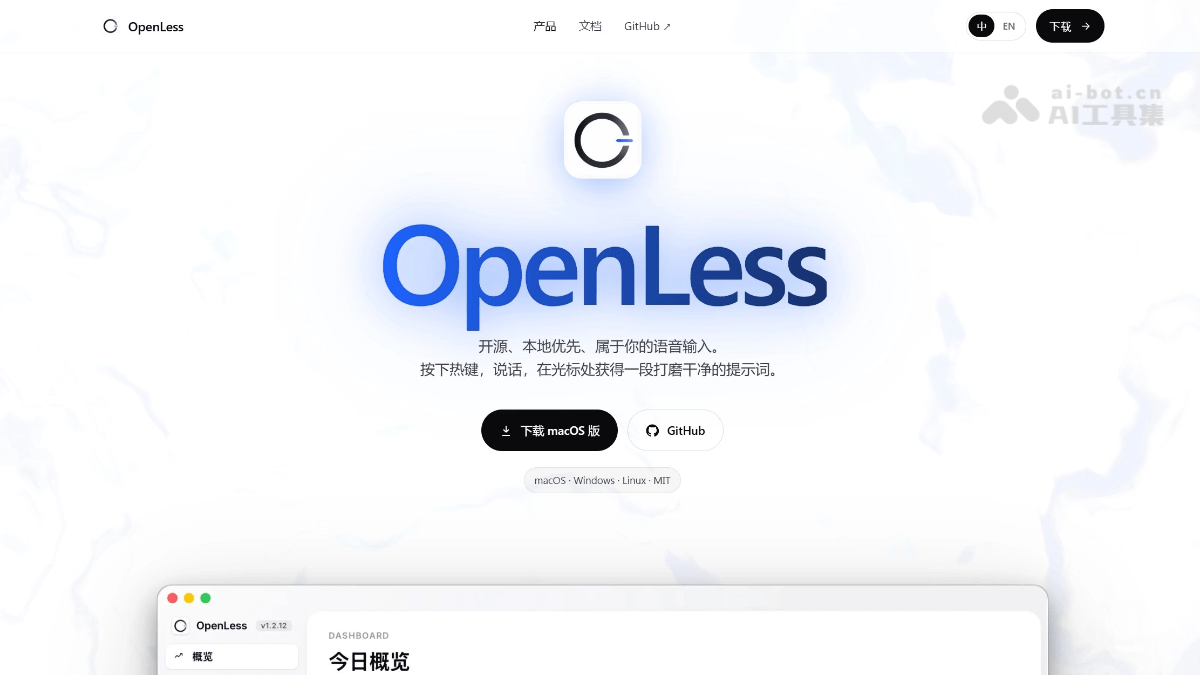
Main features of OpenLess
-
Global voice input: In the input box of any application (ChatGPT, Claude, Cursor, Notion, email, chat box, etc.), trigger recording via the global shortcut, and after releasing it will automatically process and insert the text.
-
AI Prompt mode: The core differentiating feature. It is not just speech-to-text, but automatically organizes scattered spoken language into structured, constrained, contextual AI Prompts that can be fed directly to ChatGPT / Claude / Cursor.
-
Multiple output modes: Supports switching between four modes: "Original text," "Light polishing," "Clear structure (AI Prompt mode)," and "Formal expression."
-
Dual-mode recording: Supports two recording methods, "toggle" and "press and hold to talk." At any stage, press
Escto cancel. -
Clipboard fallback: If it cannot insert directly at the cursor position, the result will automatically be copied to the clipboard to ensure the content is not lost.
-
Dictionary and hotwords: Supports custom dictionaries of proper nouns, product names, and personal names, injected as ASR hotwords and semantically corrected during the polishing stage.
-
In-app automatic updates: Implements automatic client update checking and download/install via the Tauri updater.
How to use OpenLess
-
Download the installer for the corresponding platform from GitHub Releases:macOS Users download
.dmgand drag it into/Applications;Windows Users download.exeand run the installer. -
First launch on macOS: Grant "Microphone" and "Accessibility" permissions in sequence,quit and reopen the application(Accessibility permission requires a restart to take effect); after granting microphone permission on first launch on Windows, confirm in settings that global shortcut listening is activated.
-
App settings: Fill in theVolcengine streaming ASRcredentials (APP ID, Access Token, Resource ID) and thepolishing modelcredentials (Ark / DeepSeek / OpenAI-compatible API Key, Model ID, Endpoint).
-
Start recording: Place the cursor in any input box (ChatGPT, Claude, Cursor, Notion, email, chat box, etc.) and press the presetglobal shortcutto start recording; supports two recording modes, "toggle" and "press and hold to talk." Speak naturally into the microphone, and OpenLess completes recording and ASR transcription in real time; after releasing, it automatically enters the AI polishing stage and processes the text according to the mode you selected.
-
AI polishing: After polishing is complete, the resultis automatically inserted at the current cursor position; if the target application blocks direct insertion, it automatically falls back to copying to the clipboard to ensure the content is not lost. At any stage (including during recording, during polishing, and before insertion), press
Escto cancel the current task. -
Switch between 4 output modes in the main window: "Original Text", "Light Polish", "Structured (AI Prompt Mode)", "Formal Expression", meeting the written expression needs of different scenarios.
-
Add proper nouns: Manually add proper nouns, product names, person names, etc. on the "Dictionary" page. The system will inject them as ASR hotwords and automatically perform semantic correction based on context during the polishing stage.
-
Developer build: After cloning the repository, enter the
openless-all/app/directory, runnpm cito install dependencies, then runnpm run tauri devto enter development and debugging mode.
OpenLess official website address
- Official website address:https://openless.top/
- GitHub repository:https://github.com/appergb/openless
OpenLess key information and usage requirements
-
Positioning: A macOS & Windows cross-platform open-source voice input tool, benchmarked against closed-source subscription products such as Typeless / Wispr Flow / Superwhisper.
-
Core mode: Hold the global shortcut and speak → record → ASR transcription → LLM polishing → automatically insert at cursor position; the core differentiator is AI. Prompt mode, which can directly organize spoken language into a structured Prompt.
-
Tech stack: Tauri 2 (Rust backend) + React + TypeScript.
-
Current version: v1.2, supports two recording methods: toggle and hold-to-talk, 4 output modes (Original Text / Light Polish / Structured / Formal), Chinese-English bilingual UI, and in-app automatic updates.
-
Credential requirements: You need to provide your own Volcengine streaming ASR + Ark / DeepSeek / OpenAI-compatible Chat Completions service.
-
License:MIT。
OpenLess core advantages
-
Fully open source, local-first: The code is public on GitHub, all data is written locally, and it does not strongly bind to any model or ASR service provider.
-
Bring your own cloud credentials: Users configure Volcengine ASR + Ark / DeepSeek and other OpenAI-format-compatible Chat Completions services themselves, with controllable privacy.
-
Won't answer for you: The polishing model only organizes text and does not perform Q&A, task execution, or project analysis, avoiding "overstepping its role".
-
Chinese-English bilingual UI: Supports switching between Simplified Chinese and English, and automatically adapts to the system language on first launch.
OpenLess comparison with similar competitors
| Comparison dimension | OpenLess | Typeless | Wispr Flow |
|---|---|---|---|
| Open source/closed source | Fully open source (MIT License) | Closed-source commercial software | Closed-source commercial software |
| Supported platforms | macOS、Windows | Mac、Windows、iOS、Android、Web | Mac、Windows、iOS、Android |
| Pricing model | Free | Free version 4,000–8,000 words/week; Pro $30/month or $144/year | Free version 2,000 words/week; Pro $15/month or $144/year; Teams $12/user/month |
| ASR/LLM processing method | Bring your own Volcengine streaming ASR + Ark / DeepSeek / OpenAI-compatible Chat Completions | Unified cloud AI processing | Cloud processing (OpenAI, Meta, etc.) |
| Privacy architecture | Local-first, all data stored locally, no vendor lock-in | Purely cloud-based; audio is uploaded to the vendor's servers, and it is not disclosed whether it is used for model training | Purely cloud-based; it captures screenshots of the active window and transmits them to the cloud (for context awareness), which has sparked privacy controversy |
| Core differentiating features | AI Prompt mode: Automatically organizes spoken language into structured prompts; custom dictionary hotword injection; clipboard fallback insertion | Widest cross-platform coverage; the most generous free quota among similar products | Context-aware formatting: Automatically adjusts tone based on the app (Slack casual / email professional); Command Mode voice editing; Whisper Mode |
| Offline capability | No (requires an internet connection to call ASR and LLM) | No (purely cloud-based, stops when the network is disconnected) | No (purely cloud-based, no offline mode) |
| Language support | Chinese-English bilingual UI | Automatic multilingual detection | 100+ languages, supports code-switching |
| Recording limits | No explicit duration limit | Single recording capped at 6 minutes | No explicit publicly disclosed duration limit |
OpenLess use cases
-
Generating structured prompts for AI tools: Dictate a vague requirement, and OpenLess automatically organizes it into a detailed prompt with constraints and context, then inserts it directly into the input box for use.
-
Drafting emails and requirement documents: Removes spoken filler words, corrects punctuation, and reorganizes paragraphs, turning off-the-cuff speech into written expression.
-
Writing code comments and PR descriptions: Converts thoughts directly into standardized, concise text and inserts it at the cursor in an IDE or Git tool.
-
Any scenario where you "don't want to type but must output text": Such as filling out forms, writing social media posts, taking meeting minutes, etc. Just hold the shortcut key and speak.